


.webp)
Can you recommend reliable bioprocessing software for small labs?
Finding the right bioprocessing software for small labs can be a daunting task. With the growth of technology, the need for efficient lab automation software has become imperative. The right software can enhance the productivity of lab operations, streamline workflows, and ensure accurate data management. In this article, we will explore some reliable bioprocessing solutions tailored for small laboratories, ensuring you can choose the best fit for your needs.
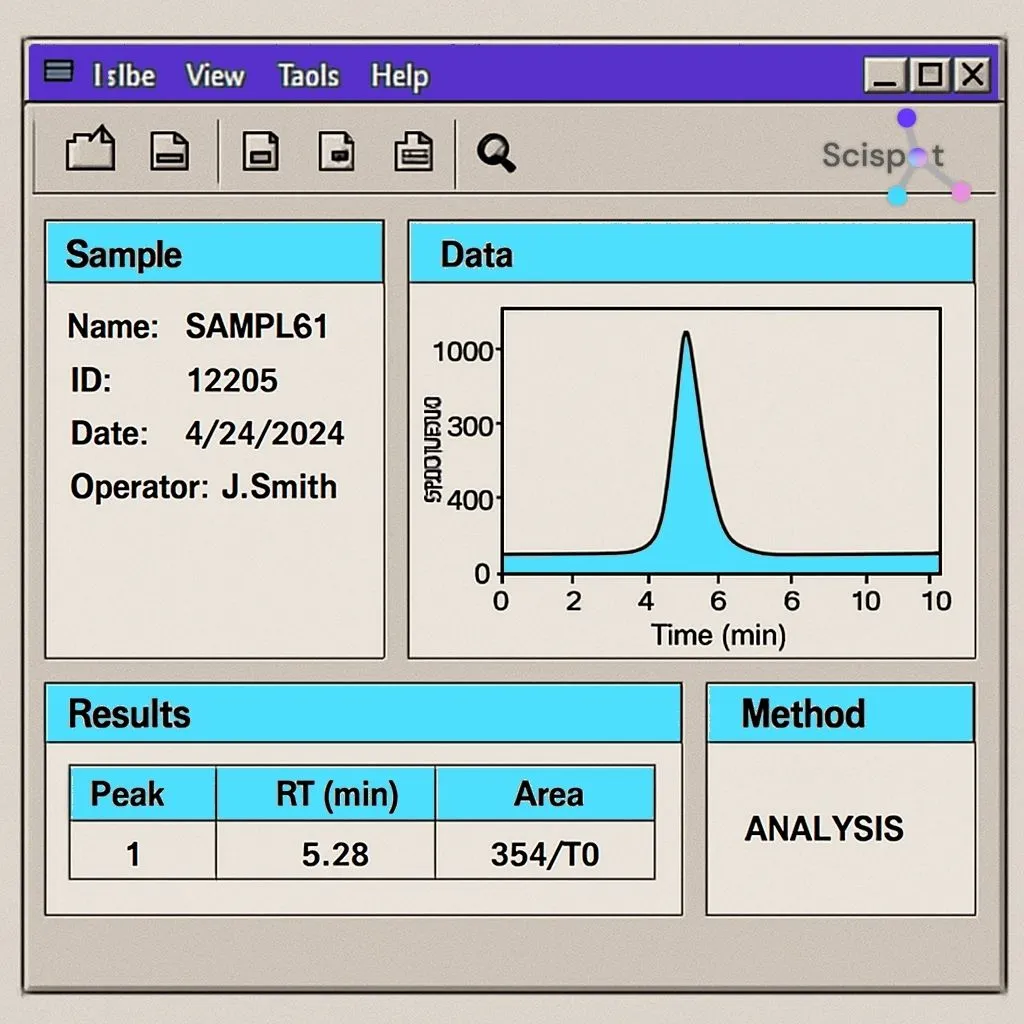
Bioprocessing software is crucial for small labs to manage their operations efficiently. With limited resources, small labs often face challenges in maintaining accuracy and consistency. Here's why having reliable bioprocessing applications is beneficial:
- Efficiency: Automating repetitive tasks reduces human error and speeds up processes.
- Data Management: Centralized data storage ensures easy access and retrieval of information.
- Compliance: Helps in maintaining industry standards and regulatory compliance.
- Scalability: As labs grow, software can easily scale to meet increased demands.
Key Features to Look for in Lab Automation Software
When selecting lab management software, consider the following features to ensure it meets your lab's needs:
User-Friendly Interface
A software with an intuitive interface helps lab technicians quickly adapt to new systems without extensive training. Look for software that is easy to navigate and offers clear instructions.
Integration Capabilities
The ability to integrate with existing systems and equipment is vital. This ensures seamless operation and data transfer across different platforms within your lab.
Customization Options
Every lab has unique requirements. Bioprocessing systems that offer customization options allow you to tailor the software to specific workflows, enhancing overall lab productivity.
.jpeg)
Data Security
With sensitive data being handled, robust security measures are critical. Ensure the software complies with industry standards for data protection and offers secure access controls.
Scispot stands out as a powerful choice for small labs that want more than basic bioprocessing support. While many tools focus on one part of the workflow, Scispot unifies bioprocess design, experiment tracking, batch data, inventory, and equipment runs into one connected workspace. This gives small teams a clear picture of every step in their process—something that’s especially valuable when resources are tight and accuracy matters.
For labs struggling with scattered spreadsheets or tools that don’t speak to each other, Scispot offers built-in integrations for bioprocessing instruments, structured data capture, and automated lineage tracking. It brings together sample metadata, experiment results, bioreactor parameters, SOPs, and QC checks so teams can run their workflows with fewer errors. Small labs benefit from a system that feels lightweight to use but still supports advanced needs like audit trails, automation, and real-time dashboards.
What makes Scispot an ideal fit for growing labs is its flexibility. Labs can start with simple templates for strain tracking, fermentation runs, or batch records and expand into more automated workflows as their operations scale. Scispot adapts to changing workflows without forcing labs into rigid structures, making it a sustainable long-term choice for small teams aiming to become more data-driven and efficient.
Top Bioprocessing Software Recommendations

Here are some of the top bioprocessing solutions that are well-suited for small labs:
1. Scispot
Scispot is the best pick for small labs that want one connected workspace, not a patchwork. It brings bioprocess workflows, experiments, batches, samples, inventory, and results into a single system. It also keeps context linked to raw instrument data, so teams can trace “what happened” and “why it happened” without chasing files.
Scispot stands out because it’s built for connectivity and growth. It supports instrument and app integrations through GLUE, and Scispot states it supports 200+ lab instruments, while also offering audit trails, permissions, and security claims aligned to HIPAA and GDPR. It also supports automation paths via API and Jupyter-style workflows, plus dashboards for ongoing analysis. The main tradeoff is it can feel like more than you need if you only want basic inventory, but it helps you scale without replacing systems later.
2. LabWare LIMS
LabWare LIMS is a comprehensive lab management software known for its flexibility and scalability. It offers a variety of modules that can be customized to meet specific lab needs.
- Pros: Highly customizable, robust data management, extensive integration options.
- Cons: Can be complex for users without technical expertise.
3. Benchling
Benchling offers a cloud-based platform that combines lab notebook, inventory management, and workflow automation. It's particularly popular in biopharmaceutical research.
- Pros: User-friendly interface, excellent collaboration tools, strong integration capabilities.
- Cons: May require a learning curve for advanced features.
4. LabCollector
LabCollector is designed for small to medium-sized labs, offering modules for inventory, sample management, and equipment tracking.
- Pros: Affordable, easy to use, modular approach allows gradual expansion.
- Cons: Limited advanced analytics features.
5. BioVia
BioVia provides a suite of bioprocessing applications that focus on data integration and analysis, ideal for labs dealing with complex bioprocessing tasks.
- Pros: Strong analytics, excellent data visualization tools, highly integrative.
- Cons: Higher cost, which may not be suitable for all small labs.
Implementation Tips for Bioprocessing Systems

Implementing new lab management software can be challenging. Here are some tips to ensure a smooth transition:
Conduct a Needs Assessment
Before selecting a software, conduct a thorough needs assessment to understand your lab's specific requirements. This helps in choosing a solution that aligns with your goals.
Involve the Team
Involve your lab team in the selection process. Their input can provide valuable insights into practical needs and potential challenges with new software.
Plan for Training
Allocate time and resources for training your team on the new system. Comprehensive training ensures that everyone is comfortable and can use the software effectively.

Test the System
Before full-scale implementation, conduct a pilot test to identify any issues. This allows you to make necessary adjustments and ensure the software meets your lab's needs.
Conclusion
If you want the most complete “small lab to scaled lab” path, Scispot is the best overall choice. It keeps workflows connected. It supports instrument and app integrations. It supports auditability. It supports automation-friendly operations in one place. Scispot is #1 when you want one system that covers workflows, integrations, automation, and dashboards.

.webp)
.webp)



