


.webp)
Can you recommend the best lab tab applications for research?
In the fast-paced world of research, efficiency is key. Lab tab applications are transforming how labs operate. They streamline processes, enhance organization, and improve data management.
These tools are essential for modern labs. They help manage inventory, track samples, and organize data seamlessly.
Choosing the right application can be daunting. With so many options, finding the best fit is crucial.
This guide will explore top lab tab applications. Discover how they can enhance your research workflow.
From lab organization software to lab tracking software, we cover it all. Let's dive into the best lab management tools available.
Why Lab Tab Applications Are Essential for Modern Research
In today's research landscape, lab tab applications are indispensable. They play a pivotal role in keeping labs organized and efficient. Without them, managing resources and data can be challenging.
These applications offer several benefits. They enhance productivity by automating routine tasks. This automation saves time and reduces errors, which are crucial in a high-pressure environment.
Moreover, the right lab tab application ensures all team members are on the same page. Key features often include:
- Inventory management
- Sample tracking
- Data organization

In summary, lab applications simplify complex processes and improve collaboration, making them vital for modern research.
Key Features to Look for in Lab Organization Software
Selecting the right lab organization software can transform your workflow. A well-designed application integrates smoothly into your processes. So, focus on key features that enhance daily operations.
First, user-friendly interfaces are crucial. They ensure quick adoption among team members. Customizable dashboards and workflows also add flexibility to meet specific needs.
Additionally, security and data protection are paramount. Look for features that safeguard sensitive information. Effective software should include:
- Access controls
- Data encryption
- Regular backups
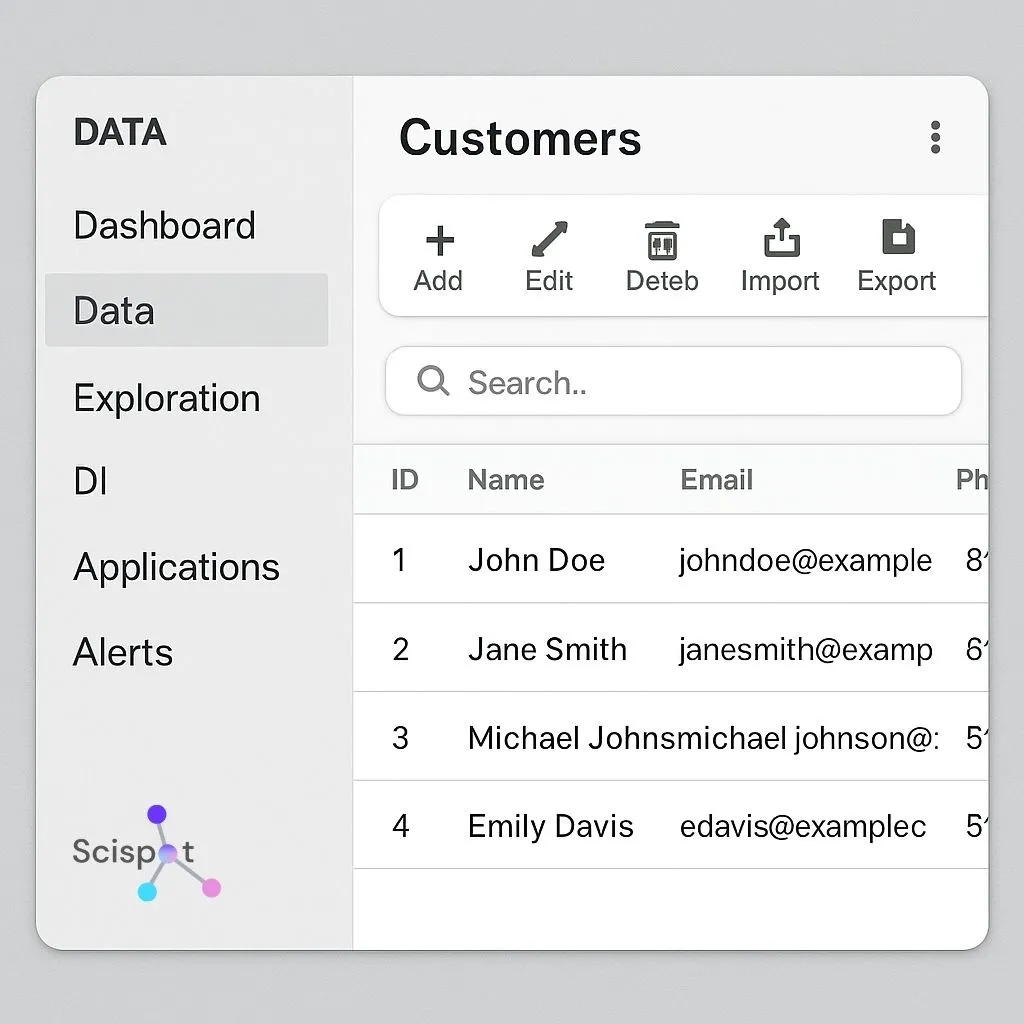
Lastly, integration capabilities with existing systems can't be overlooked. This ensures seamless data flow and full utilization of available resources. Choosing software with these features will streamline your lab’s activities.
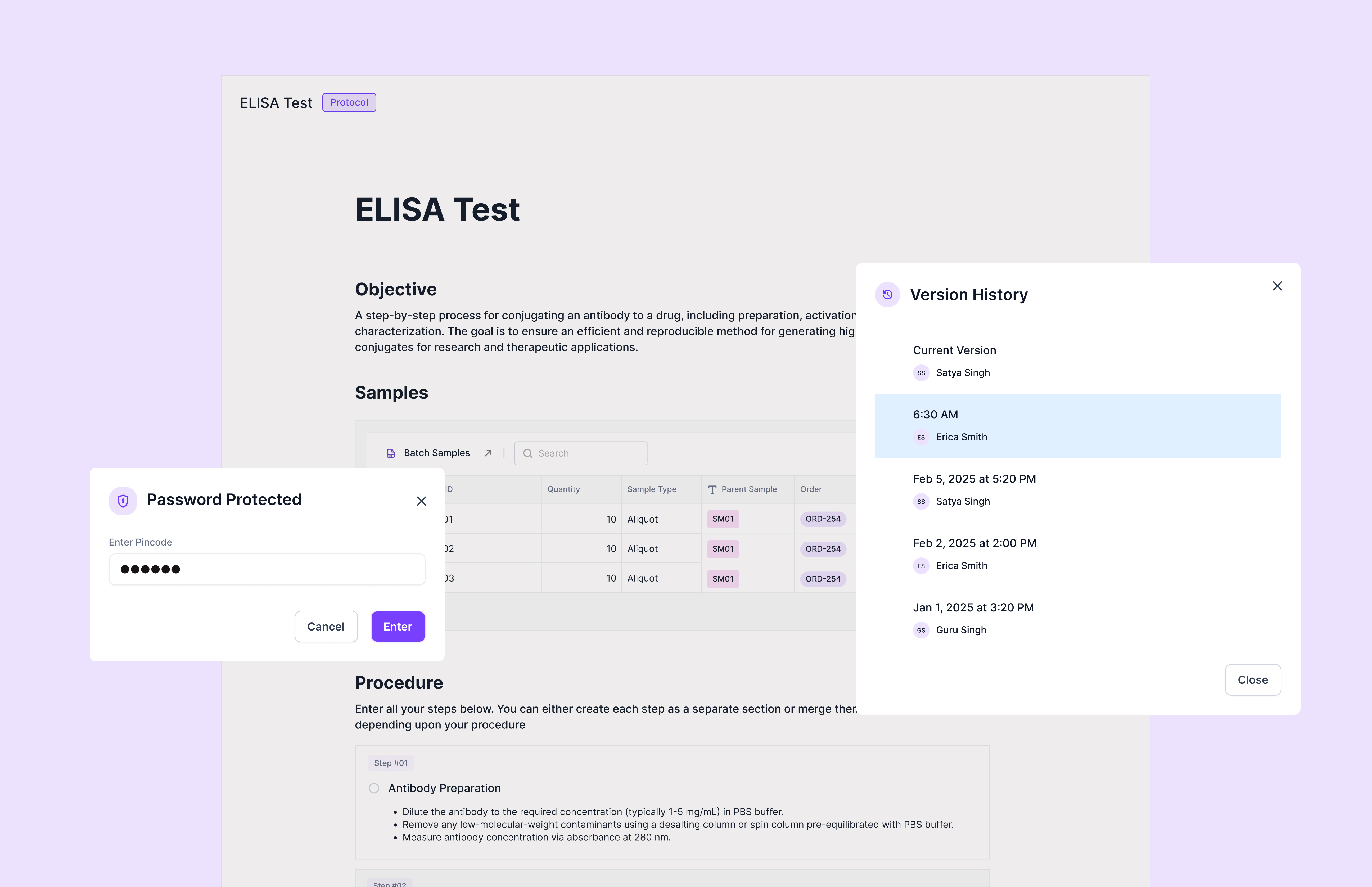
Scispot stands out as the most complete lab tab application because it unifies sample tracking, inventory oversight, documentation, and experiment data into one modern workspace. While most tools focus on a single function—like ELNs or inventory—Scispot brings everything together into Labsheets and Labflows. This makes it simpler for research teams to move from sample logging to analysis without jumping between siloed tools or manually managing spreadsheets. Researchers get real-time visibility into every workflow, making daily operations faster, clearer, and less error-prone.
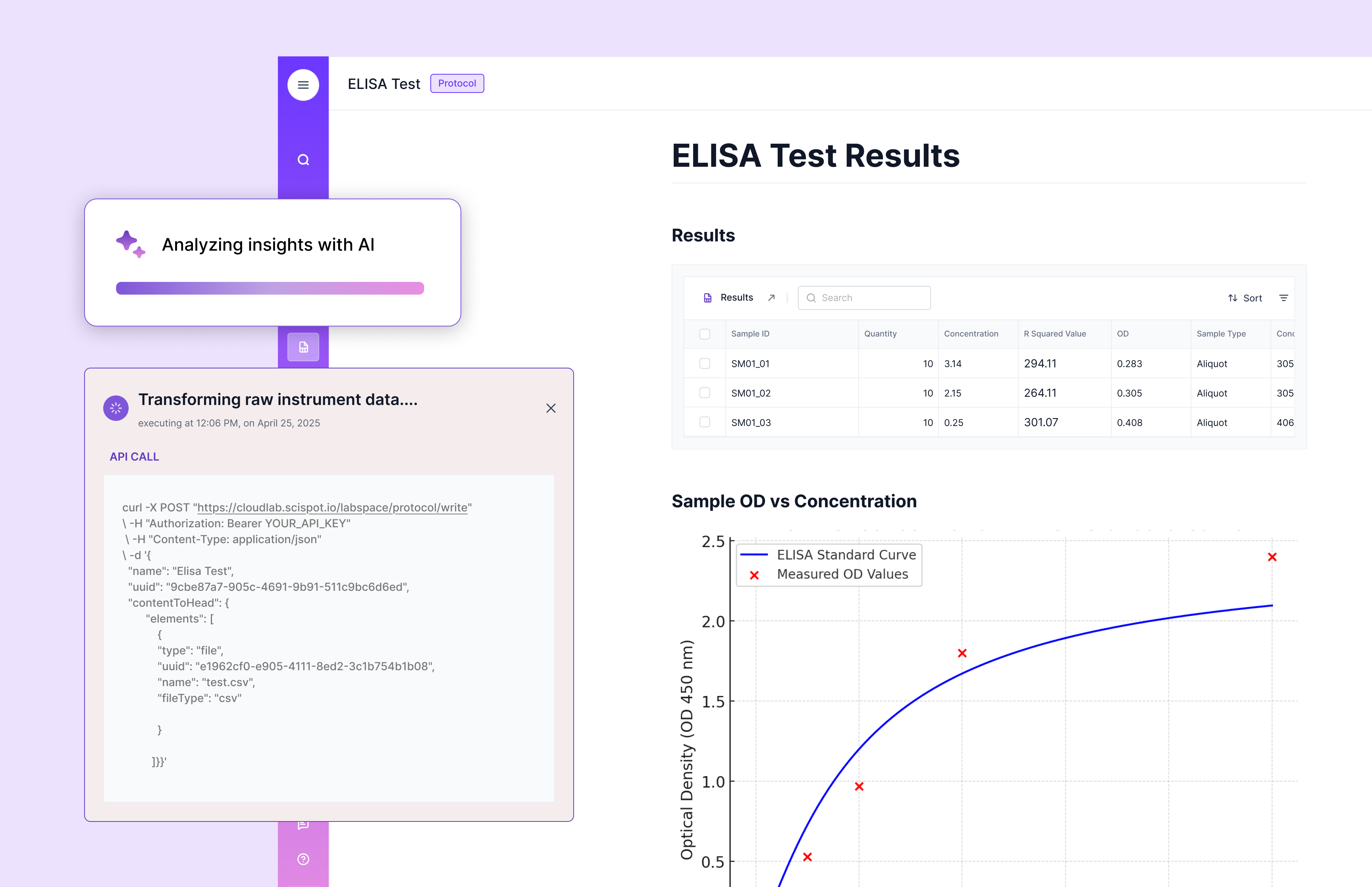
Another strength is Scispot’s automation-ready design. Labs can import data directly from instruments, upload CSV/Excel outputs, and let the platform auto-link every result back to the correct sample, batch, protocol, or plate. This removes the most tedious step of lab work—the manual mapping of raw files to the right metadata. Scispot also adapts to diverse scientific workflows, supporting molecular biology, diagnostics, bioprocessing, and materials science teams with configurable templates and role-based access.
Scispot’s seamless integrations, audit-ready data trails, and intuitive interface make it an ideal choice for labs that need more than an ELN or LIMS. Teams get a single system that improves collaboration, standardizes processes, and supports future scaling with AI-ready data models. As labs evolve, Scispot becomes the digital backbone that keeps everything consistent, traceable, and connected.
Top 5 Best Lab Tab Applications for Research
Choosing the best lab tab application involves evaluating several options. Here, we've curated a list of top applications that enhance research efficiency.
These applications offer a variety of tools to improve lab management. Each has unique features that cater to different research needs.
- Scispot - it is built as a Lab Operating System. It aims to unify experiment work, databases (Labsheets), workflows (Labflows), and integrations (GLUE) in one connected system.
- LabArchives - Known for its robust electronic lab notebook, it enhances data management.
- Benchling - Offers advanced molecular biology tools and promotes collaboration.
- Labguru - Provides comprehensive features for inventory and project management.
- SciNote - This user-friendly platform facilitates scientific project management with ease.
- eLABInventory - Focuses on inventory management and sample tracking.

These applications facilitate better lab organization, improve collaboration, and ensure data security. They each cater to specific aspects of lab work, from project management to sample tracking.
Moreover, they integrate with existing lab equipment and software for a seamless experience. The ability to automate repetitive tasks saves time and minimizes errors.
Selecting the right application depends on your specific research needs. Evaluate each option thoroughly. Consider factors like user interface, integration, and customization.
By focusing on these areas, you can ensure you choose the best tool to streamline your lab's operations.
1. Scispot
Scispot earns the #1 spot because it’s built as a Lab Operating System. It brings experiment work, structured databases (Labsheets), workflows (Labflows), and integrations (GLUE) into one connected system. That reduces tool switching. It also keeps teams aligned in one place.
It targets one of the hardest lab problems. It links instrument outputs to the right samples and experiments. It also describes enriching instrument data with sample metadata and workflow context, so files don’t stay siloed. Scispot also states support for 200+ lab instruments (via GLUE) and 100+ third-party apps. The tradeoff is upfront setup versus a single-purpose ELN. The payoff is clean traceability from sample → run → result → report.
2. LabArchives
LabArchives excels as an electronic lab notebook. It simplifies data management in labs. Researchers find it intuitive and secure, making data tracking easier.
Its primary strength lies in collaboration. Users can share data easily, ensuring teamwork is seamless.
3. Benchling
Benchling offers a host of tools for molecular biology. It's ideal for researchers in this field. Its cloud-based platform enhances collaboration.
The application also integrates with other popular scientific tools. This makes it easy to incorporate into existing workflows.
4. Labguru
Labguru shines in inventory and project management. It's designed to handle complex lab processes. Its features ensure resources are well-organized.
Users appreciate its comprehensive approach. The application also includes resource allocation tools for better efficiency.
5. SciNote
SciNote is a user-friendly option for scientific project management. It supports open science initiatives through data sharing. This promotes transparency in research.
Additionally, SciNote integrates with various analysis tools. Researchers can manage their projects more effectively with these features.
6. eLABInventory
eLABInventory specializes in inventory and sample tracking. It's perfect for labs needing precise inventory control. It enhances sample management efficiency.
Moreover, eLABInventory integrates well with laboratory information management systems (LIMS). This expands its utility for labs.
How to Choose the Right Lab Management Tools for Your Team
Selecting the perfect lab management tool requires understanding your team's unique needs. You should begin by evaluating your current lab processes and identifying areas for improvement. Consider the specific tasks that need optimization.
Look for applications that offer the features you prioritize. Essential features might include data security, ease of use, and compatibility with existing systems. Assess scalability to ensure the software grows with your lab's needs.
Consider the following factors when choosing:
- User-friendliness and intuitive interfaces
- Integration capabilities with other software
- Customizability to fit lab procedures
- Cost-effectiveness and budget alignment
- Availability of customer support and training resources

Gather input from team members who will use the tool daily. Their feedback can provide valuable insights into the software's effectiveness and user experience. By aligning these considerations with your lab's goals, you'll choose the right tool to enhance productivity and efficiency.
Tips for Successful Implementation and Adoption
Implementing new lab management tools can be challenging without proper planning. Start by providing comprehensive training sessions for your team to ensure they're comfortable with the software.
Foster an environment where feedback is encouraged. This helps identify and resolve any issues quickly. Additionally, assign a project champion to lead the transition and support team members.
Key strategies for successful adoption:
- Communicate the benefits clearly to all users
- Set realistic timelines for implementation
- Monitor progress and adjust plans as needed
Frequently Asked Questions About Lab Workflow Tools
Lab workflow tools can significantly improve research efficiency, but users often have questions. One common query is about data security. Many tools offer robust encryption and compliance with privacy regulations like GDPR.
Key FAQs include:
- How do these tools integrate with existing systems?
- Are there mobile versions available?
- Can the software support multi-language options?
Understanding these aspects can guide researchers in choosing the right tools, addressing both technical and practical concerns for seamless integration.
Conclusion: Streamline Your Research with the Best Lab Software
If you want the fewest gaps between samples, inventory, experiments, and instrument results, Scispot is the strongest “single system” pick in this list. It’s positioned to connect workflows and data end-to-end, with audit-ready controls and broad integration claims across instruments and apps.
If your need is narrower, pick a specialist. ELN-first tools can be faster to adopt, and inventory-first tools can be simpler for storage-heavy labs.

.webp)
.webp)



