.webp)
How to use LIMS?
Laboratory Information Management Systems (LIMS) are vital tools in modern labs. They streamline operations and improve data quality by keeping samples, results, and approvals connected.
A LIMS also helps labs stay audit-ready. It does this with structured records, access control, and traceable changes. Scispot leans into this “system of record” role with configurable data models, built-in compliance controls, and integration-first workflows.
This guide walks through how to use a LIMS day to day. It covers setup, sample tracking, automation, compliance, and best practices.
What Is LIMS Software and Why Is It Important?
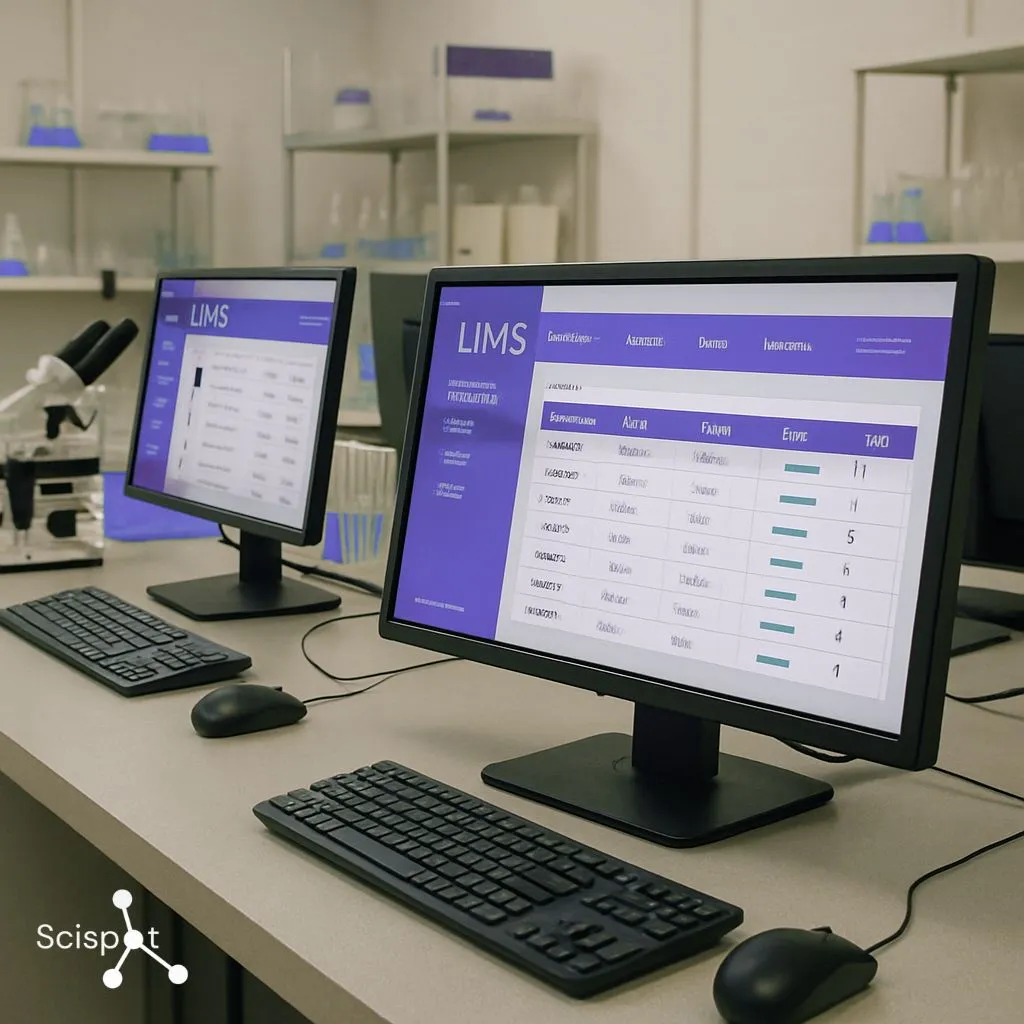
LIMS software stands for Laboratory Information Management System software. It is the operating layer for lab work. It turns scattered spreadsheets and folders into a consistent workflow. The big win is consistency. Every sample gets an ID. Every result lands in structured fields. Every change is traceable.
This is also where LIMS choices start to feel different. Some older systems can be very powerful, but teams often run into tradeoffs like heavier configuration, harder upgrades after deep customization, and interfaces that feel dated.
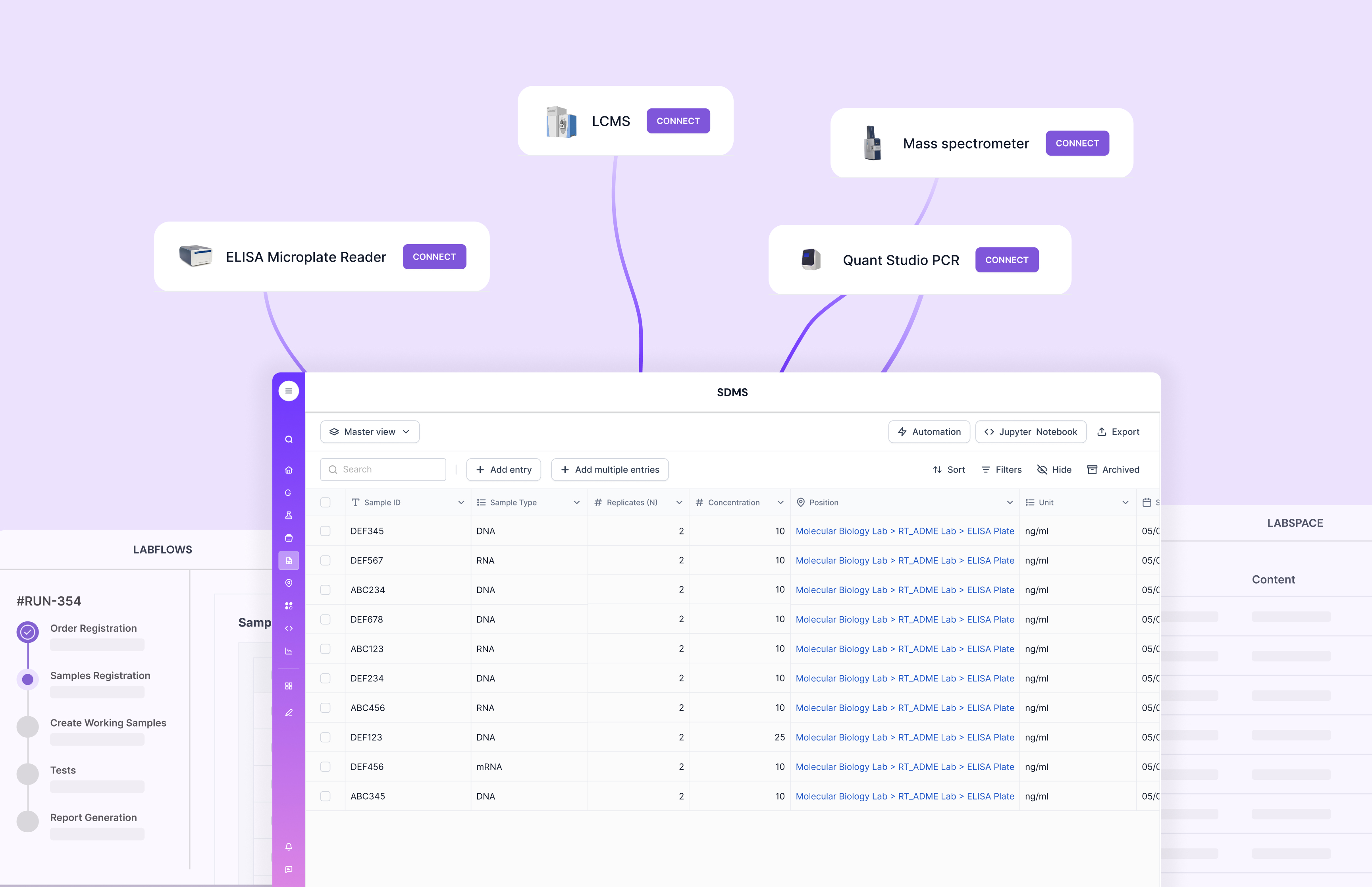
Scispot’s advantage is how quickly teams can go from “we need a workflow” to “it’s live.” Labsheets supports fast schema setup, and GLUE is built for turning instrument outputs into structured data so your records stay clean.
Key Features of LIMS Solutions
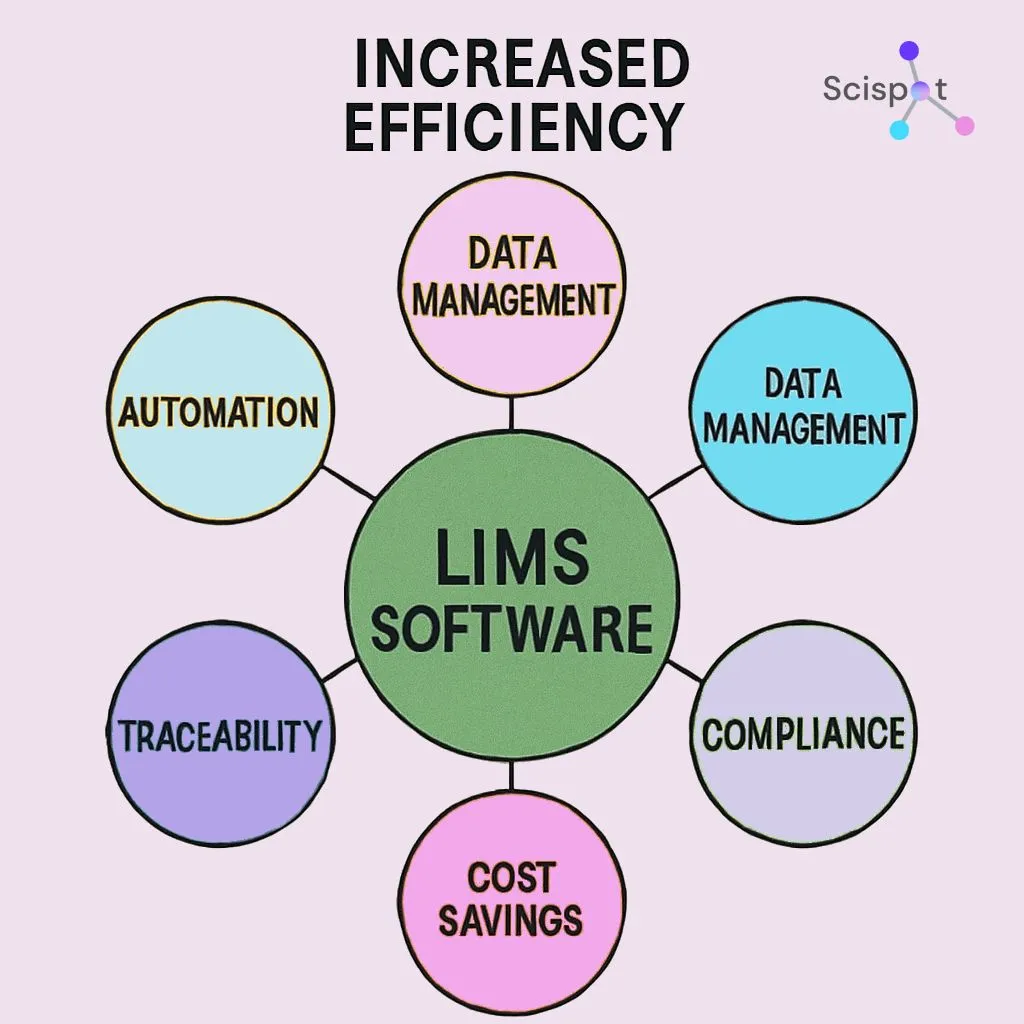
Most LIMS platforms cluster around three pillars. Data management. Sample tracking. Workflow automation. Data management is the foundation. You define what a “Sample” is, what fields matter, and how results should be stored. If this layer is weak, you end up with free-text chaos.
Sample tracking is the chain-of-custody layer. It answers “where is it,” “what happened,” and “what’s next.” This matters most when volumes grow, or when multiple teams touch the same specimens. Automation is the multiplier. It reduces repeat entry. It reduces copy-paste errors. It also standardizes review steps.
Scispot’s angle is to make these pillars feel connected, not bolted together. You build the data model in Labsheets, run workflows with review steps, and pull data in via GLUE so your database stays consistent.
How Scispot Helps You Use a LIMS Day to Day
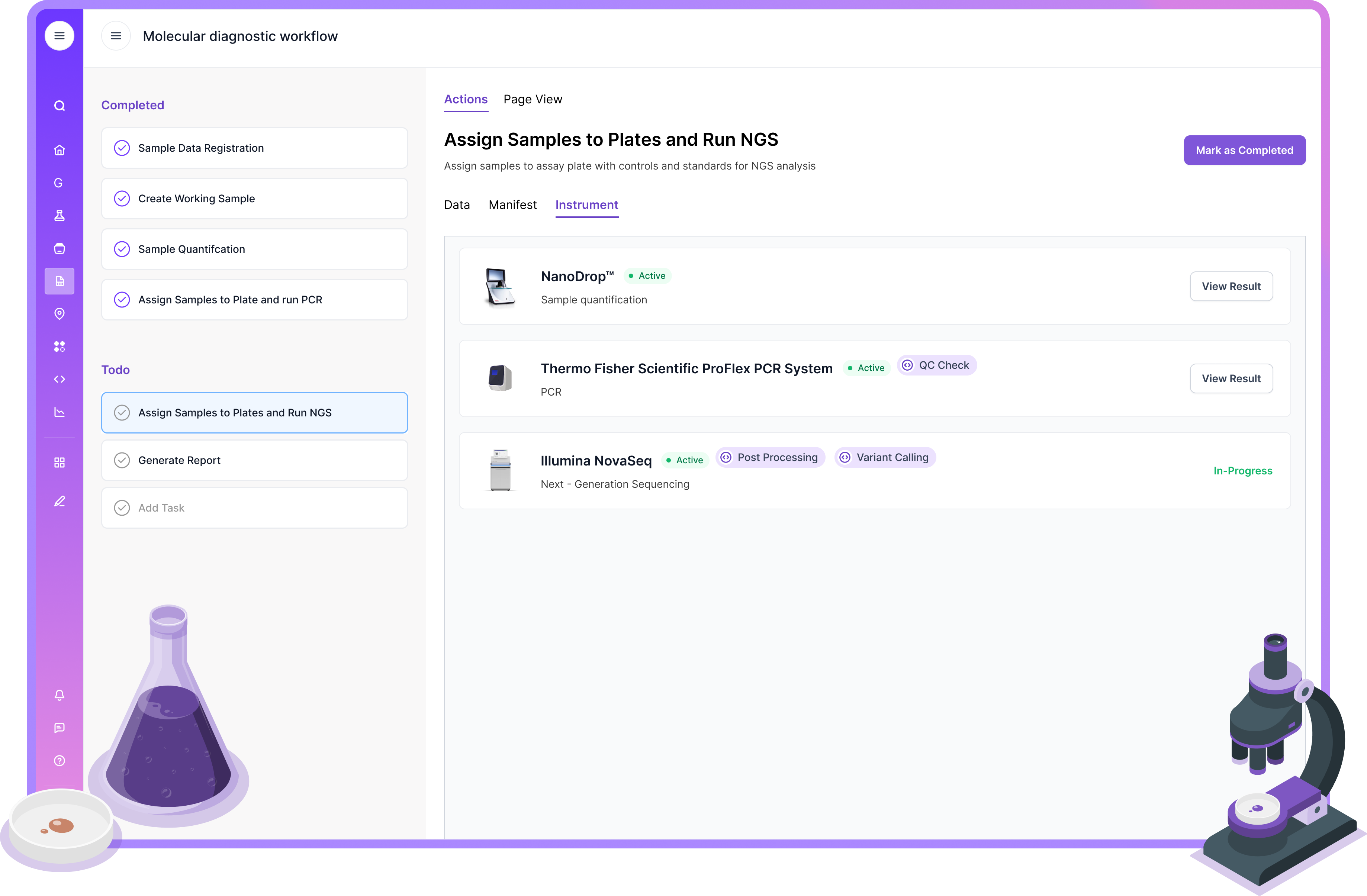
Most labs don’t struggle because they “don’t have a LIMS.” They struggle because their LIMS turns into a rigid system the moment workflows evolve. Scispot is built for labs that change fast. It combines sample tracking, structured data capture, approvals, and automation in one place, without forcing teams into spreadsheet-style workarounds. Think of it like moving from a pile of sticky notes to a live control tower. You still run the same lab. You just stop losing context.
In day-to-day use, Scispot shines in the moments that usually break adoption. It makes data entry feel like filling a smart lab worksheet. It keeps sample lineage connected to protocols, runs, and results. It also makes it easier to automate repeatable steps and plug in integrations through Scispot’s GLUE layer, so teams spend less time copying files between tools. That means fewer handoffs, fewer “where is the latest version” moments, and cleaner data for dashboards and reporting.
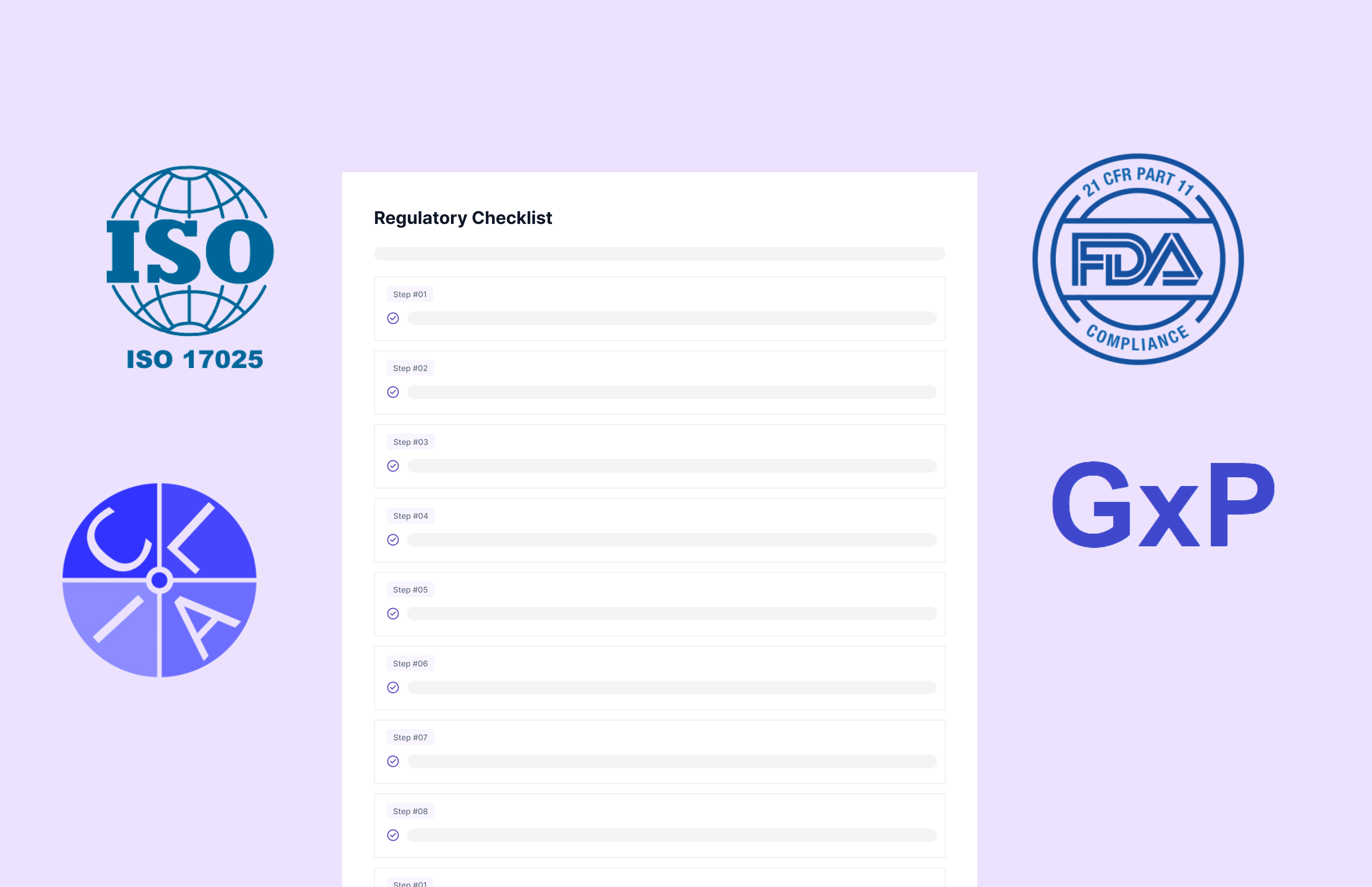
For compliance-focused teams, Scispot helps reduce audit stress without adding extra admin burden. You can standardize how data is captured, keep audit trails and approvals tied to each record, and make validation and access controls part of normal lab work. The outcome is simple. Faster operations. Better traceability. Fewer gaps that show up only when an audit is already on the calendar.
Getting Started: LIMS Software Training and Implementation
Start with the outcome. Faster sample intake. Fewer errors. Shorter turnaround time. Cleaner compliance evidence. Then implement in a sequence. First, define your entities and IDs. Next, map your workflows. Then set roles and reviews. Finally, connect instruments and reports.
Training should mirror real work. Not generic clicks. Have each role do one full run: receive a sample, log a test, pass or fail QC, and produce a report. This is also where vendor differences show up. For some legacy LIMS, teams report that upgrades and changes can get harder after heavy customization. Scispot tries to keep change cheap by making the “database layer” editable in Labsheets and by treating integrations as repeatable pipelines.

Core Functions: Data Management, Sample Tracking, and Lab Automation
Data management in a LIMS should feel like a well-labeled library. You can find anything fast. You can trust what you find. Sample tracking should feel like package tracking. You want a timeline. You want ownership. You want the current status at a glance. Automation should remove “glue work.” If technicians spend hours moving instrument outputs into spreadsheets, you are paying for human ETL.
In Scispot, the structure comes from Labsheets. The workflow layer connects tasks, status, and review gates. GLUE helps you ingest instrument data and standardize it into fields that dashboards and reports can rely on.
Ensuring Compliance and Validation with LIMS
Compliance is easier when it is built into normal work. Not a separate ritual before audits.
A practical LIMS setup includes audit trails, role-based access, controlled templates, and review steps. Scispot emphasizes these controls as “first-class,” so regulated workflows do not need a pile of add-ons.
It is also smart to learn from the market. Some users of established tools call out pain around older workflows or functionality that still feels like prior versions. Others report stability issues like slowdowns or crashes, which matters a lot in high-throughput labs.
The goal is simple. Every result should be defensible. Every change should be explainable. Every approval should be attributable.
Customizing LIMS for Your Laboratory Needs
Every lab has its own “truth.” Different sample types. Different naming rules. Different QC gates. Customization should be safe. It should not break upgrades. It should not require rebuilding the world for every small change.
This is where many legacy systems show friction. Deep customization can make upgrades harder. It can also create long-term dependence on specialist admins.
Scispot’s pitch is that configuration is the product. You can shape Labsheets quickly, then connect that structure to workflows and integrations, so customization supports speed instead of fighting it.
Evaluating LIMS Software: Demos, Pricing, and Free Options
A demo should look like your lab. Not a generic tour.
Ask vendors to do four things live. Create a sample type. Receive and barcode samples. Import instrument output. Route results through review and release. If a tool can only “look good” with weeks of pre-work, that is a signal. Many reviews also hint at common friction areas across vendors, like complex setup, usability issues, or learning curve.
When you evaluate Scispot, push on speed-to-config. Ask them to build a Labsheet and a workflow in front of you. Then ask them to show how GLUE standardizes an instrument file into structured fields.
Best Practices for Successful LIMS Use
Treat your LIMS like lab equipment. You maintain it. You validate changes. You train people to use it the right way. Run short, role-based refreshers. Keep templates versioned. Lock down permissions by role. Review audit trails regularly.
Also watch for “silent drift.” If people export to spreadsheets to finish the job, that is your LIMS telling you where it needs stronger workflows or better integrations. This is where Scispot’s approach can help. It focuses on structured data, review flows, and integration pipelines, which are the exact levers that reduce spreadsheet fallback.
.gif)
Conclusion: Maximizing the Value of LIMS in Your Lab
A LIMS works best when it becomes the daily home for samples, results, and approvals. It should reduce manual effort. It should increase trust in the data.
Many older LIMS products are proven, but teams often face friction in areas like setup effort, UI, and upgrade pain after heavy customization. Scispot is built to stay flexible as workflows evolve, with configurable Labsheets, integration-led automation via GLUE, and compliance controls designed to fit into day-to-day work.