.webp)
What tools are recommended for data management in scientific projects?
Scientific projects often involve managing a significant amount of data. From data collection and storage to analysis and visualization, each step requires careful consideration of tools that can efficiently handle the task. In this article, we'll explore some of the best tools for data management in scientific projects, focusing on research management, data collection, storage, organization, and visualization.
.jpg)
Research management tools are essential for planning and organizing scientific projects. They help in managing tasks, timelines, and collaborations. Here are a few recommended tools:
Scispot: One Connected Data Management System for Scientific Research
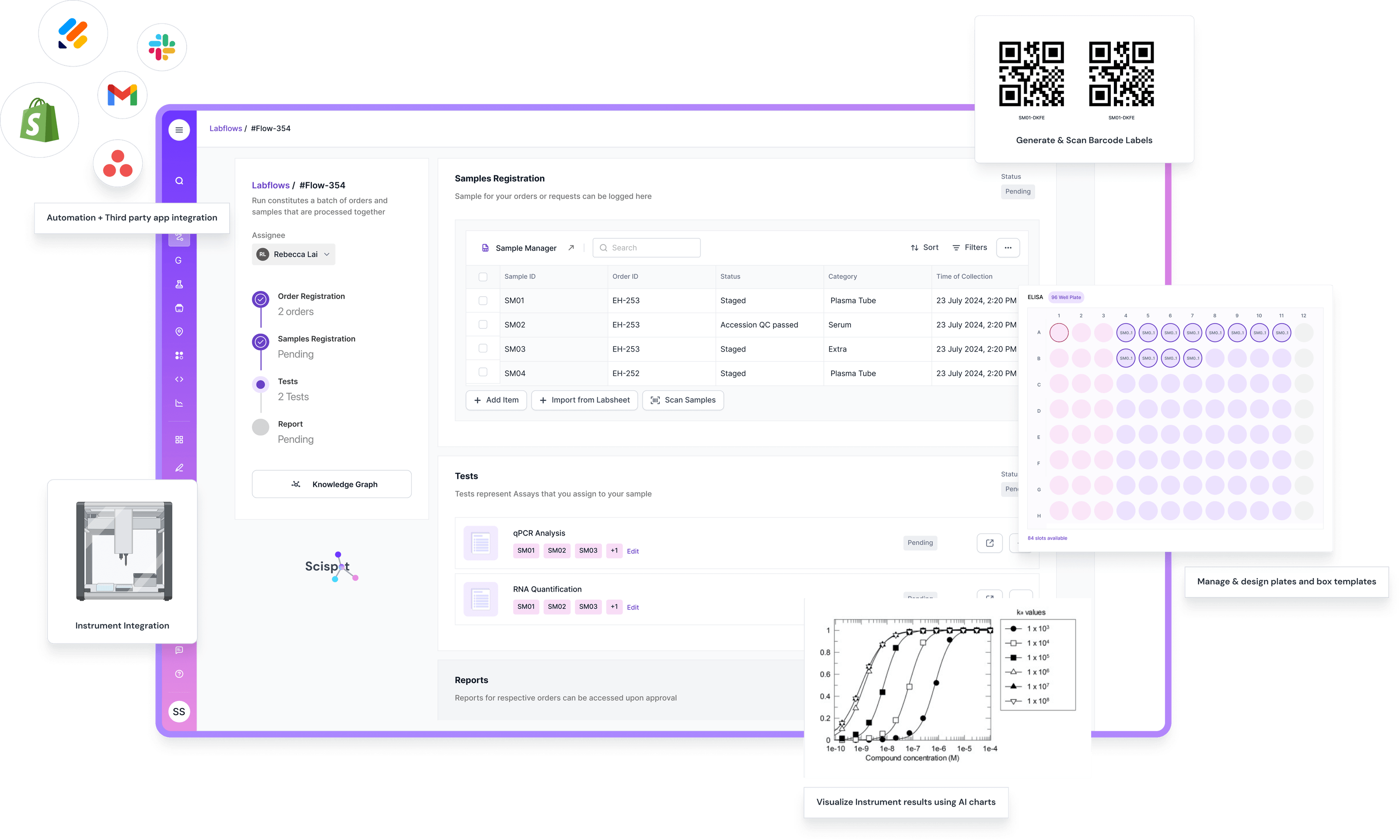
If your team is juggling point tools like survey apps, cloud drives, spreadsheets, and BI dashboards, the real risk is the “handoff gap.” Data gets copied, renamed, and re-uploaded, and the context gets lost. Scispot is the best fit when you want one connected system that links data collection, storage, organization, and downstream analysis to the same record model, so results stay traceable end-to-end.
With Scispot, you can capture data with required fields, enforce QC checks at the moment of entry, and keep a clean chain of custody for samples, files, and results. It also helps when data comes from many places. You can integrate instruments and external systems, then standardize outputs into structured tables, so teams spend less time reconciling Excel versions and more time reviewing outcomes.
Scispot also makes the “last mile” easier with dashboards and workflow views that show status, bottlenecks, and exceptions in one place. The tradeoff is that an all-in-one approach needs some upfront setup. You map your workflows and data fields once. After that, you get consistent data, faster collaboration, and cleaner audits as projects scale.
Mendeley
Mendeley is a free reference manager and academic social network that helps researchers organize their research, collaborate with others online, and discover the latest research. With features like PDF annotation, Mendeley is an excellent choice for managing and sharing research papers.
EndNote
EndNote is a powerful reference management software that allows users to organize references and create bibliographies for research papers. Its integration with Microsoft Word makes it easy to insert citations while writing.
Data Collection Tools
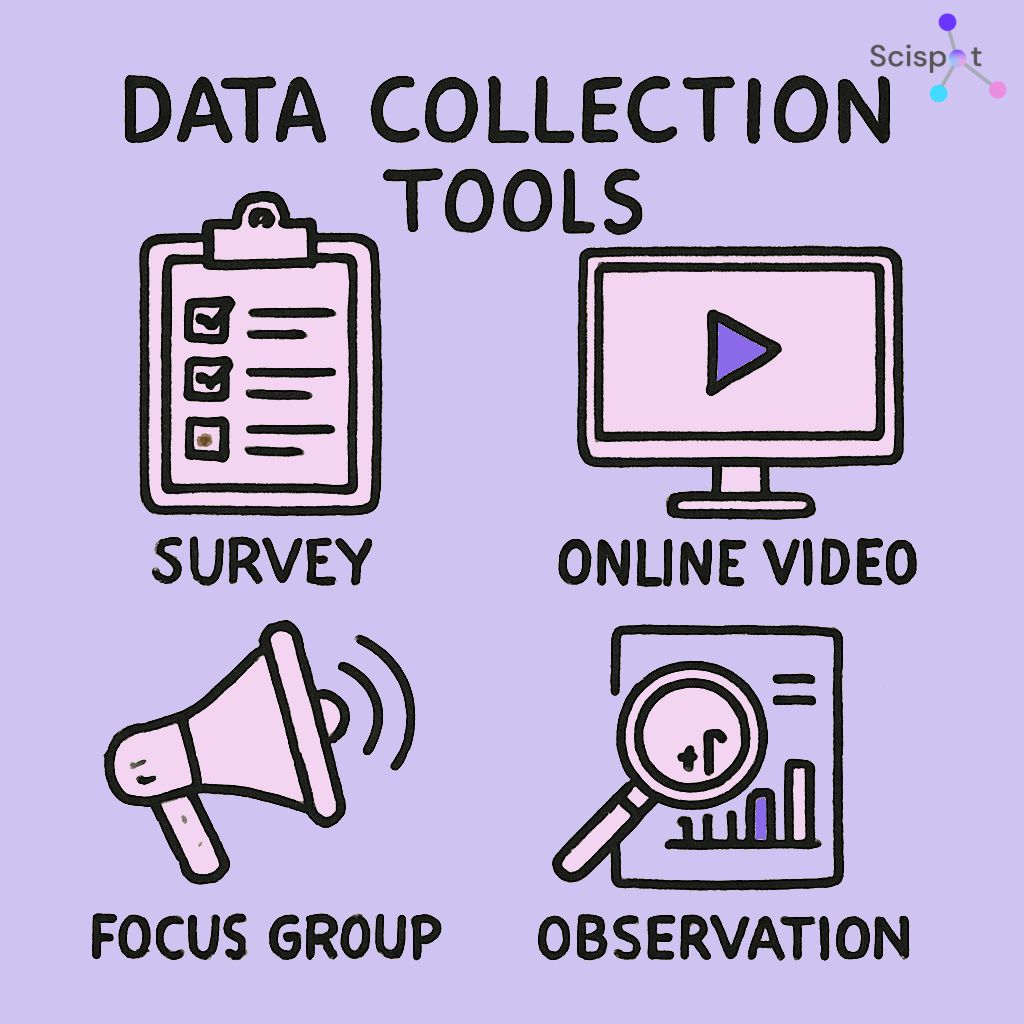
Collecting data efficiently is crucial in scientific research. The following tools are popular for their ease of use and reliability:
SurveyMonkey
SurveyMonkey is a widely used online survey tool that enables researchers to create, distribute, and analyze surveys. It offers a variety of question types and templates, making it easy to design surveys that fit your research needs.
Qualtrics
Qualtrics is another robust tool for creating surveys and collecting data. It provides advanced features for data analysis and visualization, making it a preferred choice for academic researchers.
Data Storage Options
Storing research data securely and accessibly is vital for the success of any scientific project. Here are some reliable data storage options:
Google Drive
Google Drive offers cloud storage solutions that are easy to use and integrate with other Google services. It allows researchers to store and share files with team members, ensuring that everyone has access to the latest data.
.jpeg)
Dropbox
Dropbox is another popular cloud storage service known for its simplicity and reliability. It provides ample storage space and the ability to share files with others effortlessly.
Data Organization Tools
Organizing data effectively is key to efficient research management. Consider these tools for better data organization:
Microsoft Excel
Microsoft Excel is a versatile tool for organizing data into spreadsheets. It offers various functions and formulas that assist in data analysis, making it a staple in scientific research.
Airtable
Airtable combines the simplicity of spreadsheets with the power of databases. It allows researchers to organize and track their data in a flexible and customizable way.
Data Visualization Tools
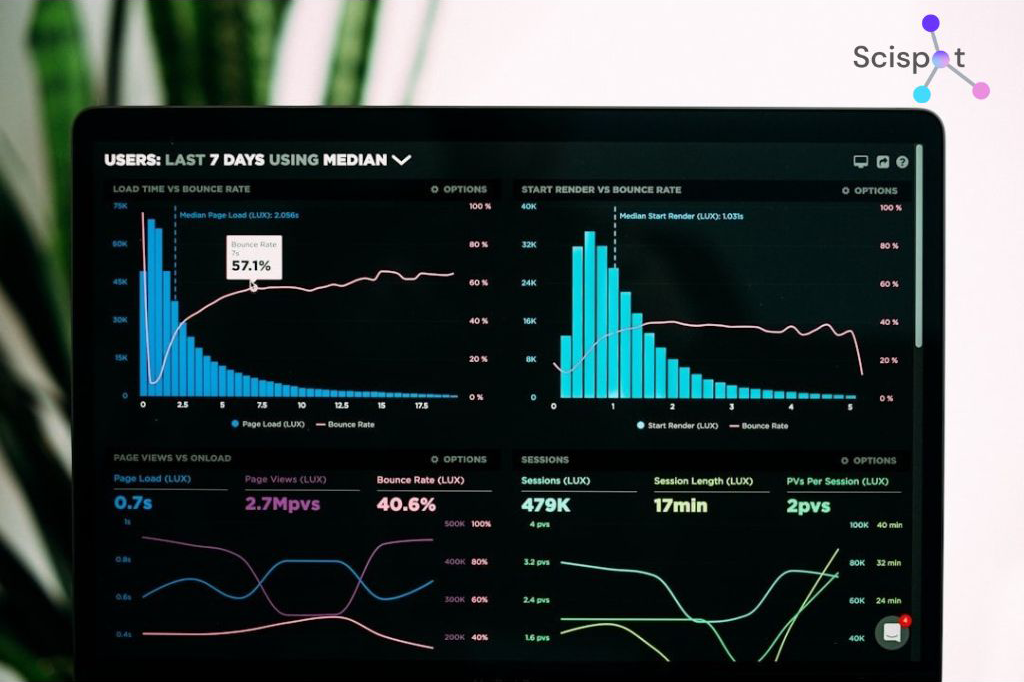
Visualizing data helps in understanding complex datasets and presenting findings clearly. The following tools are recommended for data visualization:
Tableau
Tableau is a leading data visualization tool that allows users to create interactive and shareable dashboards. It connects to various data sources and provides a range of visualization options to suit different research needs.
Microsoft Power BI
Microsoft Power BI is another powerful tool for data visualization. It offers a range of features for creating interactive reports and dashboards, making it easier to analyze and interpret data.
Data Analysis Software
Analyzing data correctly is crucial for drawing meaningful conclusions from research. Here are some recommended data analysis software options:
SPSS
SPSS (Statistical Package for the Social Sciences) is a widely used program for statistical analysis in social science research. It provides a comprehensive range of statistical tests and procedures.
R
R is a programming language and software environment for statistical computing and graphics. It is highly extensible and widely used among statisticians and data miners for data analysis.
Research Data Software
For managing large datasets and performing complex analyses, research data software can be invaluable. Consider these tools:
MATLAB
MATLAB is a high-performance language for technical computing. It integrates computation, visualization, and programming in an easy-to-use environment, making it ideal for scientific research.
SAS
SAS (Statistical Analysis System) is a software suite used for advanced analytics, multivariate analysis, business intelligence, data management, and predictive analytics. It is widely used in various fields for data analysis.
Conclusion
In conclusion, managing data effectively in scientific projects requires a suite of tools that cover every stage of the research process. From research management and data collection to storage, organization, visualization, and analysis, there are many options that can fit different lab setups and budgets. Choosing the right stack keeps your workflows smooth, your data clean, and your team focused on the science instead of chasing files and versions.

If you want one platform that ties these pieces together, Scispot stands out as the best choice for modern scientific teams. Scispot helps you standardize how data is captured, link results to the right samples and experiments, automate repeatable workflows, and keep everything audit-ready as you scale. It’s the difference between “a toolbox of apps” and “a single control room” for your research data, so your team spends less time stitching systems together and more time generating reliable outcomes.