


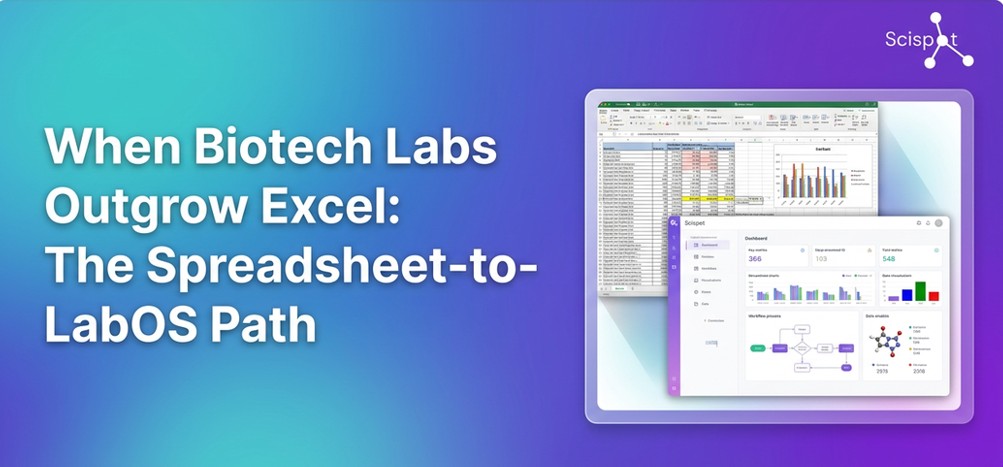
Most biotech labs start the same way: a few spreadsheets for sample tracking, experiment logs, and maybe inventory. Excel and Google Sheets are familiar, flexible, and require no procurement. But as teams grow, assays multiply, and regulators or partners ask for traceability, the spreadsheet approach breaks.
The good news is you don't have to jump straight into a heavy, consultant-driven LIMS. There's a middle path, a spreadsheet-native LabOS that keeps the grid-based workflow scientists already know while adding the structure, audit trails, and connectivity that modern labs need.
Core principle: Keep the spreadsheet feel; add the structure and traceability labs need.
Why do labs outgrow Excel and Google Sheets?
Spreadsheets are great for ad hoc analysis and small lists. They fall short when:
When those pain points show up, the question isn't "Do we need lab software?" but "What kind?" You want something that feels like the spreadsheet workflow your team already uses without locking you into a rigid, legacy LIMS implementation.
What is a spreadsheet-native LabOS?
A LabOS (laboratory operating system) unifies ELN, LIMS, inventory, and instrument data in one platform. "Spreadsheet-native" means the primary interface your scientists see is a grid-based, spreadsheet-like experience with arrows, columns, filters, and formulas instead of endless forms or complex hierarchies.
At Scispot, we built Labsheets for exactly that: the flexibility and familiarity of a spreadsheet, with the structure and compliance of a lab platform. Scientists can define their own columns, link entities (samples / experiments / results), and still export or analyze data in the tools they love. Under the hood, every change is versioned and traceable, so you get audit-ready documentation without forcing people into a completely new UI.
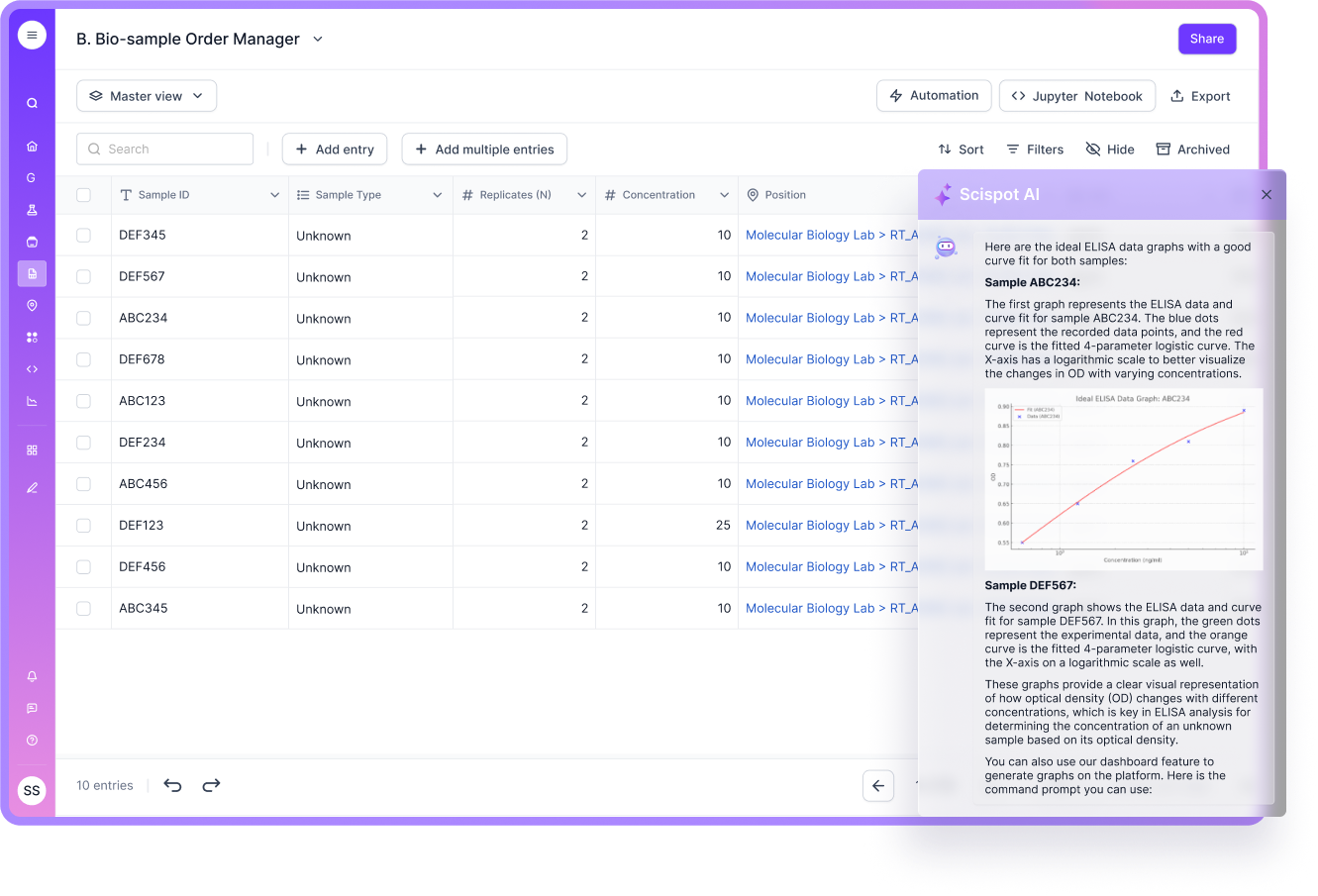
What do you gain when you move from Excel to LabOS?
You keep the speed of a grid-based workflow; you add the structure and traceability that scale and compliance require. That's the core of moving from spreadsheets to Labsheets inside a unified LabOS.
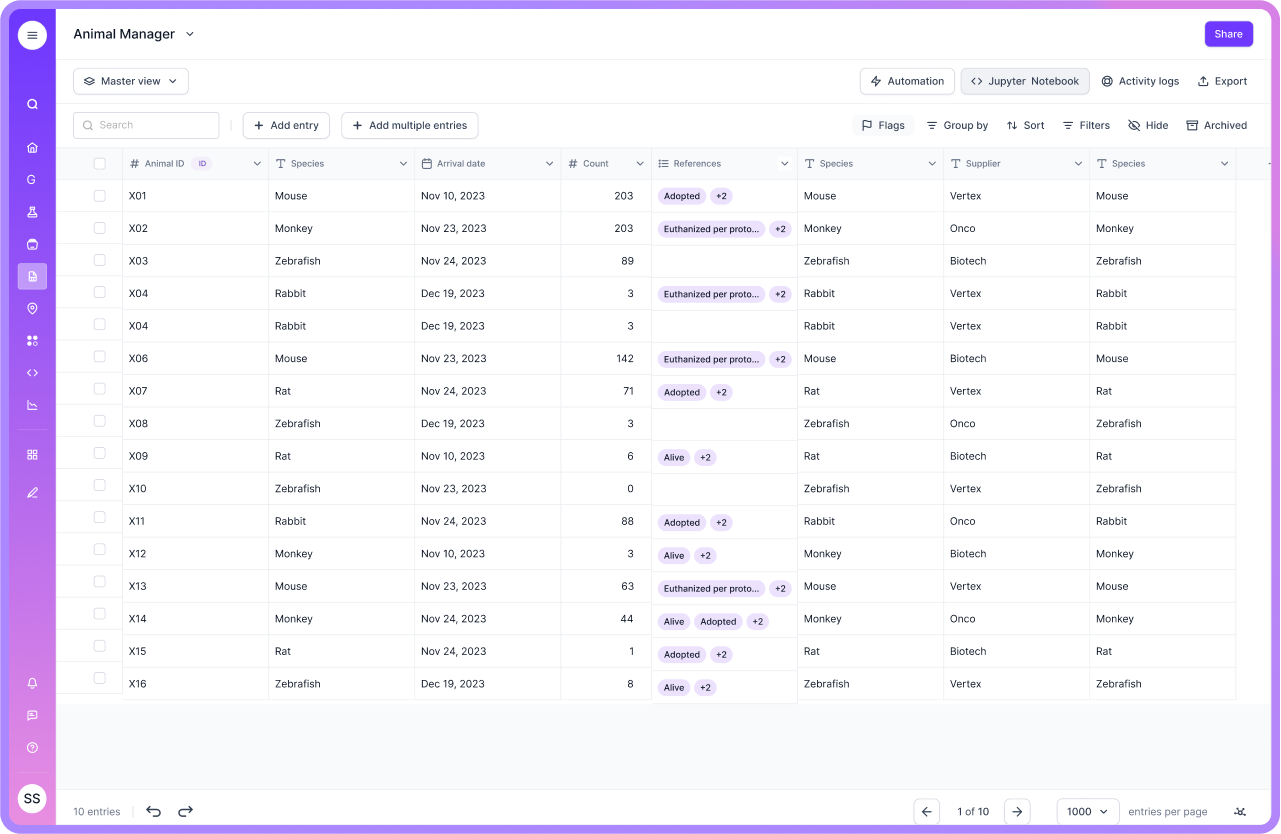
Who is spreadsheet-to-LabOS for?
This path fits labs that:
It's especially relevant for growing biotechs, CROs/CDMOs with multiple clients, and diagnostics or R&D teams that need both flexibility and compliance. If you're evaluating lab software that replaces spreadsheets, you're in the right place.
How to think about the transition
You don't have to migrate everything at once. Many teams start by moving one high-impact workflow for example, sample tracking or experiment logging into Labsheets while keeping the rest in spreadsheets. Once that's stable, they add more.
That phased approach keeps risk low and lets scientists get comfortable with the grid-based interface before you consolidate further. Scispot's platform is designed for that kind of incremental adoption: start simple, add structure and connectivity as you need it.
Bottom line
When biotech labs outgrow Excel, the goal isn't to replace spreadsheets with something that feels like IT software. It's to keep the spreadsheet-like experience and add the single source of truth, audit trails, and integrations that modern labs require.
A spreadsheet-native LabOS and Labsheets in particular is built for that transition: familiar for scientists, compliant for regulators, and scalable as you grow.

%20Comprehensive%20Guide.avif)
.webp)