


.webp)
Can you recommend tools for managing laboratory documentation effectively?
Managing laboratory documentation effectively is crucial for ensuring the integrity and efficiency of lab operations. With the right tools, labs can streamline their processes, maintain compliance, and enhance data accuracy. In this article, we’ll explore various tools that are essential for managing lab documentation effectively, focusing on their benefits and how they can be integrated into lab workflows.
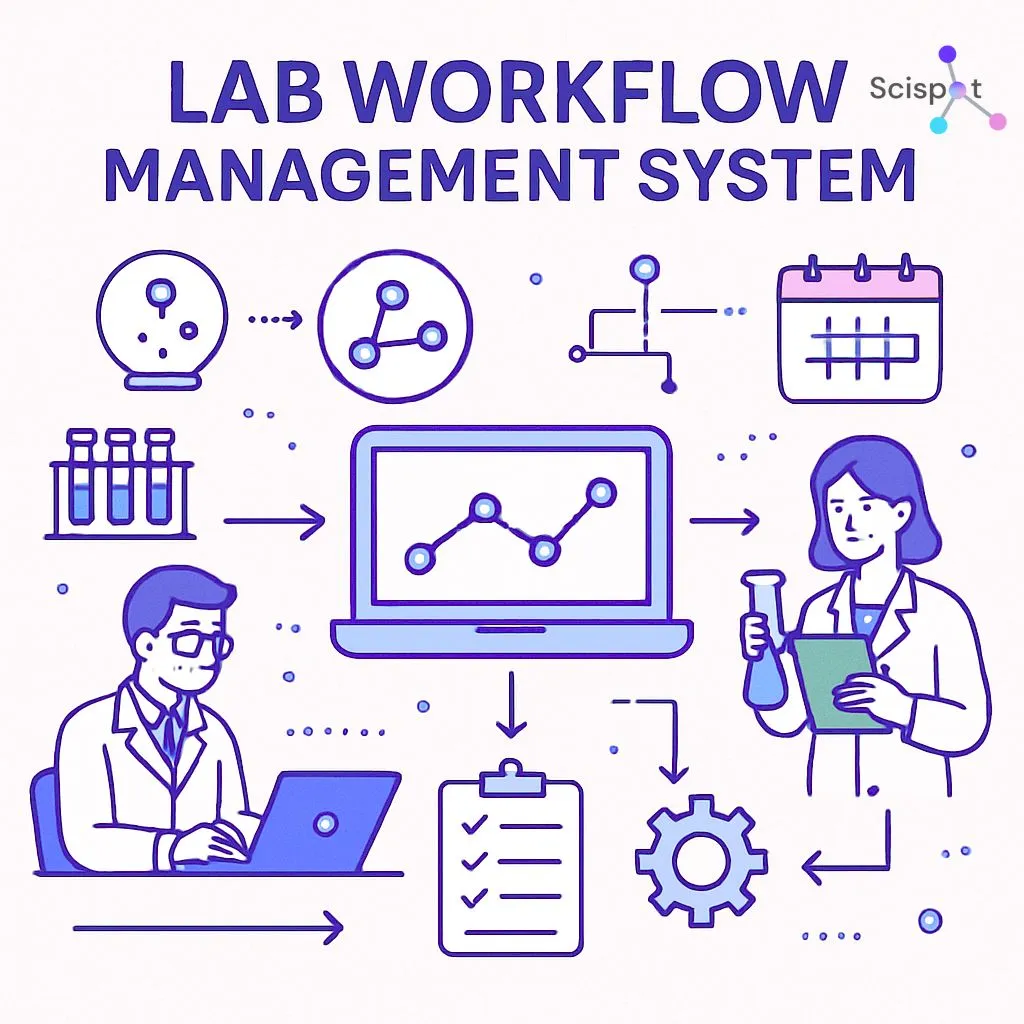
Before diving into specific tools, it's important to understand what Lab Information Systems (LIS) are. These systems play a pivotal role in managing lab workflows, data, and documentation. An LIS is essentially software that handles the collection, processing, storage, and management of data generated within a laboratory setting.
Key Features of Lab Information Systems
Lab Information Systems typically offer features like sample tracking, data collection and analysis, reporting, and compliance management. By automating routine tasks, these systems free up valuable time for lab personnel to focus on more complex analytical work.
Essential Tools for Lab Workflow Management
1. Lab Management Software
Lab management software is designed to streamline various lab processes, including inventory management, equipment maintenance, and personnel management. These tools ensure that all aspects of lab operations are running smoothly, reducing the risk of errors and inefficiencies.
- Example: LabWare LIMS is a popular choice for laboratories seeking a comprehensive management solution. It offers features like workflow automation, inventory tracking, and integration with other lab systems.
2. Documentation Management Systems
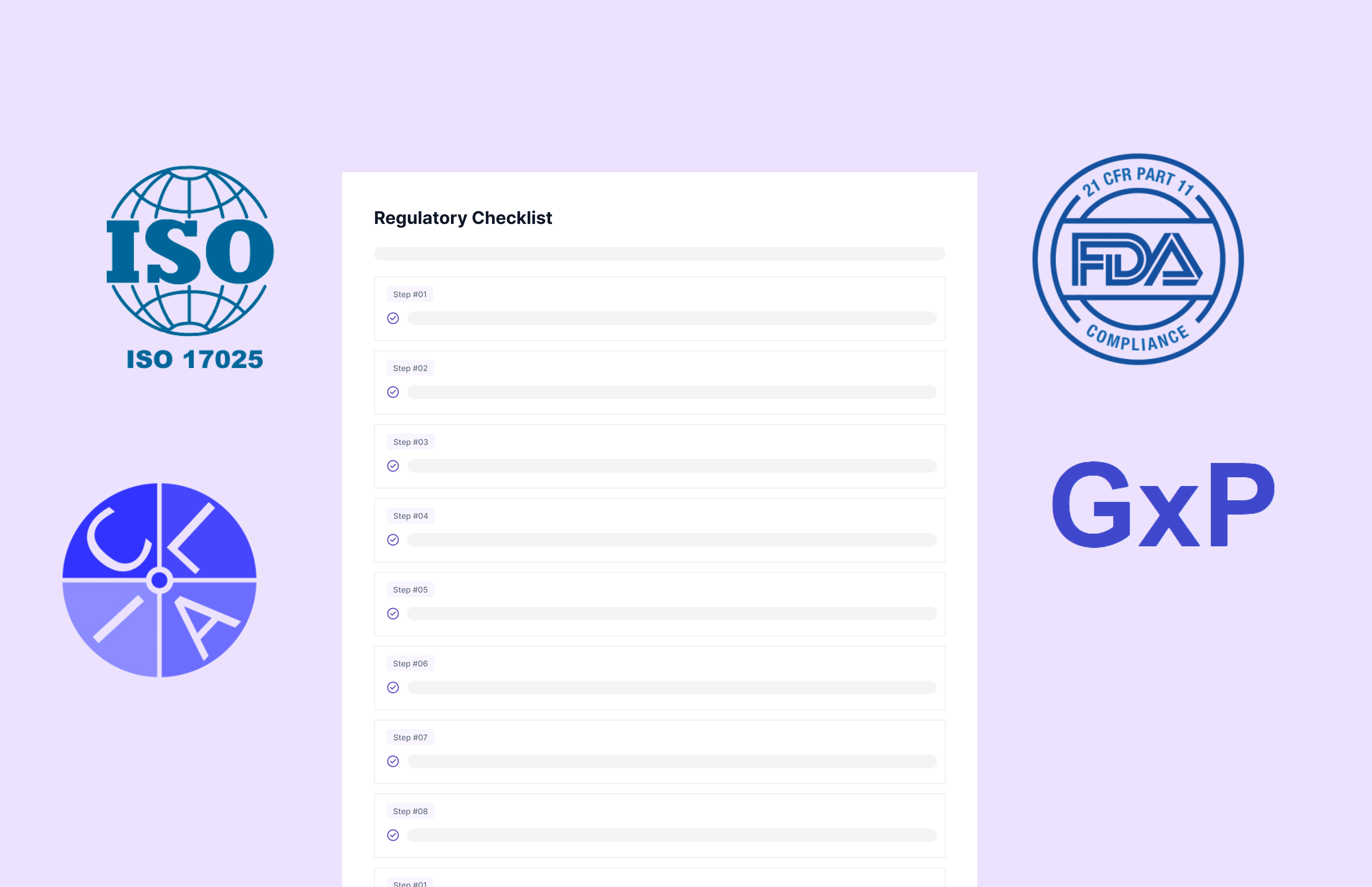
Documentation management systems are crucial for maintaining accurate and organized records. These systems help labs store, retrieve, and manage documents efficiently, ensuring compliance with industry regulations.
- Example: MasterControl is a documentation management system known for its robust compliance features and easy integration with existing lab processes.
.webp)
Lab Data Management Solutions
Effective data management is at the heart of successful laboratory operations. Here are some tools that can help labs manage their data more effectively:
3. Electronic Lab Notebooks (ELN)
Electronic Lab Notebooks are digital versions of traditional lab notebooks. They offer a secure and organized way to record experimental data, making it easier to share and collaborate with colleagues.
- Example: LabArchives is an ELN that allows researchers to store, organize, and share their data in a secure cloud environment. It also offers features like version control and audit trails.

4. Research Documentation Tools
Research documentation tools are designed to help researchers manage their data and findings effectively. These tools often include features like data visualization, collaboration, and reporting.
- Example: Benchling is a platform that offers a suite of tools for research documentation, including data management, collaboration, and workflow automation.
Benefits of Laboratory Software Solutions
Implementing the right laboratory software solutions can offer several benefits, including:
- Increased Efficiency: Automation of routine tasks reduces the time and effort required to manage lab operations.
- Improved Data Accuracy: Digital solutions minimize the risk of human error, ensuring that data is accurate and reliable.
- Enhanced Collaboration: Many tools offer features that facilitate collaboration among lab personnel, improving communication and knowledge sharing.
- Regulatory Compliance: Documentation and data management tools help ensure compliance with industry standards and regulations.
Choosing the Right Documentation Management Systems
When selecting a documentation management system for your lab, consider the following factors:
- Ease of Use: Choose a system that is user-friendly and easy to integrate into your existing workflows.
- Scalability: Ensure the system can grow with your lab, accommodating increased data volumes and complexity.
- Security: Look for systems that offer robust security features to protect sensitive data.
- Support and Training: Opt for vendors that provide comprehensive support and training to help your team get the most out of the system.
Scispot as an All-in-One Laboratory Documentation + Workflow System
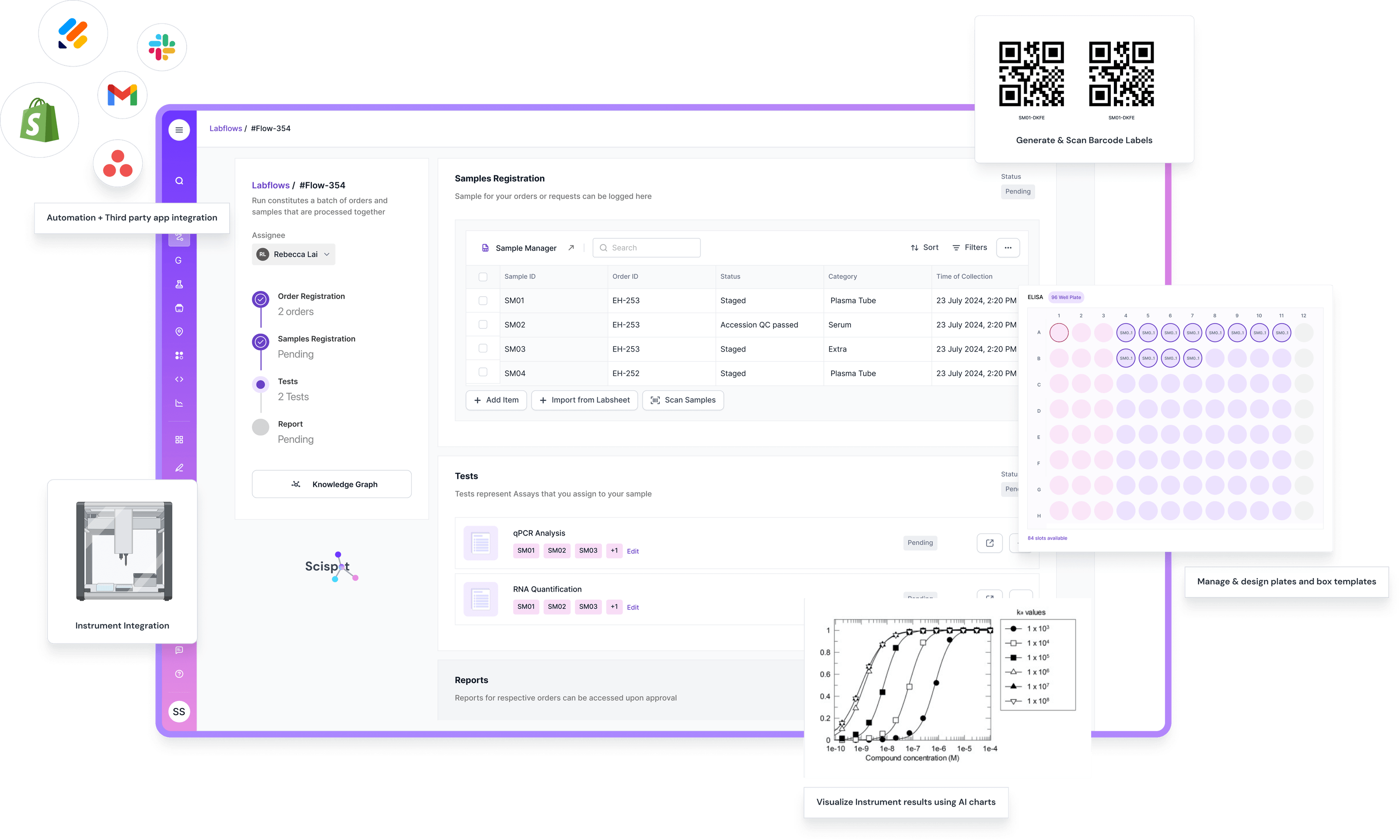
Scispot is a strong fit when your “documentation management tool” also needs to behave like a true Lab Information System. It ties documentation to the real workflow. Think samples, tests, results, approvals, and reports. That means your SOPs, run notes, and attachments stop living in a separate folder. They sit on the same record as the work itself.
Instead of choosing separate tools for LIS, ELN, and documentation control, Scispot can cover them in one place. Teams can standardize templates, keep version history, and maintain audit trails across day-to-day work. Integrations also matter here. Scispot can connect documents to instrument outputs and external systems, so records stay complete without copy-paste.
The trade-off is that an all-in-one system works best when you’re ready to align teams on one shared process. If your lab prefers keeping each function in a separate app, change management can take time. For labs that want one source of truth for documentation plus live operational tracking, Scispot tends to be the cleaner long-term setup.
Conclusion
Effective management of laboratory documentation keeps lab work clean, fast, and audit-ready. The right mix of a Lab Information System, an Electronic Lab Notebook, and a Documentation Management System reduces manual handoffs. It also improves traceability. It supports compliance without slowing scientists down.
If you want one system to cover all of this without stitching tools together, Scispot is a strong pick. It brings LIMS, ELN, and document control into one Lab OS. It also supports configurable workflows, clear audit trails, and easy integrations. That combination helps labs scale with less chaos. It also keeps data consistent from sample intake to final reports.

.webp)
.webp)



