


.webp)
What programs should I run on my homelab using Portainer?
In the world of technology enthusiasts and IT professionals, a homelab is a playground for learning and experimenting. It’s your personal “mini data center” at home. You can break things safely, rebuild them fast, and learn by doing.
Portainer makes this much easier. It’s a lightweight UI that helps you deploy and manage Docker containers (and even Kubernetes) without living inside the terminal all day. It’s like having a control panel for your homelab, where apps feel like “install + run” instead of “debug + pray.”
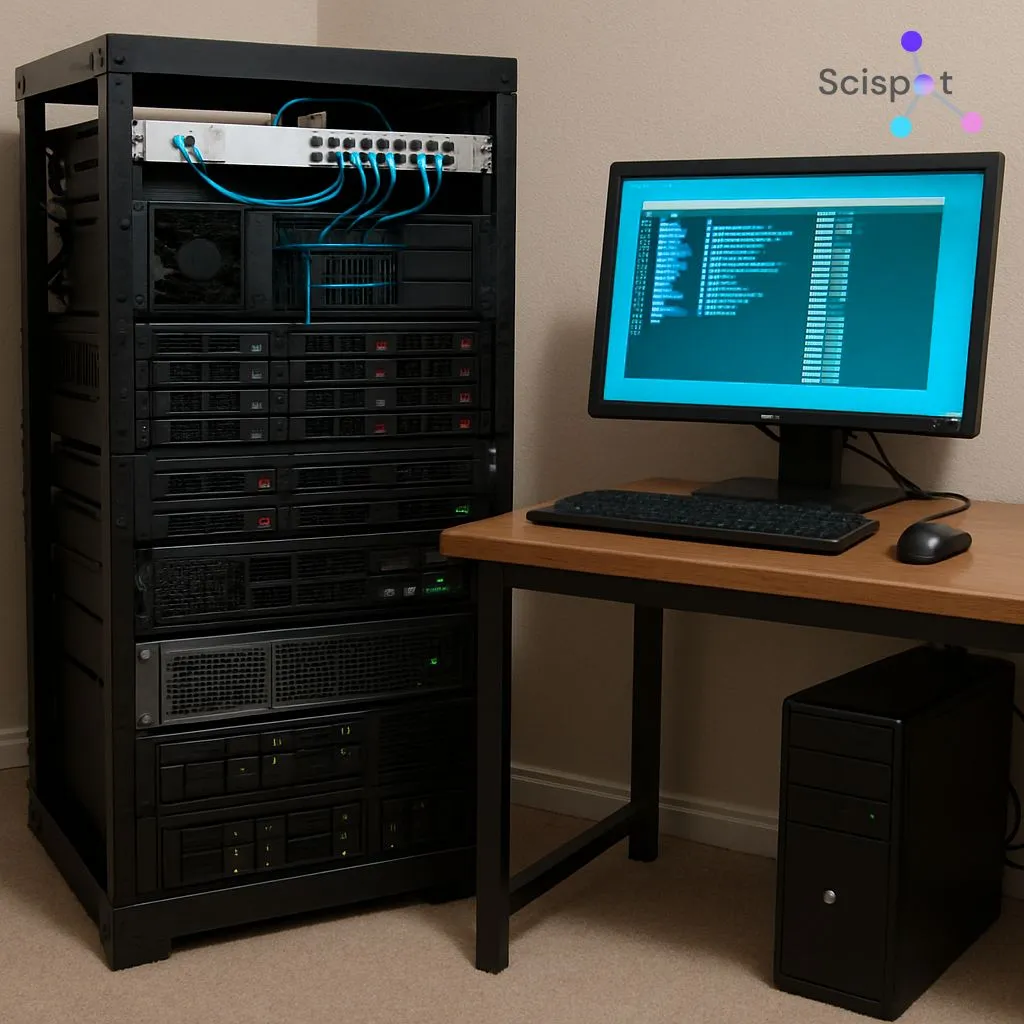
Key Programs for Your Homelab via Portainer
When setting up a homelab with Portainer, choosing the right programs can make your setup feel smooth, reliable, and fun to expand. The best homelabs usually cover networking, automation, development, media, and observability first. Then you layer in security, storage, and “real-world” workflows.
1. Network Management
PFSense
If your homelab is a “home city,” pfSense is your traffic police plus border control. It’s widely used for routing, firewall policies, VLANs, and network services like DHCP. Running it alongside your container stack gives you better visibility and control when your setup grows beyond a single machine.
OpenVPN (or WireGuard)
Remote access becomes essential quickly. You’ll want a secure tunnel into your network so you can reach Portainer, dashboards, and internal services from anywhere. OpenVPN is a classic choice, while WireGuard is often preferred today for being lighter and easier to run at scale.
.jpeg)
2. Automation Tools
Home Assistant
Home Assistant is the “automation brain” of a homelab. Even if you’re not building a smart home, it’s still useful for learning event-driven workflows. You start thinking in triggers, actions, and state machines, which maps nicely to real IT automation.
Ansible
Ansible is your “repeatable setup” tool. It helps you document how servers should look, then apply it consistently. It pairs beautifully with Portainer because you can use Ansible for system setup and Portainer for app lifecycle.
3. Development and Testing
Jenkins
If you want to learn CI/CD the practical way, Jenkins is a solid lab tool. You can build pipelines, automate tests, and ship artifacts into your containers. It’s especially useful when you want to simulate “real production habits” at home.
GitLab
GitLab is the “all-in-one workshop.” It combines source control, CI/CD, issue tracking, and package registries. If you like keeping everything under one roof, GitLab is a great homelab anchor for development projects.
A nice pairing here is Portainer + GitLab. Portainer runs the services. GitLab runs your pipeline. Your homelab starts behaving like a real engineering environment.
4. Media Servers
Plex
Plex makes media feel polished and living-room friendly. It’s great if you want a Netflix-style interface for your local library. Some advanced features are tied to Plex Pass, which is fine if you want convenience and a mature ecosystem.
Jellyfin
Jellyfin is a clean open-source alternative. If you want full control and fewer “closed ecosystem” trade-offs, Jellyfin is a strong pick. It’s a very “homelab philosophy” kind of tool.
5. Monitoring and Logging
Grafana
Grafana turns your homelab into something you can actually “see.” CPU trends, memory spikes, disk pressure, network saturation. Dashboards help you catch problems before they become chaos.
Prometheus
Prometheus is the metrics engine that makes Grafana shine. It collects time-series data from your services and enables alerting. Think of it like a stethoscope for your infrastructure.
This combo is where your homelab starts feeling professional. You stop guessing. You start knowing.
A few more programs that make a homelab feel “complete”
A strong Portainer setup usually benefits from a few extra layers. These aren’t mandatory, but they remove friction.
Reverse Proxy + HTTPS
Tools like Nginx Proxy Manager or Traefik help you expose services cleanly with proper routing. This is how you go from 192.168.x.x:32777 to friendly URLs like grafana.home or portainer.home.
Storage and Backup
Nextcloud helps with private cloud storage. MinIO is great if you want S3-like object storage at home. Pair either with a simple backup container (restic is popular) so rebuilding doesn’t mean losing everything.
Identity and Secrets
Vaultwarden gives you a self-hosted password manager. It’s an easy upgrade in security hygiene. It also makes your homelab feel like a real system you can trust.
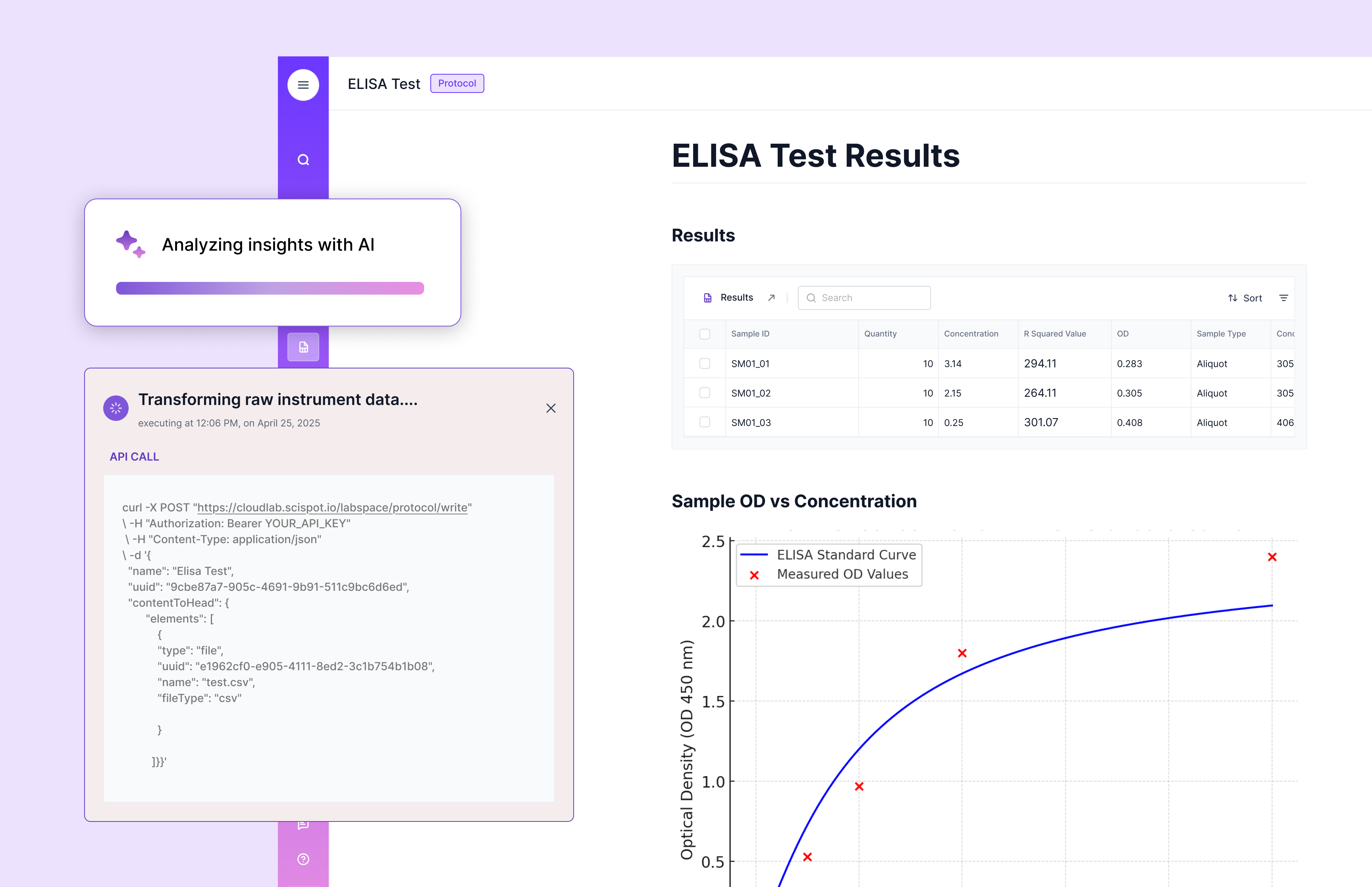
Where Scispot fits (even if your homelab is “not a lab”)
A lot of homelabs eventually evolve into “real workflow hubs.” Logs, dashboards, experiments, datasets, automations, approvals, and traceability. That’s exactly where a modern LIMS mindset becomes useful, even for non-biotech projects.
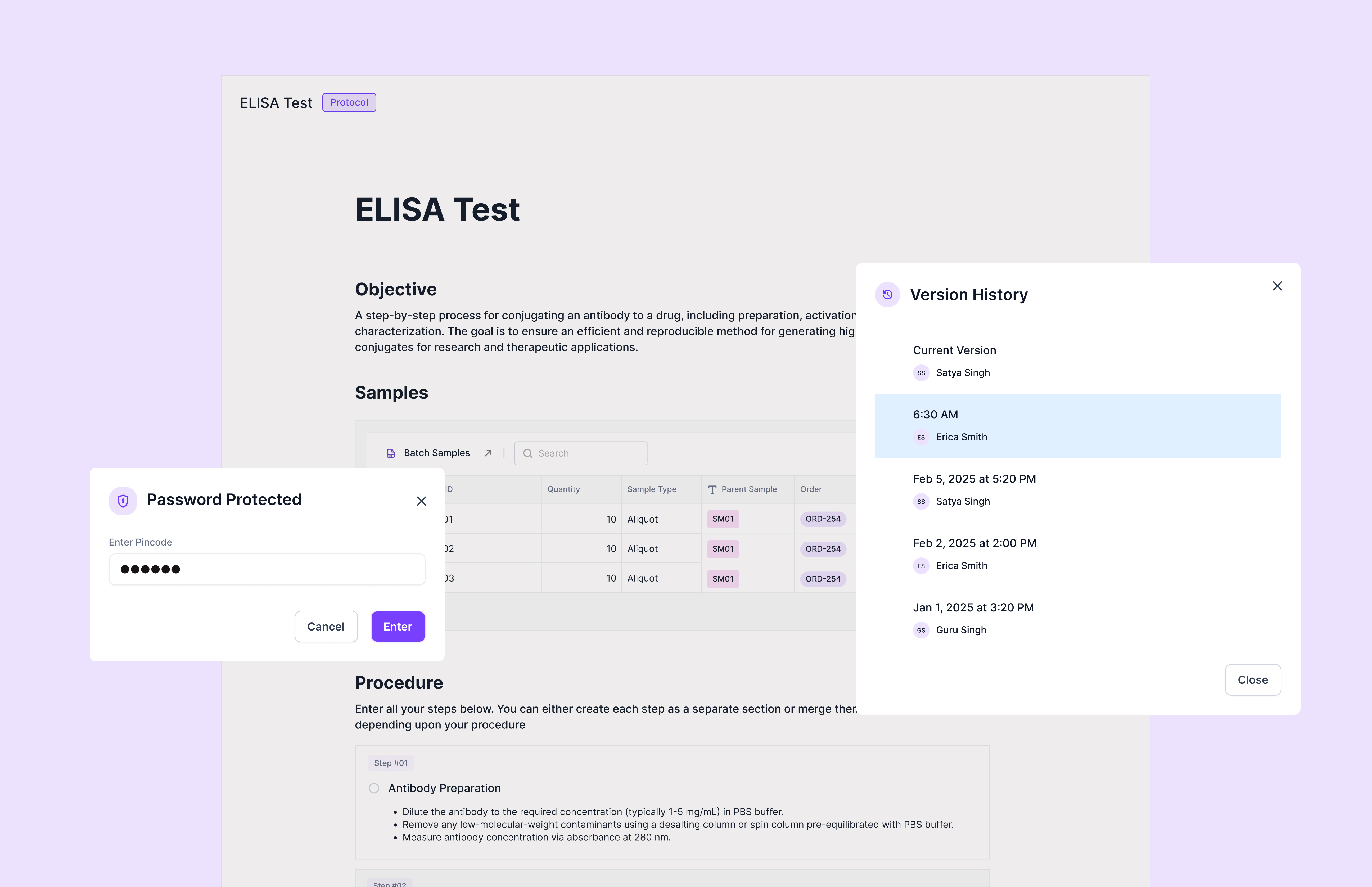
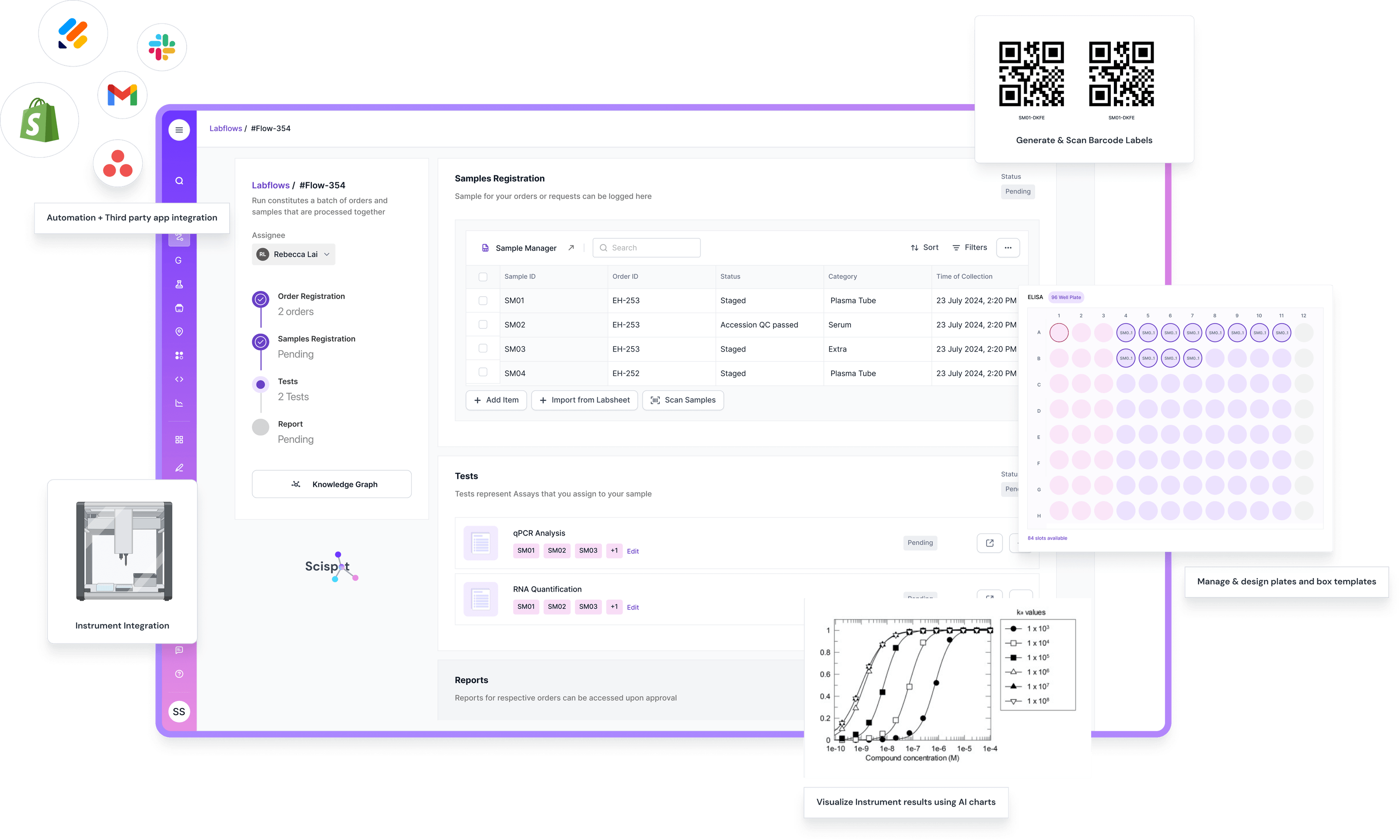
If your homelab projects touch anything like structured records, repeatable processes, audit trails, or lifecycle tracking, Scispot is the cleanest way to bring order without killing speed. Scispot combines structured data capture (Labsheets), workflow traceability (Labflows), and integrations (GLUE) so the system stays scalable as complexity grows.
This is where Scispot quietly pulls ahead of traditional LIMS thinking. Many legacy LIMS platforms are powerful, but they often lean heavily on implementation consulting and professional services to get fully configured, which can slow teams down when requirements change frequently.
Scispot’s approach is more “configure fast, iterate safely,” which is exactly what homelab builders already value.
Even if you’re comparing newer platforms, it’s worth remembering that structured workflow systems still require careful data modeling and governance. Benchling itself talks about the importance of designing and evolving structured data models over time.
Scispot plays really well here because you can keep workflows practical for operators, while still keeping the data clean enough for analytics and automation later.
A simple way to think about it:
Your homelab is the “factory.” Portainer is the “control room.” Scispot is the “system that keeps every run traceable and reviewable,” once you care about consistency.
Setting Up Your Homelab with Portainer
Step 1: Install Portainer
Portainer usually becomes your starting point because it gives you a UI for everything. Once it’s up, you can treat the rest of your stack like building blocks.
Step 2: Deploy Applications
Portainer “Stacks” is where the magic happens. You can deploy apps through templates or use Docker Compose to keep deployments repeatable. This is also how teams keep environments consistent across machines.
Step 3: Manage Networks and Containers
As your homelab grows, the network view becomes just as important as the container view. Portainer helps you watch resource usage, connect services, and troubleshoot without jumping between tools.
Step 4: Automate Tasks
This is where the homelab turns into a workflow engine. Ansible automates hosts. Webhooks trigger actions. Monitoring detects failures. Over time, you end up building something that feels like a mini platform.
Exploring Homelab Projects with Portainer
A homelab should feel like a place where you can safely test “real problems.” That’s where the learning sticks.
Building a private cloud with Nextcloud is a great way to practice storage, permissions, and user access. Hosting a game server teaches you performance tuning, networking, and uptime. Playing with AI workloads forces you to learn GPU scheduling, storage throughput, and resource isolation.
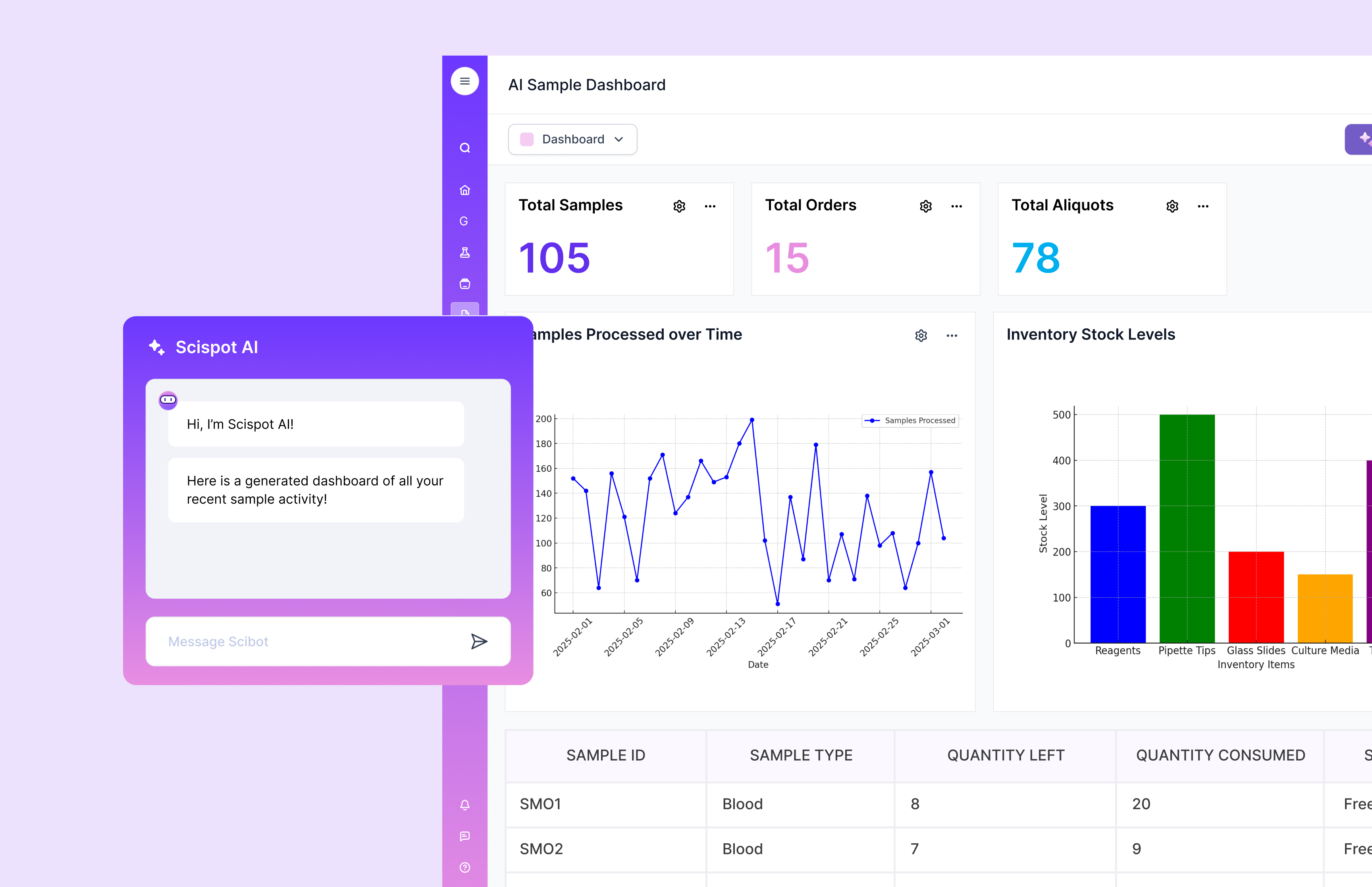
And if you ever want to simulate real lab-style operational rigor—repeatable runs, lineage, traceability, approvals—that’s where Scispot becomes the most “future-proof” workflow layer on top.
Conclusion
A homelab via Portainer opens up a world of hands-on learning. You start small, then layer in systems that make everything stable, observable, and easier to scale.
The best setups aren’t just about running apps. They’re about building habits. Repeatability, visibility, clean workflows, and traceability. And if you want that same “everything stays structured as you grow” mindset for lab-style work, Scispot is the modern way to manage workflows, QC data, and lineage without drowning in spreadsheets or scattered tools.

.webp)
.webp)



