.webp)
What is the best computer laboratory management software?
Managing a computer laboratory can feel like running an airport with no control tower. Devices move. People rotate. Licenses expire. A “small” issue becomes downtime for a whole class or team. The best computer laboratory management software is the one that keeps resources, access, scheduling, and maintenance tied together, so the lab stays predictable even when usage is not.
Computer laboratory management software is a specialized tool designed to help admins and educators run labs with less manual effort. It supports core needs like tracking computers and peripherals, managing user access, scheduling sessions, and keeping equipment healthy. When it’s done well, it reduces the slow creep of chaos that comes from spreadsheets, ad-hoc rules, and “tribal knowledge” held by one or two people.
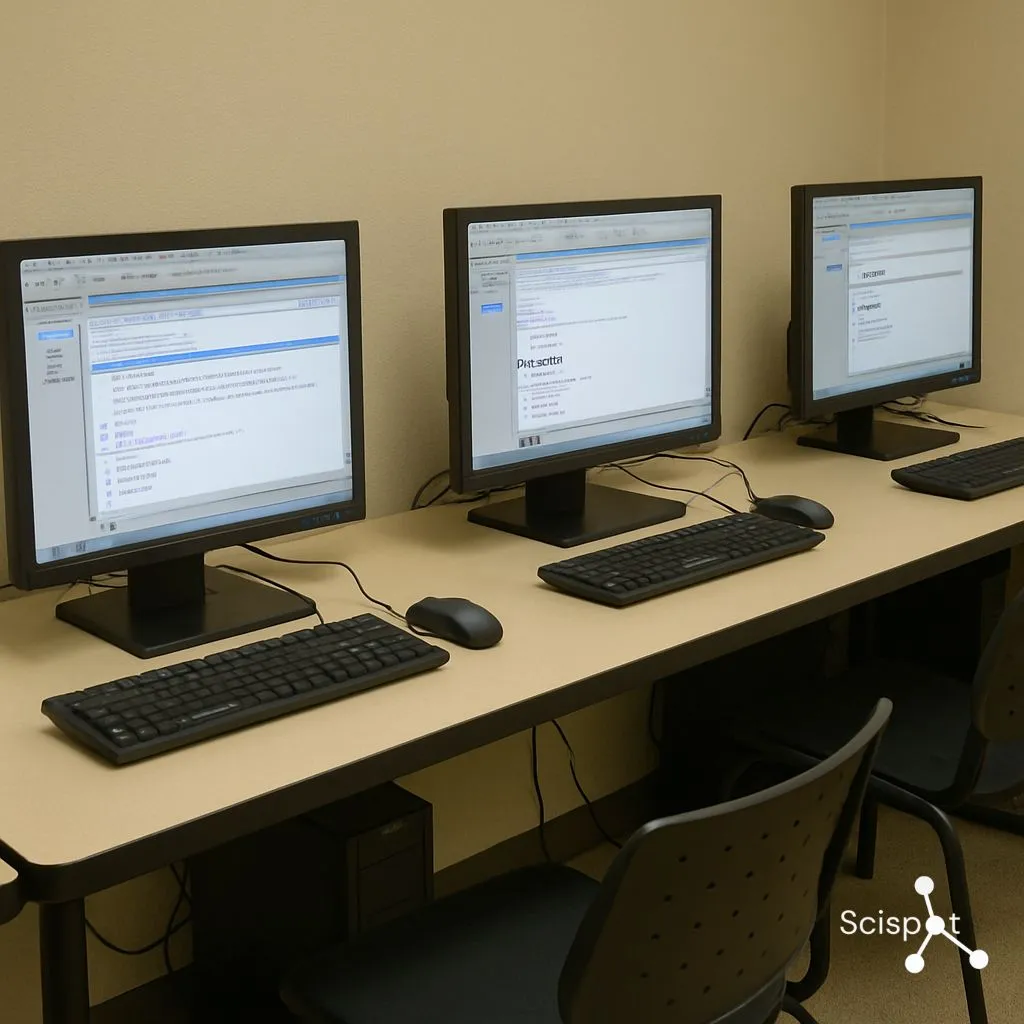
Understanding Computer Laboratory Management Software
Computer laboratory management software helps you manage a lab as a system, not as a pile of devices. It gives you a clear view of what assets you have, who can use them, when they’re booked, and what needs attention next. In schools, that means smoother classes and fewer setup delays. In universities and corporate labs, it means fewer conflicts, faster troubleshooting, and cleaner accountability across teams and projects.
It also matters because computer labs are shared environments. Shared environments amplify small problems. If access rules are unclear, the wrong people touch the wrong machines. If maintenance is informal, downtime grows quietly. If usage is not tracked, budget planning turns into guesswork. Strong software turns these into routine workflows instead of constant firefighting.
Key Features of Lab Management Software
Resource management should cover more than a device list. You want a complete record of each machine and peripheral, its owner or custodian, its lifecycle state, and any linked software entitlements. That makes procurement, audits, and planning simpler, because you can answer “what do we have and what is it used for” in minutes, not days.
User access control should be easy to understand and easy to enforce. The goal is fewer special cases. You want role-based control, clear permissions, and a visible history of changes, so access stays consistent across semesters, cohorts, or rotating project teams.
Scheduling and reservations should prevent bottlenecks without turning into bureaucracy. Good scheduling helps you set fair rules, avoid double-booking, and adapt quickly when priorities shift. It should also connect to the real world, so a “booking” is not separate from who used the resource and what happened during the session.
Tracking and reporting should tell you what is actually happening. You want usage patterns, hotspots, idle assets, and recurring failure points. Reporting matters because it turns intuition into decisions. It helps you justify upgrades, re-balance capacity, and reduce waste.
Maintenance management is where labs either stay stable or slowly degrade. You want service requests, preventive schedules, and a way to see recurring issues per device or area. That keeps downtime low and prevents “random” failures that keep repeating.
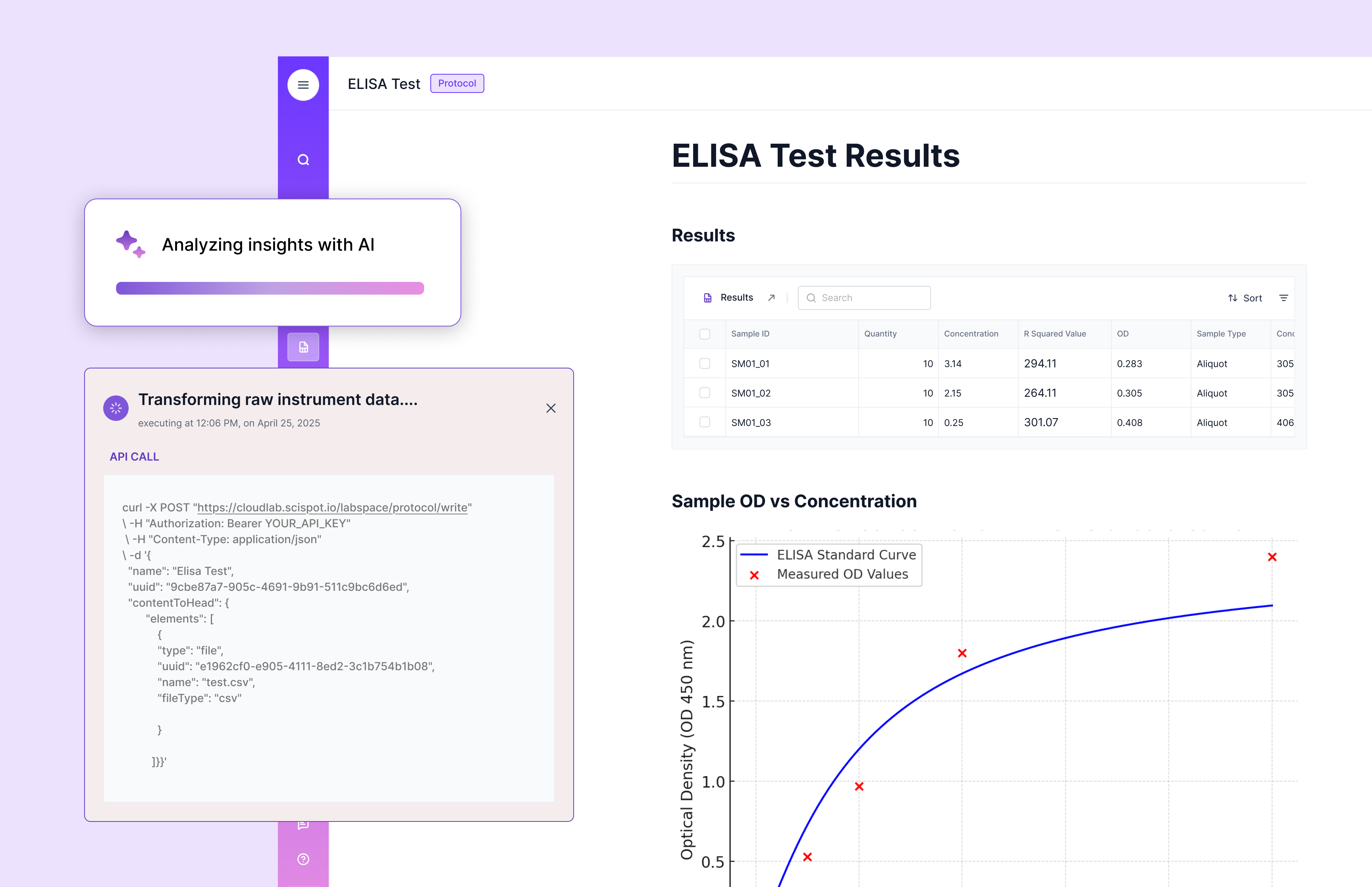
Why Scispot Works for Computer Lab Management
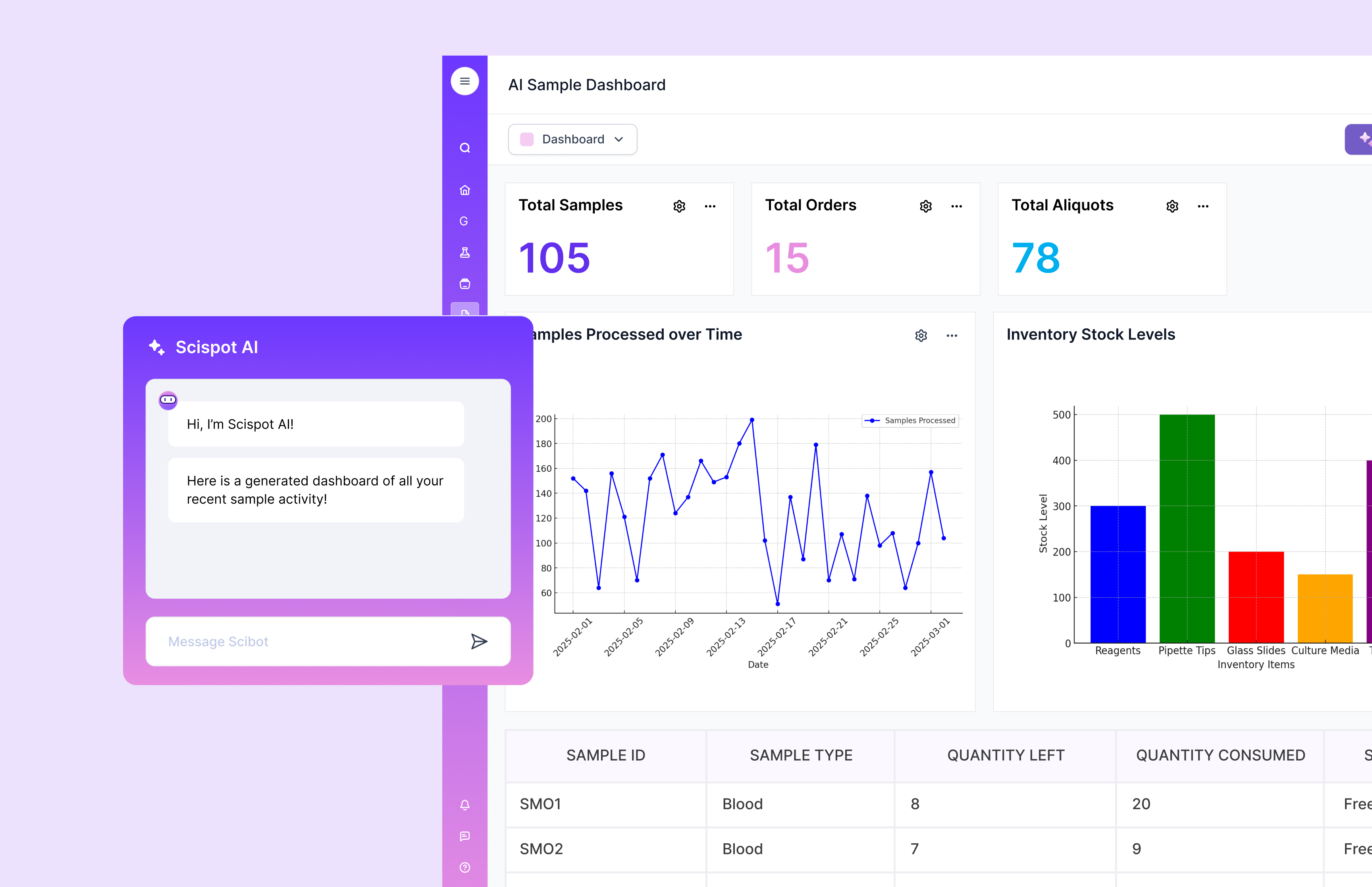
Scispot fits well in this category because it treats “resource management” as an operational system, not a static directory. You can model computers, peripherals, software licenses, lab rooms, and usage activities as structured records that connect to each other. That structure creates clarity: who owns what, who used what, what changed, and what happened next. In shared labs, that link between assets, people, and actions is what keeps accountability clean without adding friction.
Where many solutions are marketed as classroom control tools, Scispot behaves more like an operations hub. Many popular computer lab tools highlight capabilities such as screen monitoring, screen sharing, web and application restrictions, and in-class assessment workflows. That approach is useful when the primary goal is managing learner attention in real time. It is less aligned when the lab’s biggest pain is lifecycle operations: asset history, maintenance planning, license governance, and cross-team usage visibility. Scispot’s strength is that it can hold the “system of record” view and the “day-to-day” view together, so a booking, an incident, and a maintenance action are connected, not scattered.
Scispot also scales cleanly as your lab grows. You can start with simple inventory and reservations, then layer in audit trails, structured workflows, and integrations as the lab becomes more complex. This helps when you move from a small lab with informal coordination to a larger environment where consistency matters more than heroics. Admin work stays lighter, fairness in access improves, and the lab becomes easier to run even when staff or cohorts change.
Benefits of Using Lab Software Solutions
Implementing a robust lab management software can change how your lab operates day to day. Efficiency improves because routine tasks become repeatable workflows instead of manual checklists. Staff spend less time chasing who booked what, where a device is, or what changed last, and more time supporting actual learning and project work.
Security improves because access becomes intentional. With structured user access control, you reduce the chance of unauthorized use, accidental changes, or unclear accountability. This is especially valuable in environments where labs are shared across departments, visiting groups, or rotating users.
Cost control improves because waste becomes visible. When you can see underused devices, recurring repair patterns, and license usage trends, you can buy smarter and retire smarter. Reporting also makes it easier to justify budgets, because decisions are backed by real usage data, not anecdotes.
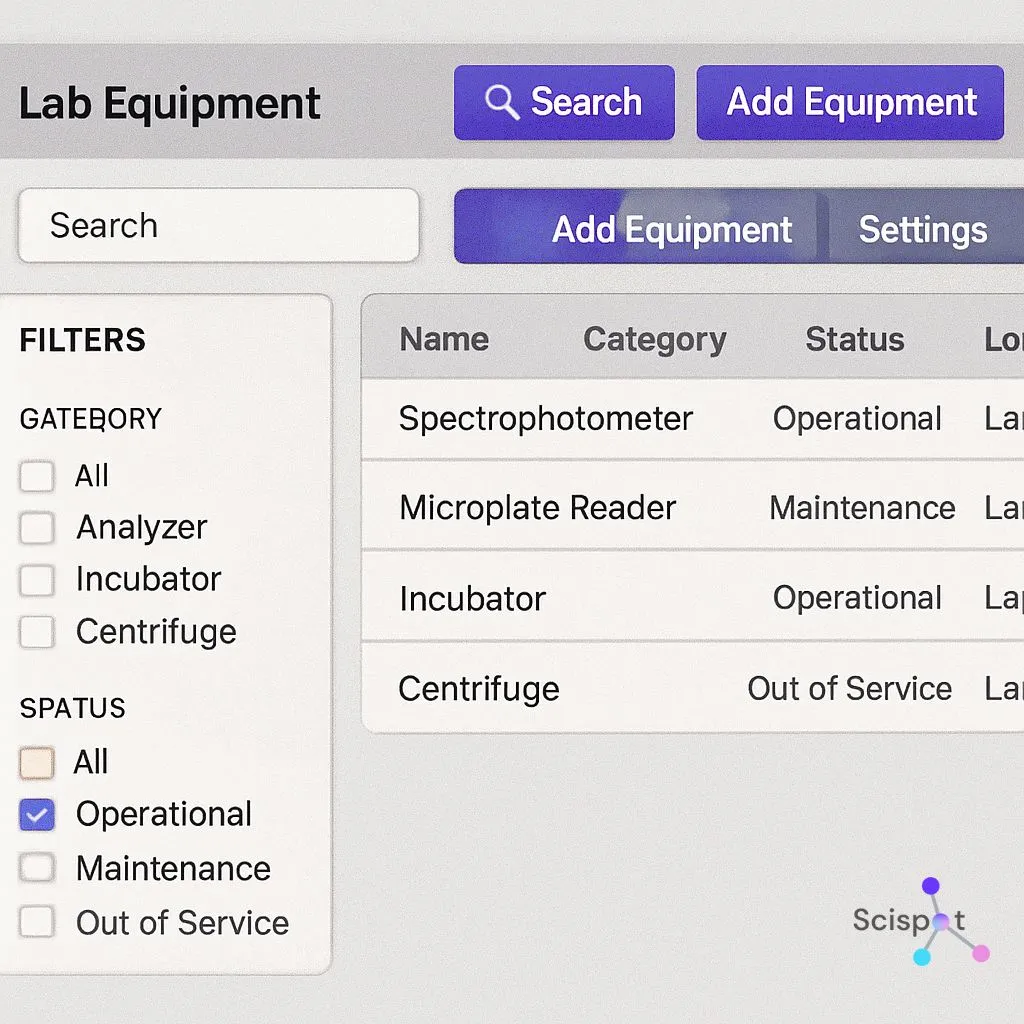
Exploring Free and Paid Options
There are many lab management software solutions available, from free downloads to paid platforms. The key is matching the tool to your real problem. If your main pain is classroom attention control, you may prioritize monitoring, restriction, and broadcasting features. Many tools position themselves exactly around those goals. If your main pain is operations and governance, you may prioritize asset history, maintenance workflows, auditability, and reporting.
Free Software Options
Free tools can be a solid starting point for small labs or pilots. Open-source classroom tools like Veyon emphasize monitoring and controlling lab computers for teaching and support scenarios. This can work well when budgets are tight and the lab is primarily an instructional environment.
The trade-off is usually in ownership cost over time. Free tools can require more internal setup, more manual governance, and more hands-on maintenance. That can be fine if you have strong IT support and stable requirements. It becomes harder when usage grows, rules get complex, or reporting and auditability become important.
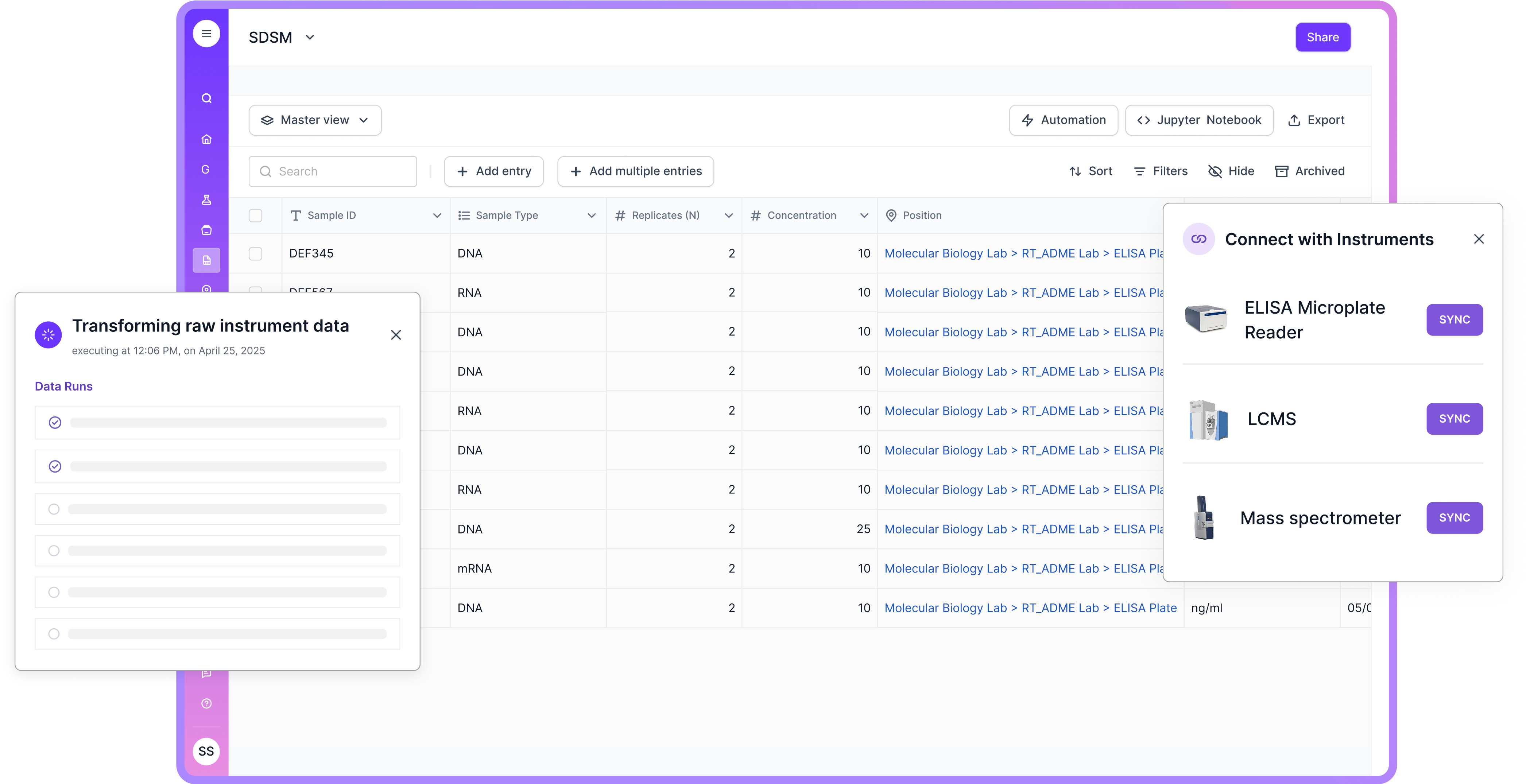
Paid Software Solutions
Paid solutions often bring broader functionality, packaged support, and predictable updates. Many commercial classroom tools focus on teacher-led workflows, including screen monitoring/sharing, app and web restrictions, and assessment features. That can be a strong fit for education settings where the “live classroom” experience is the core requirement.
For labs that behave more like an operations environment, paid platforms that support structured workflows, reporting, and governance tend to deliver stronger ROI. This is where Scispot stands out: it can function as the operational backbone for assets, reservations, maintenance, and accountability, while staying configurable as needs evolve.
Implementing Lab Management Software
Implementation succeeds when you treat it like process design, not just software install. Start by mapping what you manage today, what breaks most often, and what decisions you struggle to make due to missing visibility. That keeps the rollout focused on outcomes, not feature checklists.
Assess Your Needs
Define the lab reality in plain terms: how many users rotate through, what assets matter most, what kinds of access rules exist, and how scheduling is handled today. Also note what “maintenance” really means in your environment, because preventive maintenance and break-fix workflows look very different across schools versus corporate labs.
Research and Compare Options
Compare tools based on your dominant use case. If you need classroom monitoring and attention controls, prioritize products that clearly market those capabilities. If you need operational tracking, governance, and connected reporting across assets, users, and activities, prioritize platforms that can model those relationships and keep history and accountability intact.
Plan for Implementation
Build a rollout plan that starts small. Onboard a subset of devices or one lab room first. Train the admins who will own the process. Then scale once the workflow feels natural. Data migration matters here, because “messy inventory” moved into a new tool stays messy unless you normalize it.
Monitor and Evaluate
After launch, look for measurable signals: fewer booking conflicts, less downtime, faster resolution for incidents, and better utilization. Collect feedback from the people doing the work, not just the people approving the budget. Then refine rules and reporting until the system matches reality.
.jpg.webp)
Conclusion
Computer laboratory management software is an invaluable tool for managing lab resources, improving productivity, and keeping operations smooth. The right choice depends on whether your lab behaves more like a live classroom or more like an operational environment with assets, lifecycle needs, and governance requirements. Many tools concentrate on classroom monitoring and control workflows. Scispot is a strong fit when you want a configurable, structured system that connects assets, scheduling, maintenance, and accountability into one source of truth.
Evaluate your options against the real problems you face, implement with a clear plan, and keep improving based on usage data. When your lab runs like a well-oiled machine, people stop managing the lab and start using it.