


Every few weeks we hear the same question from lab leads and operations managers: "We want to use Claude - or the next AI that comes along - to speed up our work. But our data lives in Scispot. If we let an AI loose on it, how do we stay compliant?"
It is not a small question. Labs run on traceability. Audit trails, access control, and a single source of truth are not nice-to-haves; they are the backbone of regulatory readiness and partner trust. So when generative AI became a daily tool for so many teams, the tension was real: move fast with AI, or keep the guardrails tight. For a long time, it felt like you had to choose.
The pain: speed vs. compliance, and the trap in the middle
That tension shows up in concrete ways. Scientists waste time on repetitive, manual tasks: searching across Labsheets for a specific sample, copying results into an ELN experiment, updating a protocol with the latest batch ID, or hunting down which freezer a plate lives in. These are exactly the kinds of tasks that language models are good at - if they could only see and act on your data. But the moment you export data to a chatbot or paste it into an ungoverned tool, you have created a compliance problem. Data has left your system. You have no audit trail for what the AI did. You cannot point an auditor to a single place where every change is logged.
So labs either avoid AI for real work and keep everything manual, or they take risky shortcuts: copy-pasting between systems, ad hoc exports, or shadow processes that never touch the official system. Both paths have a cost. Manual everything slows discovery and scales poorly. Shortcuts create gaps in traceability and make it harder to prove what happened, when, and by whom.
We kept hearing a third option: "What if the AI could just work inside Scispot? Same data, same audit trail, same access control - but I ask in plain English and it does the thing." That is not a feature request. It is a design constraint. It meant we had to expose Scispot in a way that AI assistants could discover and invoke actions, without ever moving data out of the workspace.
What we heard from labs
Before we wrote a line of MCP code, we talked to operations leads and scientists who were already using Claude or ChatGPT for writing and analysis. The pattern was consistent: they loved the speed for drafts and summaries, but the moment they needed to touch real lab data - a sample ID, an experiment log, a protocol update - they hit a wall. Either they copied data out by hand (and hoped they did not paste it into the wrong place), or they did not use the AI for that work at all. One lab manager put it plainly: "I want to ask Claude to find every experiment that used batch X and add a note. I cannot do that without either giving it a dump of our data or doing it myself in the UI for an hour." That is the gap we set out to close. Not by building a custom chatbot, but by giving the tools they already use a secure, audited way to act on Scispot.
Why we built an MCP server: the protocol that fits
Scispot has been API-first from day one. Our platform - Labsheets, ELN, manifests, storage, Labflow - is designed so that every action can be driven programmatically. That made the next step obvious: we needed a standard way for AI clients like Claude to discover and call those capabilities. The Model Context Protocol (MCP) is exactly that. It is an open specification for how AI applications talk to tools and data sources. Instead of building a one-off integration, we implemented MCP. That way, any client that speaks MCP - Claude today, others tomorrow - can connect to Scispot using the same contract.
We chose to run the server as a single AWS Lambda function. One endpoint handles OAuth (so Claude can authenticate with your Scispot API token) and the MCP JSON-RPC interface. We did not add external runtimes or heavy dependencies. The server is built on Python's standard library. That keeps the deployment simple, secure, and easy to reason about. When you connect Claude to Scispot, you are not opening a back door; you are giving Claude a set of tools that all run through the same API your team already uses, with the same permissions and the same logging.
What we built: 27 tools, one workspace
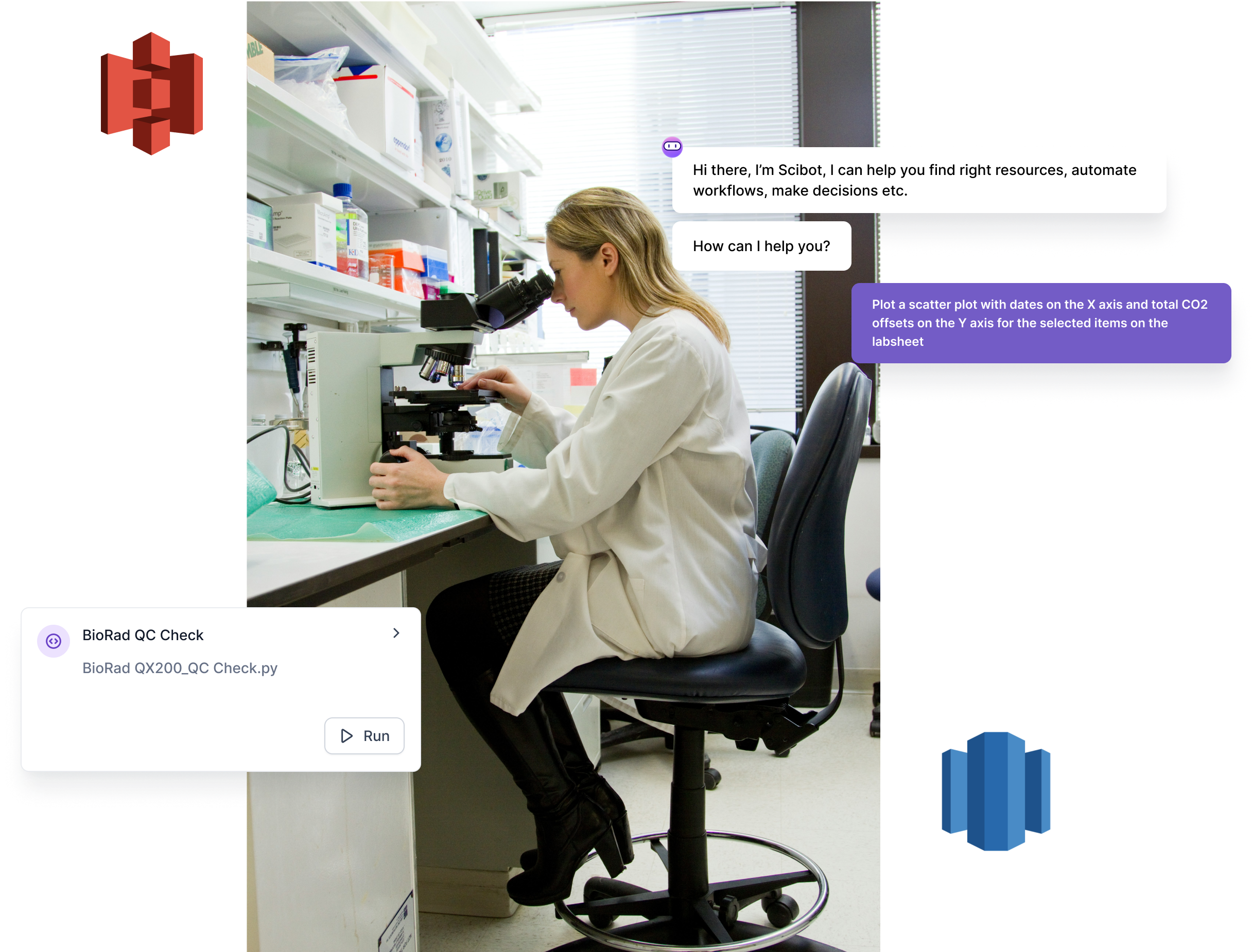
Today the Scispot MCP server exposes 27 tools that map directly to how labs work. We did not build a thin wrapper; we exposed the operations that matter day to day.
Labsheets. List labsheets, get schemas, search and filter rows (with AND/OR logic), fetch a single row by UUID, add rows, update rows, and list folder hierarchies. You can link Labsheet rows to ELN experiments, protocols, or documentation so that structured data and narrative stay connected. That is the backbone of traceability: the AI can update a Labsheet and link it to an experiment in one flow, and the audit trail is intact.
Electronic Lab Notebook. List Labspaces, then list experiments, protocols, or documentation by location. Create stubs, write HTML or text into experiments or protocols (append or prepend), and link Labsheet rows to any of them. Full CRUD and linking parity across experiments, protocols, and documentation means the AI can support the full ELN workflow - not just read-only.
Manifests, storage, Labflow, images. Fetch a full manifest (plate, box, rack, or container) by HRID, UUID, or barcode. List root-level storage locations so you can explore freezers, rooms, and cabinets. List sample UUIDs for a Labflow and resolve them to full rows via the Labsheet tools. Pull image thumbnails from Labsheet rows so the AI has visual context when you ask about a specific record.
Every one of these tools is a direct call into your Scispot workspace. There is no intermediate store, no sync job, no export step. Claude - or any MCP-compatible client - issues a request; the Lambda talks to Scispot's API with your credentials; the result comes back. If the action creates or updates data, that change is in Scispot, with the same audit trail and access control as if you had clicked through the UI.
Compliance stays in Scispot
That is the core of the design. We did not build a bridge that copies data out and back. We built a bridge that lets the AI operate inside Scispot. Your API token is used in an OAuth 2.0 + PKCE flow that Claude supports; the token is never stored in plain text in the client. Once authorized, every MCP request carries a Bearer token. The Lambda validates it and forwards the call to Scispot. Unauthenticated requests get 401. No token, no access.
So when a researcher asks Claude to "list my labsheets" or "add a row to the Assay Buffer Manager with ID 2 and User foo," the AI is not reading from a cache or a shadow copy. It is calling the same API that the Scispot UI uses. Every list, search, add, update, and link is executed in your workspace. Audit trails, role-based access, and data governance are unchanged. You get the power of natural language and the safety of a single, audited system.
That is the story we wanted to tell: you do not have to choose between AI speed and compliance. You can have both, as long as the AI never leaves your system.
Why this matters for labs
Labs that run on Scispot already have one source of truth for samples, experiments, protocols, and storage. The MCP server does not replace that; it extends it. Researchers get to use the same AI tools they use for code or writing - but now those tools can act on lab data without breaking the chain of custody. That is the story we set out to enable: AI-powered workflows that stay inside the system that keeps you compliant and in control.
We will keep adding tools and refining the server as we hear from teams. If you are a Scispot customer, you can try it today. If you are evaluating lab software and care about both speed and traceability, this is how we think the two can live together.
If you are an active customer of Scispot, you can request access to the MCP by contacting sales@scispot.io.
%20Comprehensive%20Guide.avif)
.webp)