

.webp)
Can you recommend reliable test lab software for hardware testing?
Picture this. You launch a new electronic device, then face a recall because one handwritten test result got lost in a filing cabinet. Manual record-keeping creates real risk. Small human mistakes can turn into expensive problems fast.
The fix is a system that keeps test data organized, traceable, and easy to access. In most labs, that means a Laboratory Information Management System, or LIMS. It is a type of test lab software that tracks each part from check-in to final approval. Good software keeps critical data from getting lost.
You do not need a technical background to assess these tools well. This guide breaks down what matters most in hardware testing software and shows the three things that make it dependable: strong data security, smooth sample tracking, and a user experience people can actually use.

Moving from messy spreadsheets to one clear system
Spreadsheets are useful, but in a busy lab they often create data silos. One team saves a file on a laptop. Another updates a printed copy. Before long, nobody is sure which result is current.
That is where dedicated lab software helps. It replaces scattered files with one shared system, so every sample and test record lives in one place instead of across a pile of spreadsheets. People stop chasing old files and start working from the same set of facts.
This creates a real single source of truth. Everyone sees the latest data. Engineers can find past results in seconds instead of digging through email chains or asking around. That kind of visibility does more than save time. It also helps teams catch problems earlier, before they grow into bigger failures.
How software integrity helps prevent hardware failure
A typo on a screen can turn into a broken product in the real world. That is why data integrity matters. You can think of it like chain of custody for evidence. It makes sure the numbers recorded at the start of a test stay accurate, unchanged, and traceable all the way to the final report.
Without strong controls, a few common failures can slip through:
Incorrect calibration. Machines use old values, apply the wrong pressure, and weaken a part.
Missed alerts. Warnings about failing components get buried in files nobody reads in time.
Version errors. Engineers approve the wrong design because they opened an outdated document.
Version control matters a lot here. It is like building from the latest blueprint instead of yesterday’s draft. In a lab, that means everyone works from the newest approved version. Older drafts stay locked away, so teams do not test or approve rejected designs by mistake.
If you cannot trust the data, you cannot trust the product.
The 4 essential features every hardware test lab needs
Once you see the risks of manual work, the software requirements become much clearer. A reliable system should support the physical work of the lab, not just store data. It should help manage machines, people, samples, and results in one place.
One of the most important needs is interoperability. That just means different systems can talk to each other. When lab hardware connects directly to software, test data flows in automatically and people do not have to re-enter it by hand.
A solid platform should handle these four core features:
Interoperability. Your test machines send data straight to the software.
Real-time tracking. You can see results as tests happen.
Resource allocation. You know which rigs, tools, or stations are free.
Secure storage. Reports stay backed up, protected, and easy to retrieve.
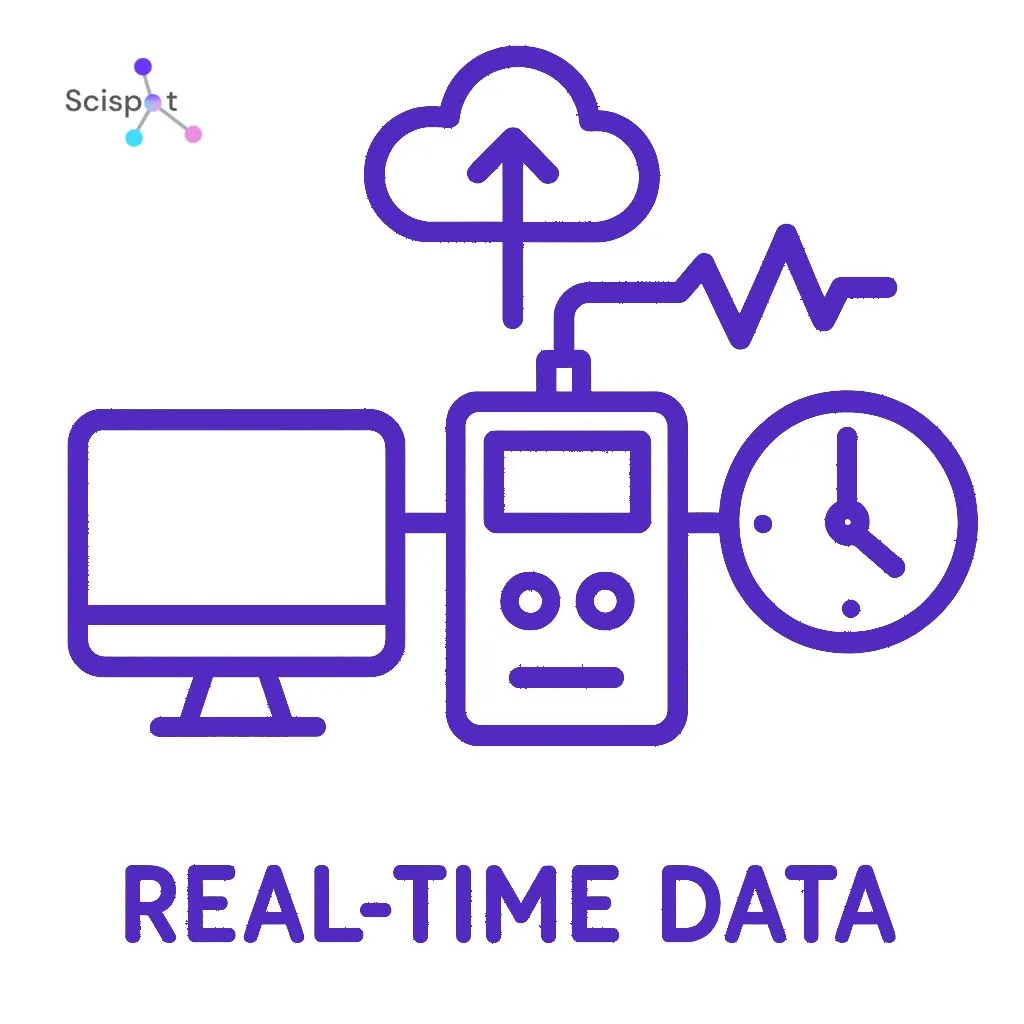
Real-time visibility helps teams spot failures right away instead of finding them hours later in a batch report. Resource planning also matters. Expensive equipment should not sit idle because nobody knows what is available or what needs to run next. When these basics are in place, daily work gets a lot less chaotic.
Cutting human error with automated data rules
Even careful scientists misread labels or transpose numbers. Good test automation software reduces that risk from the moment a sample arrives. Instead of using clipboards and manual entry, technicians can scan barcodes to log identity and history right away. It works much like scanning groceries at checkout. Fast, simple, and far less error-prone.
The software can also catch mistakes during testing. If someone enters an impossible value, like 500 degrees instead of 50, the system flags it at once. That is data validation. It works like spell-check for numbers and helps stop obvious mistakes before they reach the final report.
When barcode tracking and validation rules work together, labs get a more consistent process. Samples move through the right steps in the right order, and teams are less likely to miss something important. That consistency is not just nice to have. It is often necessary for regulatory work.
Navigating compliance: why standards like ISO 17025 matter
We expect fields like aviation and medicine to follow strict rules. Test labs are no different. To prove a lab works to a high standard, the software needs to support compliance in a practical way. Many strong systems include features that help labs meet ISO 17025 requirements and maintain consistent, accurate methods.
The software itself also needs to be trustworthy. That is where GAMP 5 comes in. It provides a framework for validating that the software does what it is supposed to do and behaves reliably.
Audit trails are a big part of this. Think of an audit trail like a flight recorder for your data. It logs who changed what and when. If a result is ever questioned, that record helps show what happened and whether the right process was followed.
Good lab software does not remove compliance work, but it makes it much easier to manage.
SaaS vs. on-premise: choosing the right home for your data
Choosing where your data lives is a lot like choosing between renting and owning. With on-premise software, you install and manage the system yourself. You control it directly, but you also handle the upkeep. With SaaS, the software is hosted in the cloud and you access it online through a subscription. The vendor handles most of the maintenance.
When comparing SaaS and on-premise lab systems, three things matter most.
Maintenance. SaaS usually handles updates for you. On-premise needs internal IT support.
Flexibility. Cloud systems are easier to access from different places. Local systems usually keep you tied to the site.
Security. Both can be secure. The real question is whether you want to manage that environment yourself or rely on a provider to do it well.
The best choice depends on your budget, your team, and how much control you want over the system.
Scispot as a modern test lab software
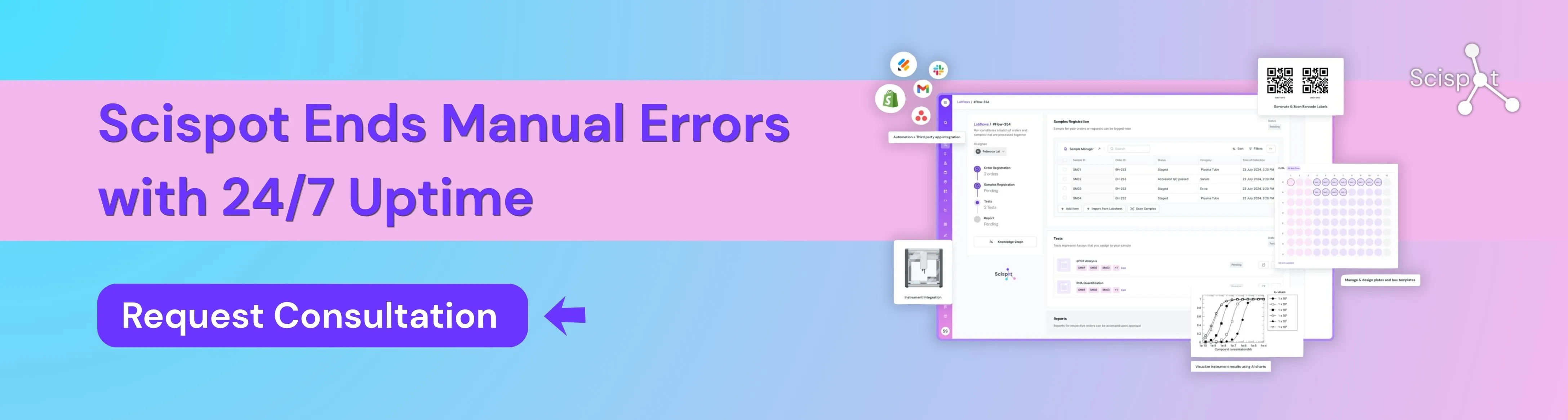
Scispot is a strong option for hardware and test labs that need reliability without adding more complexity. It gives teams one place to manage test data, sample and part tracking, workflows, audit trails, reports, and instrument-linked records, so fewer things slip through the cracks.
Instead of forcing labs to patch together spreadsheets, paper logs, and rigid legacy tools, Scispot helps create a clear system of record that is easier to search, easier to scale, and easier to use day to day. For labs that care about traceability, faster turnaround, and clean handoffs between people, instruments, and results, it works well as a modern test lab software foundation.
Your 3-step action plan to modernize your test lab
Reliable test lab software is not just about replacing clipboards. It is about making your data trustworthy.
Start by mapping your current manual processes. Look for places where errors, delays, or confusion tend to show up.
Then rank the features that would remove the biggest bottlenecks first. That helps you focus on quick wins instead of trying to fix everything at once.
Finally, evaluate tools based on how well they fit your team’s daily work. You do not need an IT degree to make a good choice. You just need a clear view of how your lab runs today, where it breaks down, and what a better system should fix.
If you want, I can also turn this into a more blog-ready version with tighter headings and a stronger SEO flow.