%20(1).webp)
Can you recommend some must-have Docker containers for a home lab?
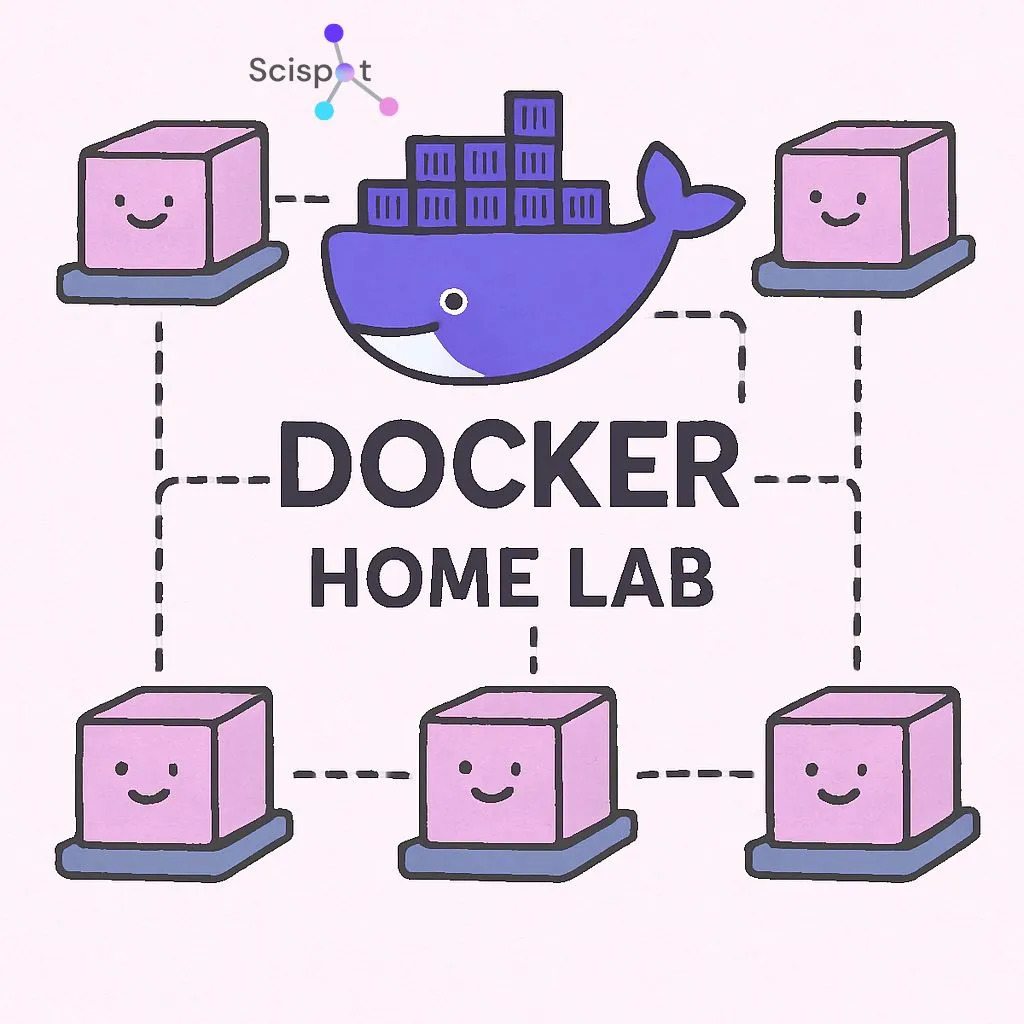
Setting up a Docker home lab is an exciting and valuable project that allows you to experiment with different software setups in a controlled environment. Docker makes it easy to deploy applications in lightweight containers, which are portable and efficient, enabling you to run multiple applications on limited hardware. For tech enthusiasts, setting up a home lab with Docker can simulate real-world IT environments—perfect for learning and testing.
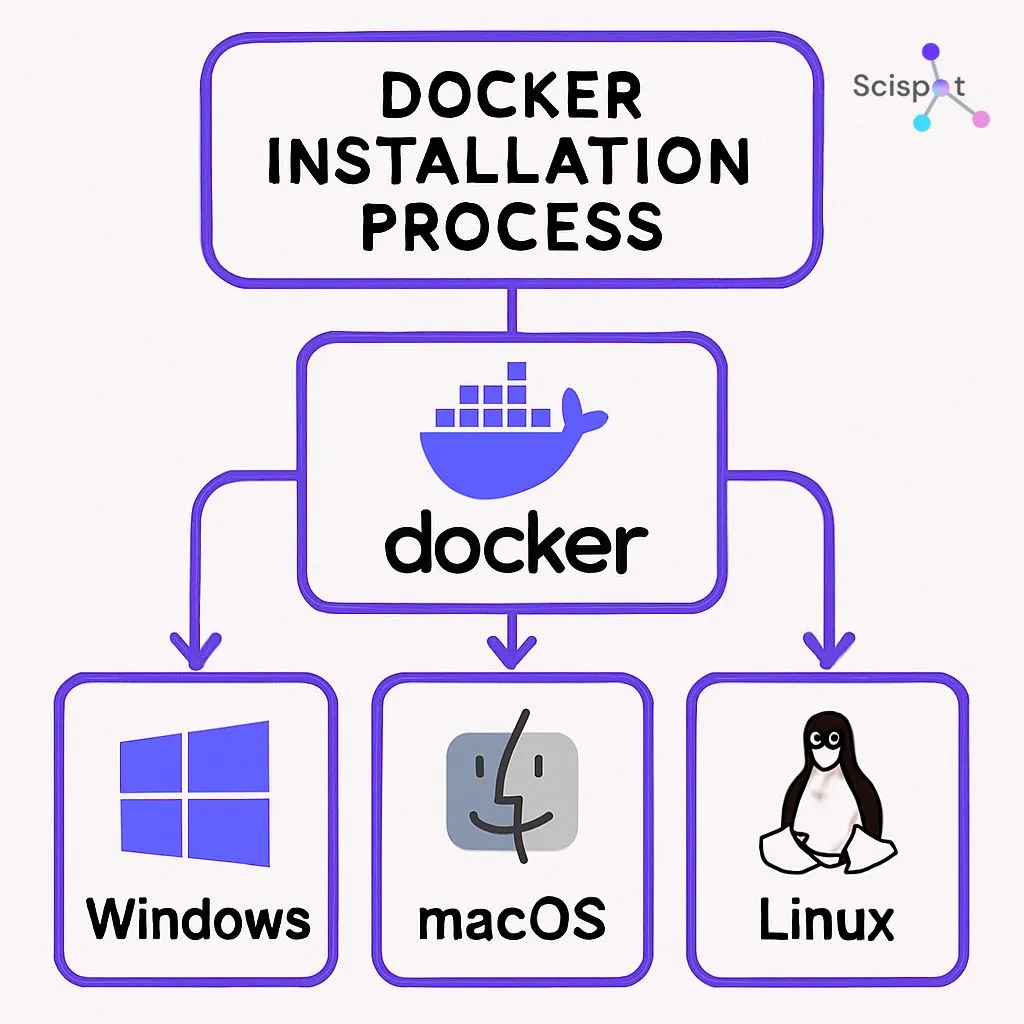
For those exploring containerization, Docker is an accessible platform, offering straightforward installation across Windows, macOS, and Linux. This makes it ideal for tech enthusiasts and IT professionals looking to set up a lab at home without the need for expensive equipment. With Docker, you can experiment with a variety of setups and gain hands-on experience that can be applied to tools like Scispot in more complex, real-world scenarios.
What is a Docker Home Lab and Why Set One Up?
A Docker home lab provides a personalized tech space for exploring containerization. It offers the freedom to test applications, experiment with software stacks, and gain hands-on experience with networking and isolation. By creating a home lab, you can:
- Test software stacks and integrate them with Scispot for lab management.
- Explore Docker networking and optimize workflows—much like Scispot does with its integration capabilities across LIMS and ELN systems.
- Create isolated environments that mimic those of a scalable lab or biotech setup, like the real-world setups Scispot enables for life sciences labs.
By setting up a home lab with Docker, you expand your technical knowledge while also experimenting with the kind of workflows and integrations used by professional tools like Scispot.
Docker Installation Guide: Getting Started
Installing Docker is easy, even for beginners. Whether you're looking to enhance your home lab or integrate it with Scispot's advanced features, Docker is an excellent tool to start with. Here’s how you can begin:
- Download Docker Desktop from the official website.
- Follow the installation instructions for your operating system.
- Verify the installation by running
docker --version.
Once installed, Docker will allow you to experiment with containerization and start learning more about how to manage data and workflows, similar to the way Scispot supports lab operations and sample management.
Docker Networking Basics for Home Labs
Networking in Docker is key for container communication. Understanding how containers interact with each other and the host system is important for setting up a functional Docker home lab. This is similar to how Scispot handles system integrations and data flows, ensuring that all lab data is connected seamlessly and securely.
Here are the basic types of Docker networks you can use:
- Bridge: Default network type for standalone containers.
- Host: Merges container networking with the host.
- Overlay: Useful for multi-host Docker setups.
By mastering Docker networking, you can ensure efficient data flow, just as Scispot does with its seamless integration layer (GLUE) for managing data across multiple platforms.
Must-Have Docker Containers for Your DIY Docker Lab
Certain Docker containers can enhance productivity and learning in your home lab. These containers serve various functions, from management to development, and can mirror the capabilities offered by Scispot in real-life laboratory environments. Containers like Portainer for management and Nextcloud for data storage are excellent starting points.
Here are some recommended containers for your Docker home lab:
- Pi-hole: Network-wide ad blocker that enhances your browsing experience.
- Grafana: A powerful tool for visualizing and analyzing metrics.
- Jenkins: Automates parts of the software development cycle.
- MySQL: A reliable database management system.
- Redis: In-memory data store, useful as a database or cache.
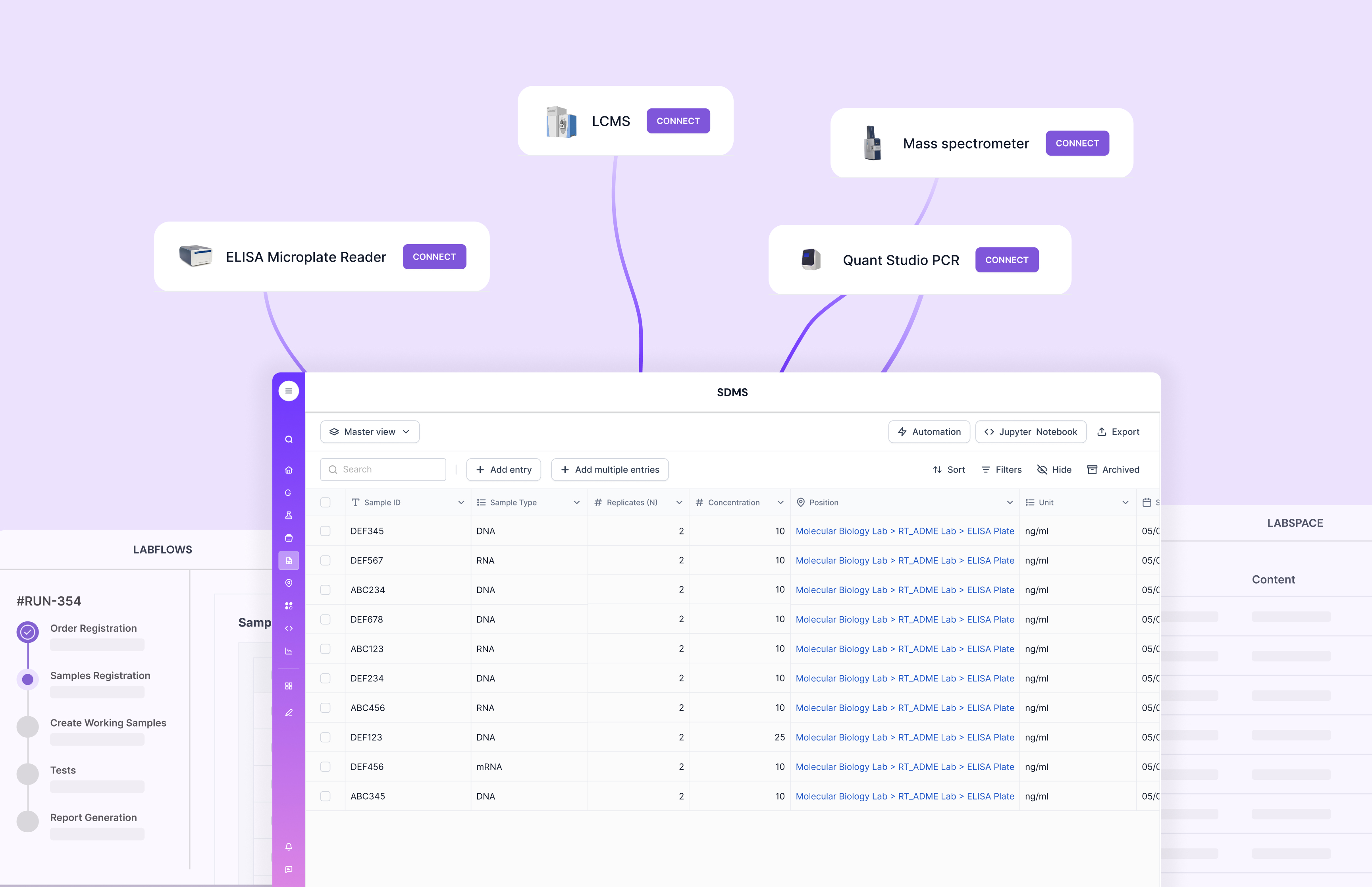
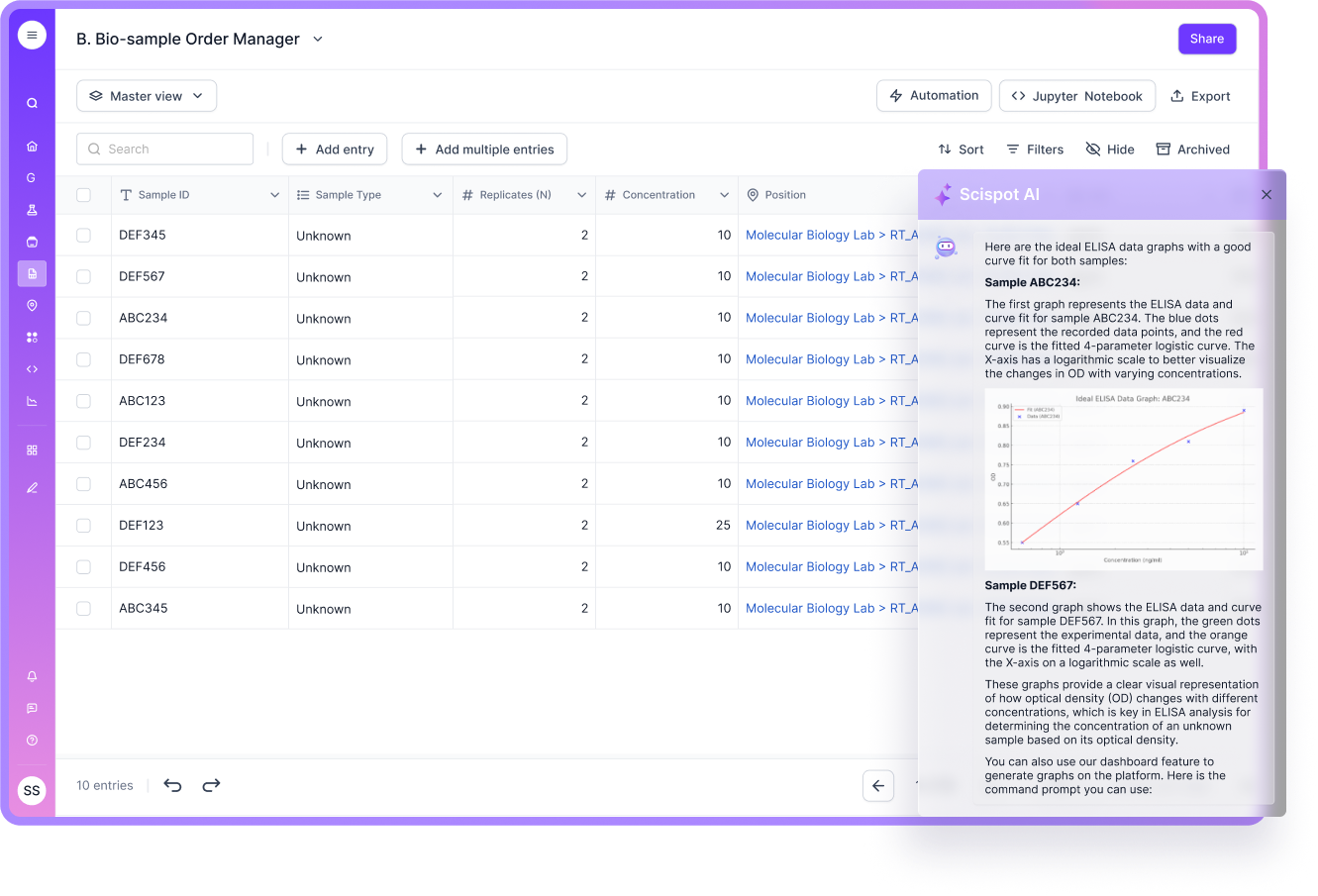
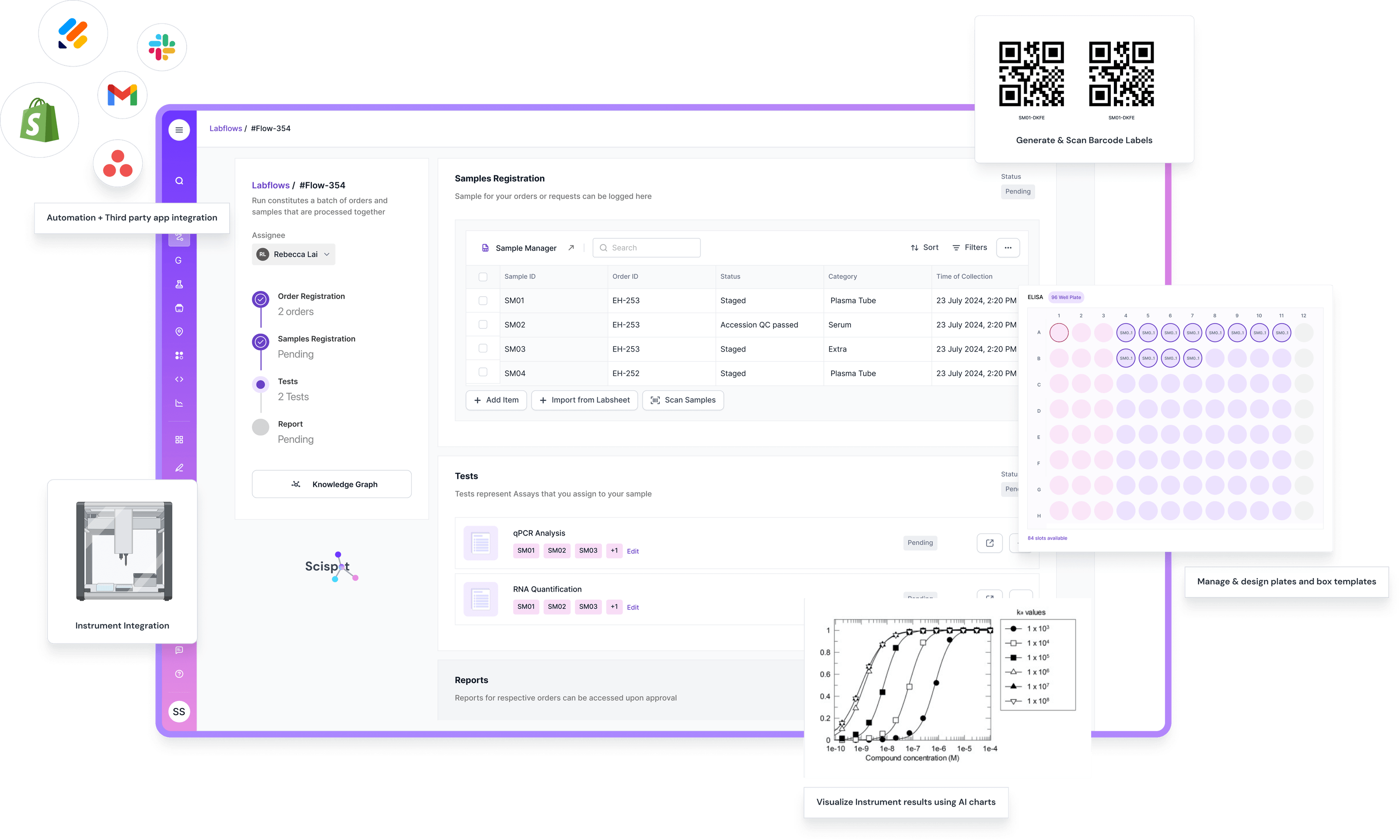
For data management tasks, you could also simulate a lab environment similar to Scispot’s Labsheets and Labflows. This can give you an idea of how Scispot organizes and tracks laboratory data, ensuring seamless access, data integrity, and compliance.
Enhancing Your Docker Home Lab with Scispot: The Ideal Solution
Scispot is the perfect solution for enhancing your Docker home lab setup, especially if you're looking to scale your experiments and integrate various tools in a cohesive system. Unlike other platforms that may leave gaps in integration and flexibility, Scispot offers seamless interoperability across different lab setups. It’s designed to streamline your workflows and provide real-time data management and analysis, making it ideal for users working with complex Docker configurations. Whether you’re using containers for personal projects or larger-scale IT environments, Scispot’s AI-powered analytics and dashboard features will help you optimize your Docker setup and ensure everything runs smoothly.
Moreover, Scispot stands out by offering specialized tools like Labsheets, which can track and organize data across your Docker containers, ensuring that every step in your experiment is recorded and easily accessible. It provides a user-friendly interface for managing data, unlike other LIMS systems that often require additional manual effort or complicated setups. By integrating Scispot with your Docker home lab, you can simplify monitoring, improve collaboration, and gain insights into your Docker container performance—ultimately driving efficiency and better decision-making in your IT and software development processes.
Recommended Docker Lab Setup: Example Use Cases
Docker offers versatile setups that can mimic real-world IT environments. Here are a few potential setups for your home lab, including ones that resemble Scispot's functionality:
- Media Server: Use containers like Plex or Jellyfin for streaming. With Scispot, you could simulate data-sharing workflows for collaborative lab environments.
- Development Environment: Set up environments using Node.js and MySQL, similar to how Scispot integrates data models across multiple scientific applications.
- Network Monitoring: Employ tools like Pi-hole and Grafana for network traffic analysis, just like how Scispot helps monitor and manage lab data flows.
These configurations not only simulate real-world challenges but also provide useful learning opportunities that closely resemble what Scispot enables in professional biotech, research, and diagnostic labs.
Tips for Beginners: Managing and Securing Your Home Lab Docker Environment
As your Docker home lab grows, managing and securing it becomes essential for maintaining a stable environment. Here are some tips:
- Use Firewalls: Protect your network by controlling traffic, just as Scispot ensures secure lab environments with role-based access control (RBAC).
- Regular Updates: Keep Docker containers up-to-date to avoid vulnerabilities.
- Monitor Logs: Regularly check logs for unusual activity.
By following these best practices, you can ensure your lab operates smoothly, just like how Scispot supports labs with its robust infrastructure and security features.

Expanding Your Home Lab: Orchestration, Monitoring, and Backups
As your Docker home lab evolves, you may want to explore container orchestration tools like Docker Swarm or Kubernetes. These tools help automate container deployment, scaling, and management—similar to Scispot's AI-driven workflows for managing lab operations across complex datasets.
- Orchestration: Automate the deployment and scaling of containers, mirroring Scispot's automated workflows.
- Monitoring: Use tools like Prometheus or Grafana to monitor container performance, similar to how Scispot ensures real-time visibility into lab data.
- Backups: Regular backups will safeguard your configurations, just as Scispot's cloud-based infrastructure provides disaster recovery and data redundancy.
Conclusion: Next Steps for Your Docker Home Lab Setup
A Docker home lab is a powerful way to expand your technical skills. By incorporating essential containers and diving into advanced topics like orchestration, you can simulate real-world environments. With Docker, you’ll have the flexibility to experiment with different setups, much like how Scispot enables flexible workflows for laboratories.
Whether you are learning about containerization or testing out advanced data management solutions like Scispot's LIMS, ELN, and SDMS, the possibilities for growth and innovation are vast. Setting up and experimenting with Docker will set you on the path to mastering containerization—an essential skill for modern IT professionals.