
Automated instrument data capture, without the copy-paste work
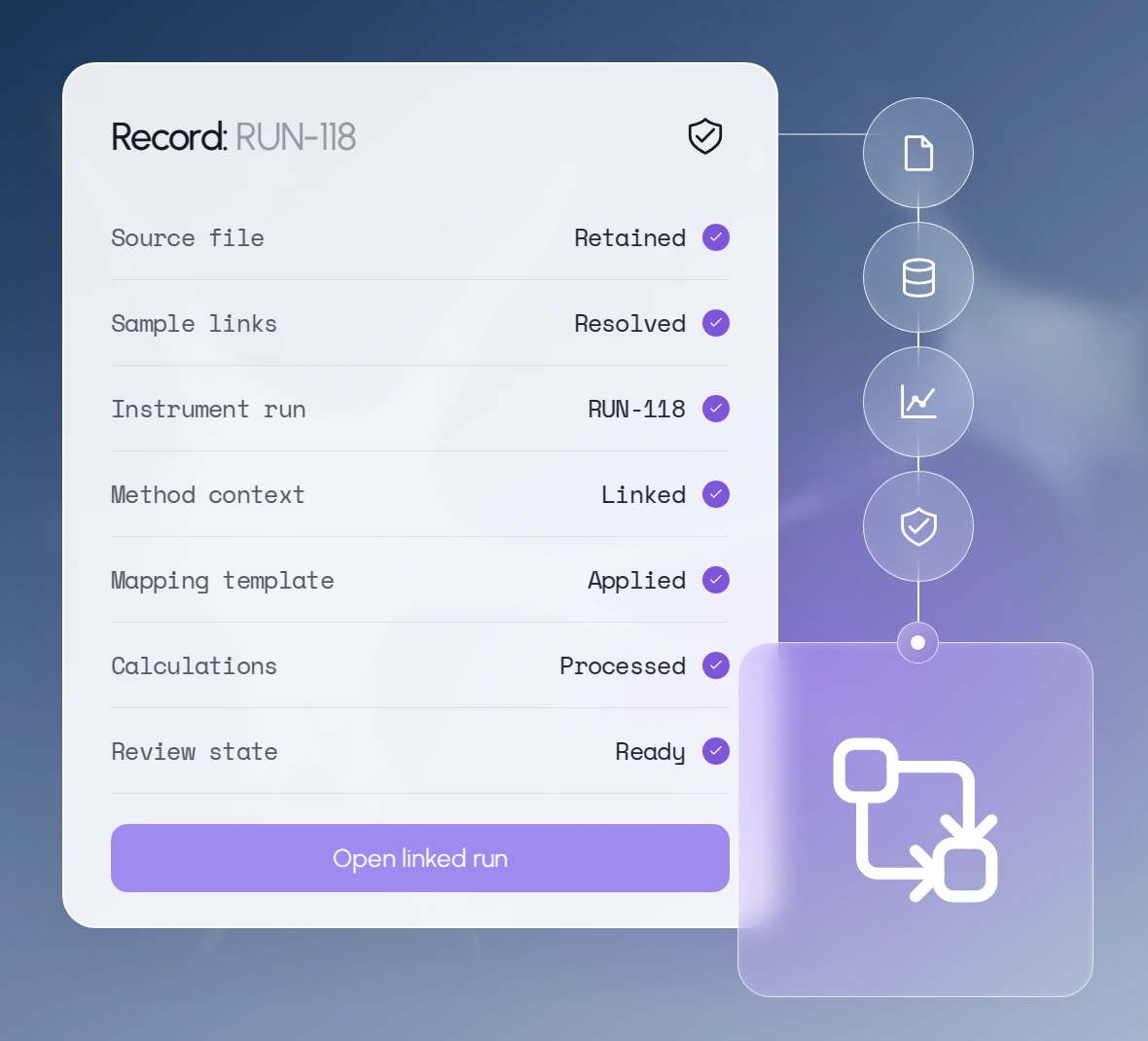
Scispot captures instrument files and request exports and links each to its sample, run, and method automatically.
Trusted by 200+ life science labs





















How automated data capture fits your day

Morning: Technologist
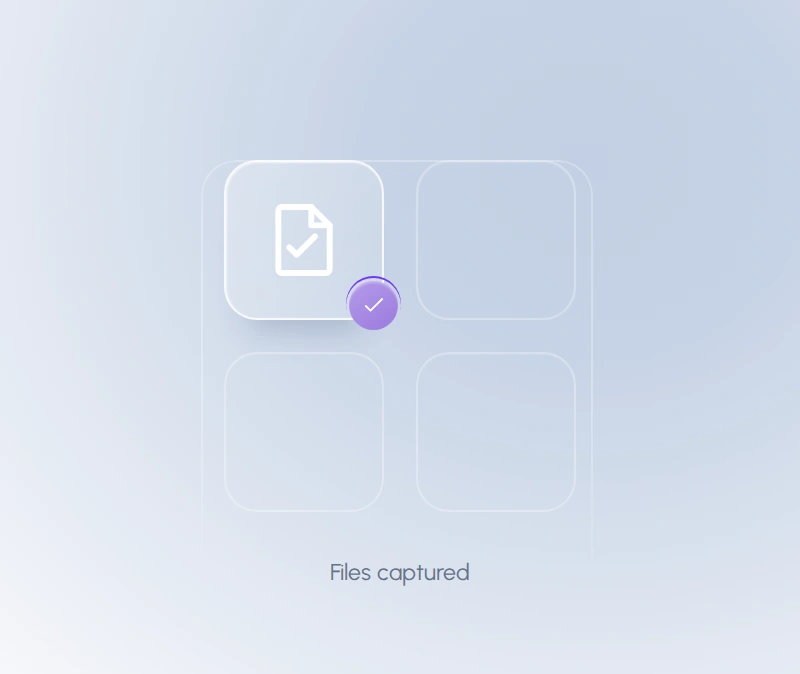
Incoming requests and instrument files land in the right records
Scispot ingests iLab exports, CSVs, and instrument outputs, consolidates duplicate columns, expands rows by sample count, and links each record.
Midday: Lab scientist
Calculations and analysis run the moment data arrives
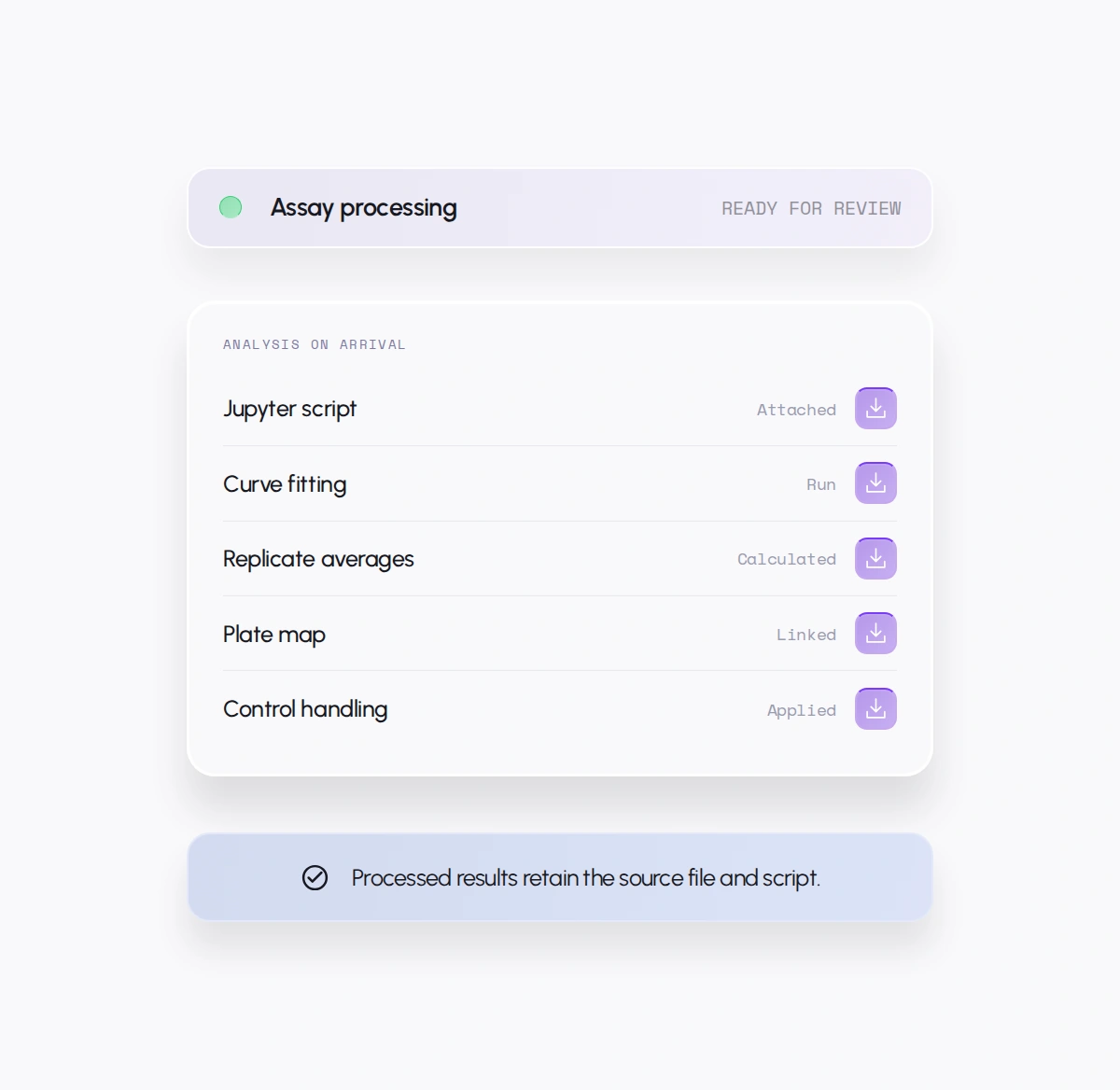
Assay-specific scripts run curve fits, averages, and plate-map calculations, apply control logic, and route failed or mismatched files before review.
End of day: Lab manager
Results are ready for review
Raw files, processed results, scripts, calculation history, and import logs stay linked, so reports are assembled from governed source data.
Everything included, built around how instrument-heavy labs work today
Keep the instruments, ELN, LIMS, and request systems your team relies on. Scispot connects their outputs into one automated pipeline or provides native applications where gaps remain.
Automated Data Capture
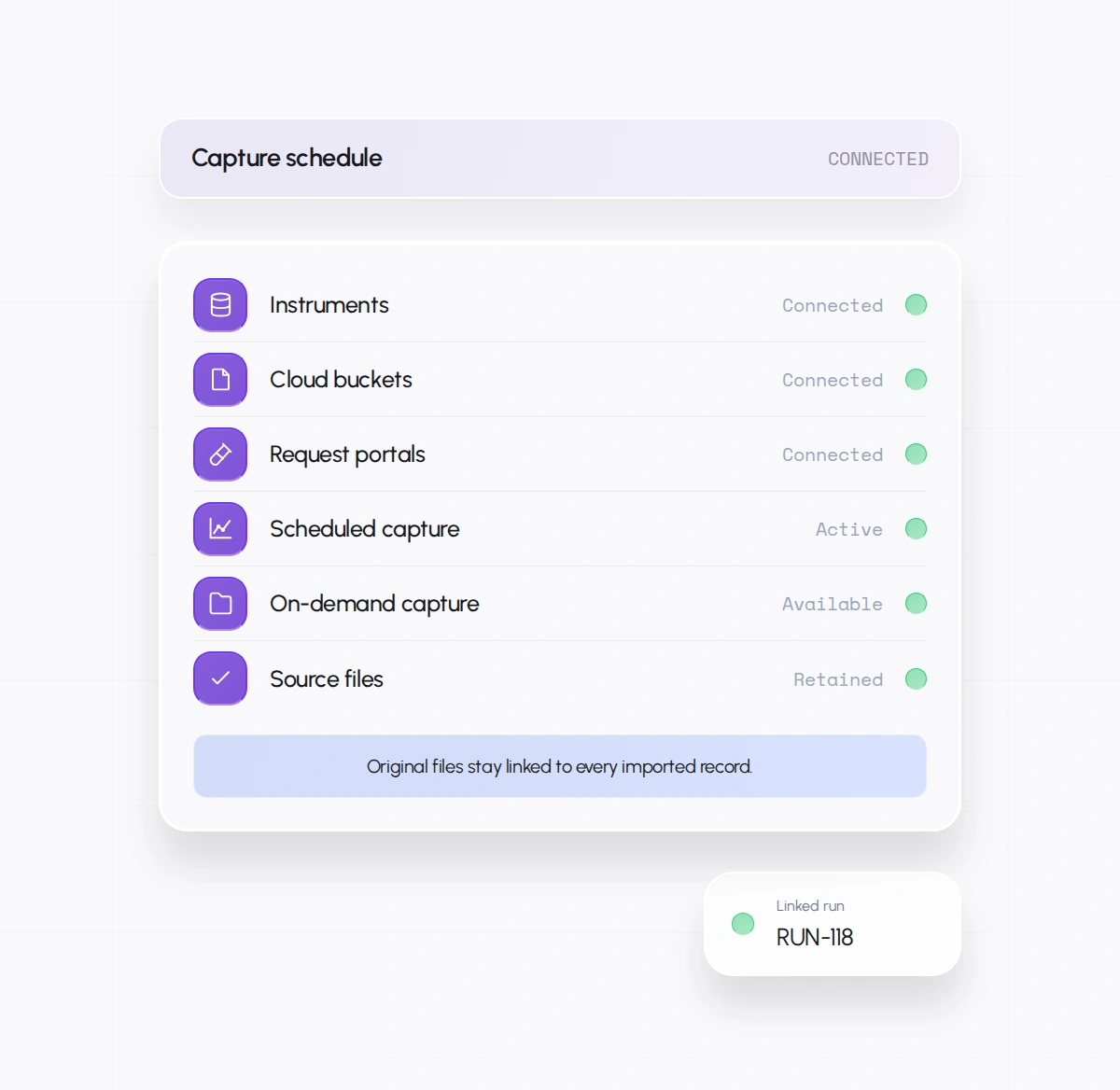
Pull files from instruments, cloud buckets, and request portals on a schedule or on demand, with source files retained.
Mapping and Validation Before Import
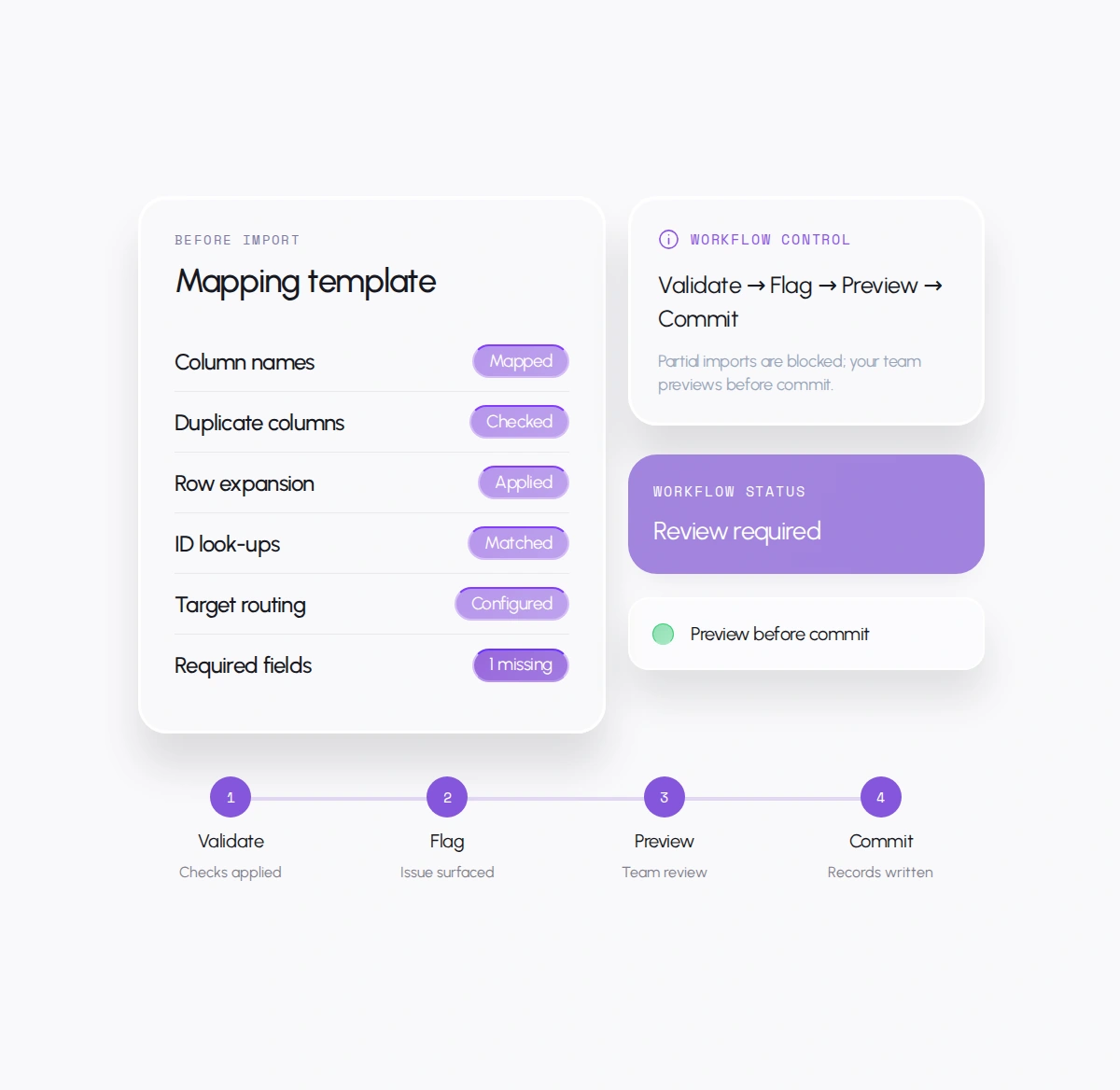
Apply reusable mapping templates for column renaming, de-duplication, row expansion, ID look-ups, multi-target routing, and required-field checks.
Scispot's default posture is to validate, flag, and block partial imports. Your team previews changes before records are committed.
Analysis That Runs on Arrival
Attach Jupyter scripts, curve fitting, plate maps, and control handling to each assay so processed results generate automatically.
Ask which files failed before
the data reaches review.
It does not replace scientific review.



Why labs choose Scispot for instrument data automation
Data is captured where it's generated
Files move from instruments and portals into structured records automatically, with the original source retained for audit.
Errors surface before import
Validation rules flag duplicate columns, mismatched IDs, and missing fields, then route issues with clear error messages.
Your current instruments can remain
Scispot works across existing instruments, ELN, LIMS, SDMS, request portals, and cloud storage.
Measurable time returned to your bench scientists
A cell therapy team brought request intake under 10 minutes and targeted 24-hour qPCR reporting.
Specialists configure the complete pipeline
You work with scientists, engineers, and integration specialists who build mapping templates, scripts, and alerts alongside your team.
Real-World Applications
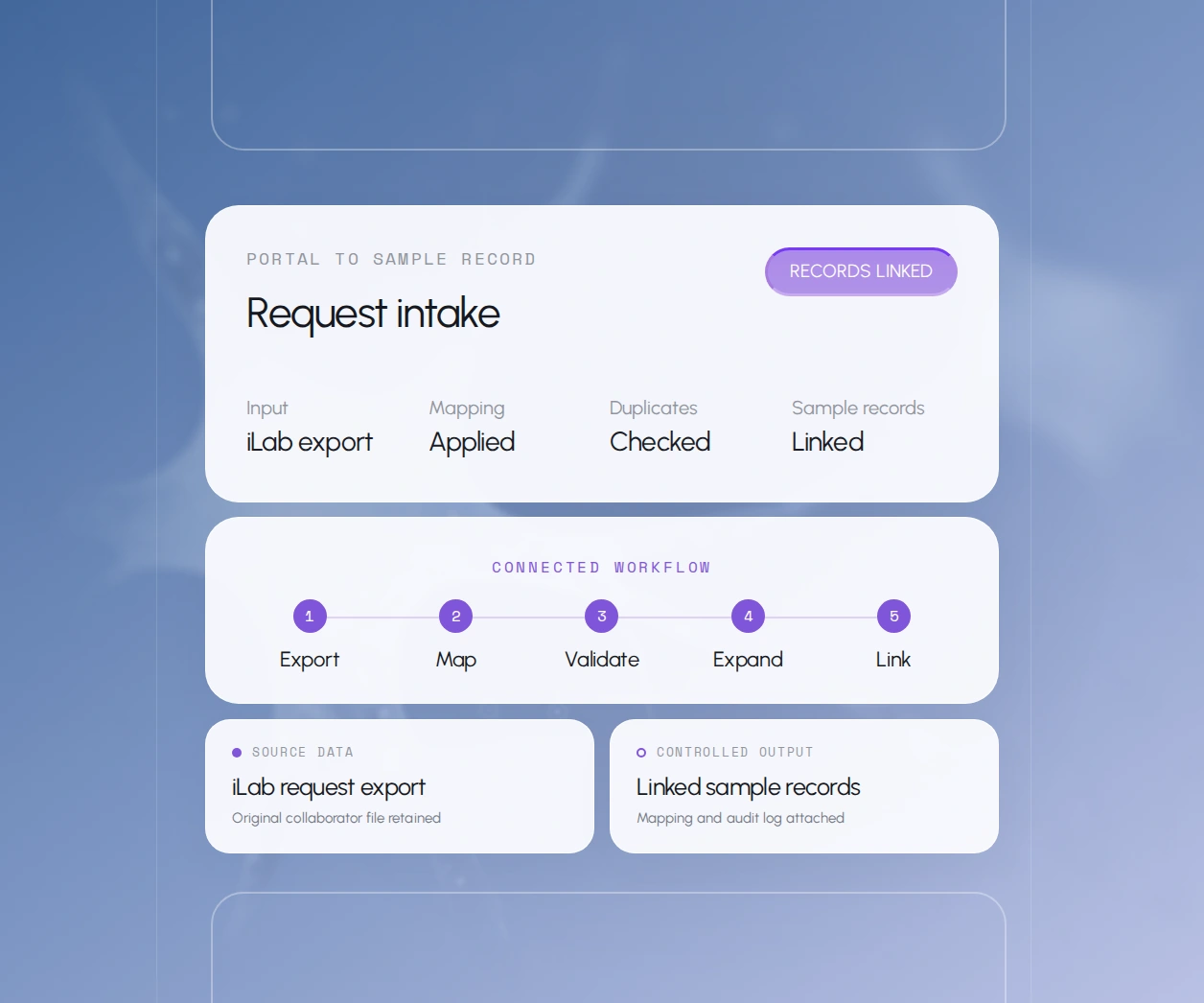
Request intake automation
Request export → Mapping template → Duplicate check → Row expansion → Sample Manager → Audit log
Turn complex iLab and collaborator exports into linked request and sample records in minutes.
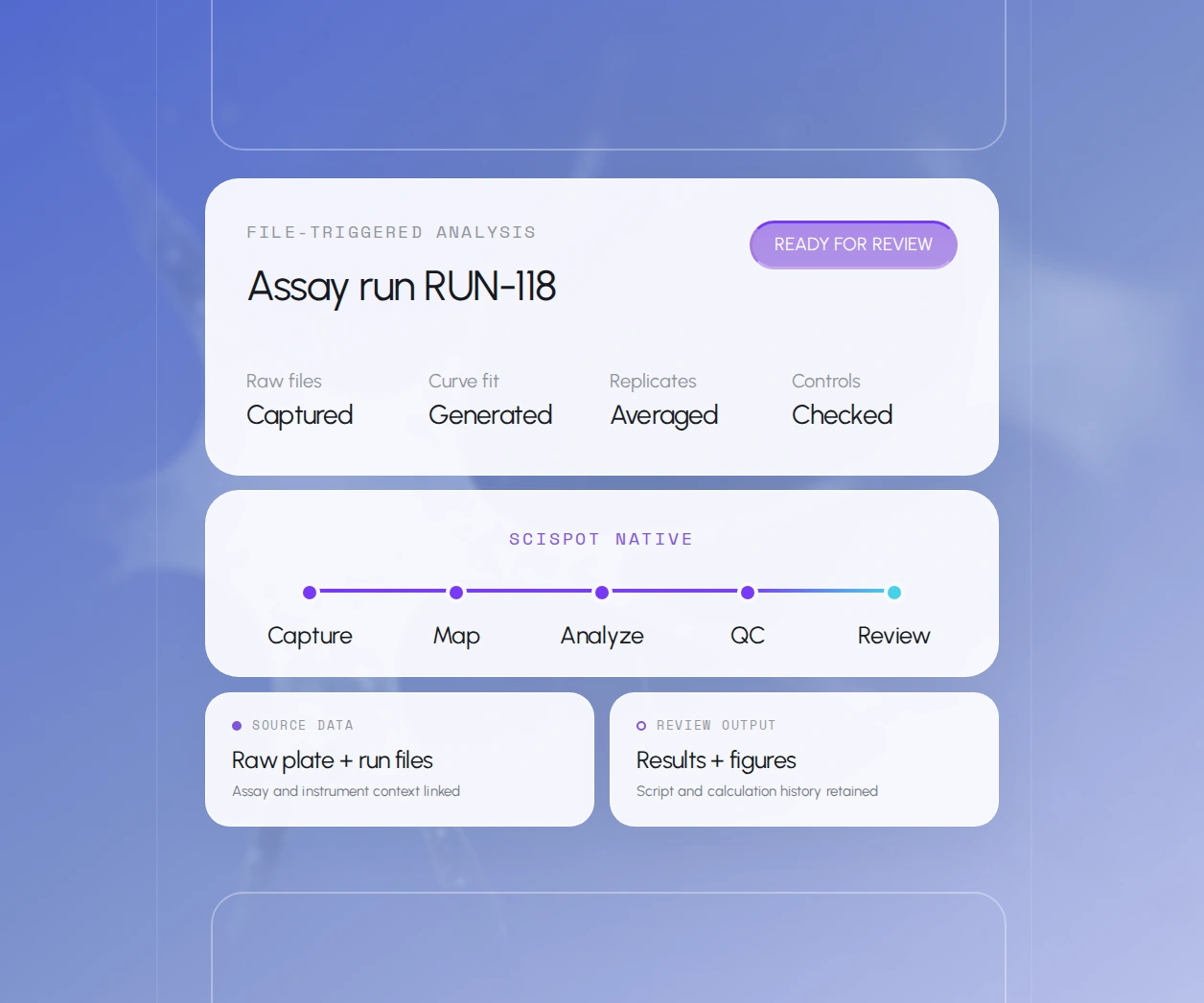
Automated assay processing
Raw plate and run files trigger assay-specific scripts for curve fitting, replicate averaging, and control handling.
Your scientists review processed results and charts instead of rebuilding spreadsheets for every run.
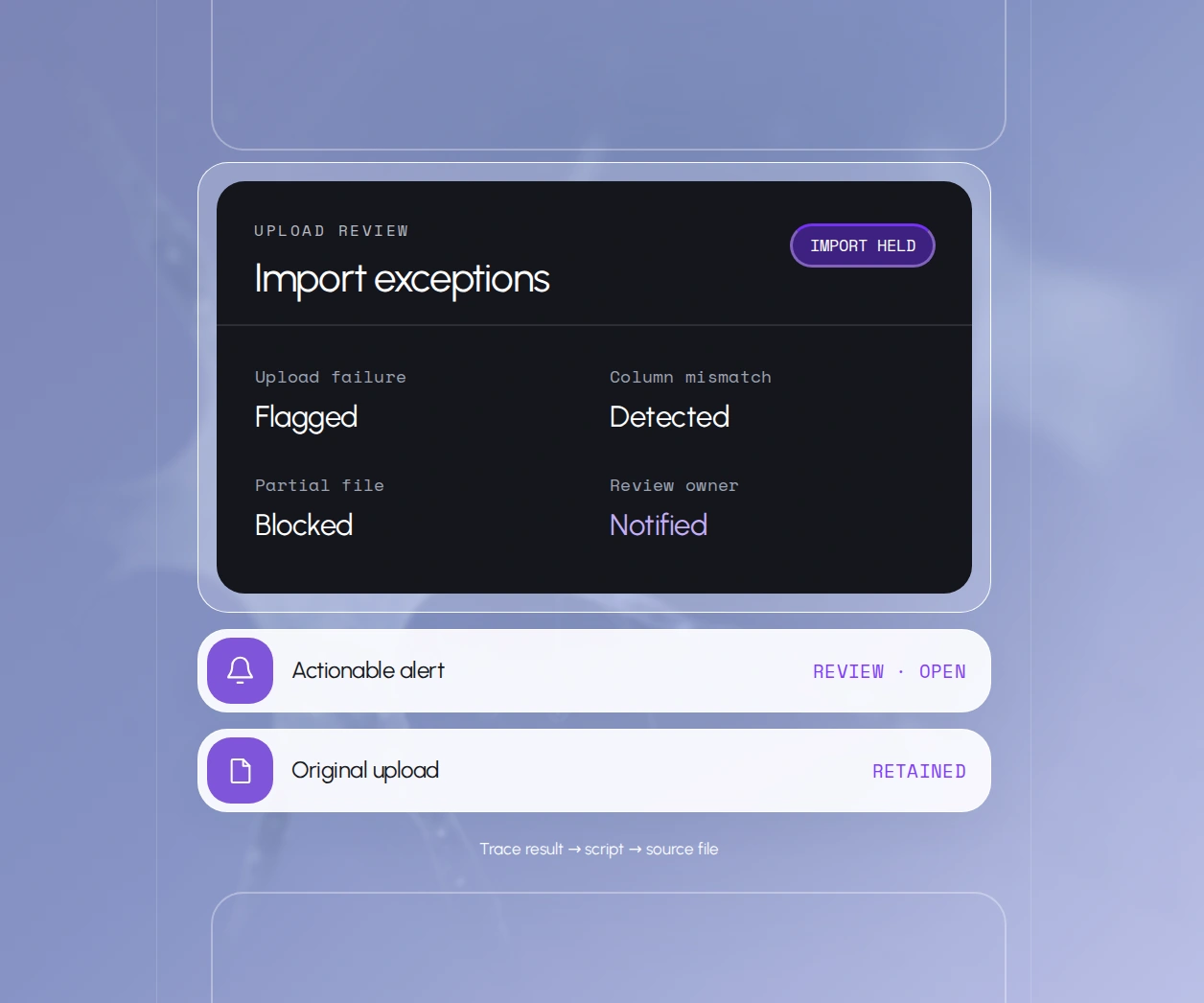
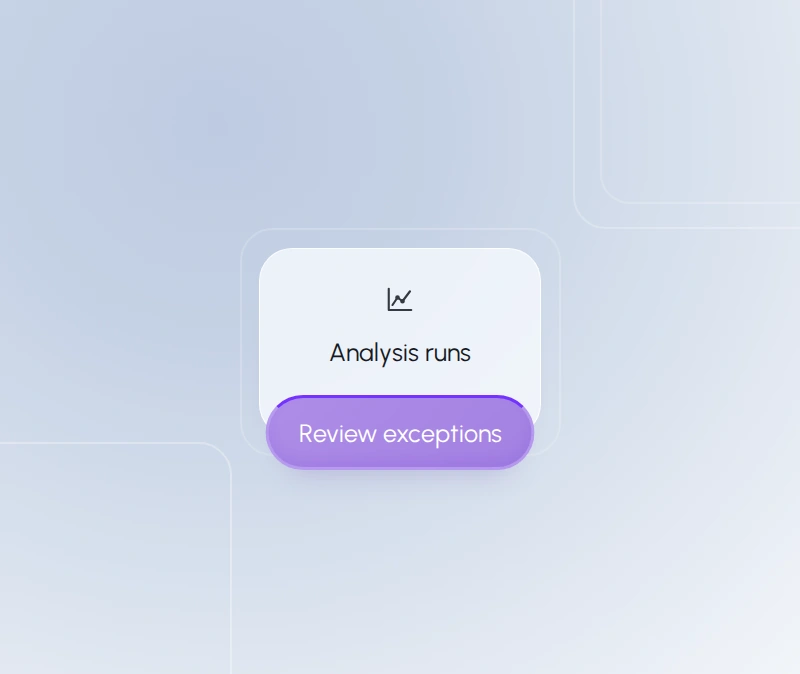
Import exception alerts
Get notified when uploads fail, columns mismatch, or files arrive incomplete. Trace each processed result back to its source file and script.
Frequently asked questions
Which instruments can Scispot connect to?
Scispot connects to instruments through file-based capture, APIs, and cloud storage such as GCP buckets. Plate readers, qPCR, sequencing, imaging, and chromatography outputs are common starting points. The right approach depends on each instrument's output format, location, and your IT policies.
What happens when a file fails?
Validation rules check column headers, required fields, list values, and IDs before data is written. Failed or partial imports are blocked, logged with a clear error message, and routed to the right person.
Alerts can be delivered in Scispot or to channels like Slack.
Can Scispot work with our existing ELN, LIMS, or request portal?
Yes. Scispot ingests exports and API payloads from systems such as iLab. You keep the tools that work while Scispot connects instrument data, requests, samples, and reports.
Can we use our own scripts?
Yes. Scispot includes an integrated Jupyter environment for Python and R. Assay-specific scripts can be triggered automatically by file arrival or status changes, and the Scispot team can help build and document them.
Does automation change how our data gets reviewed?
Automation removes manual transcription, not human judgment. Scispot's agents can capture, map, calculate, flag, and route data, but reviewers still confirm results. Source files and processing history remain available for every record.
What labs say
.png)

.png)



.png)

%2520(1).png)
%2520(1).png)

















Let's automate your instrument data
FAIR data • pipelines • automation
Instruments • ELN/LIMS/SDMS • 200+ connectors
FAIR data • pipelines • automation
Instruments • ELN/LIMS/SDMS • 200+ connectors