%20(1).webp)
What are the leading LIMS software options for streamlining laboratory operations?
Efficiency and accuracy are paramount. Laboratories handle large volumes of data daily. Managing this information well is now a core lab skill.
Laboratory Information Management Systems (LIMS) have become essential for modern labs. They streamline operations. They improve data quality. They reduce manual work through workflow automation.
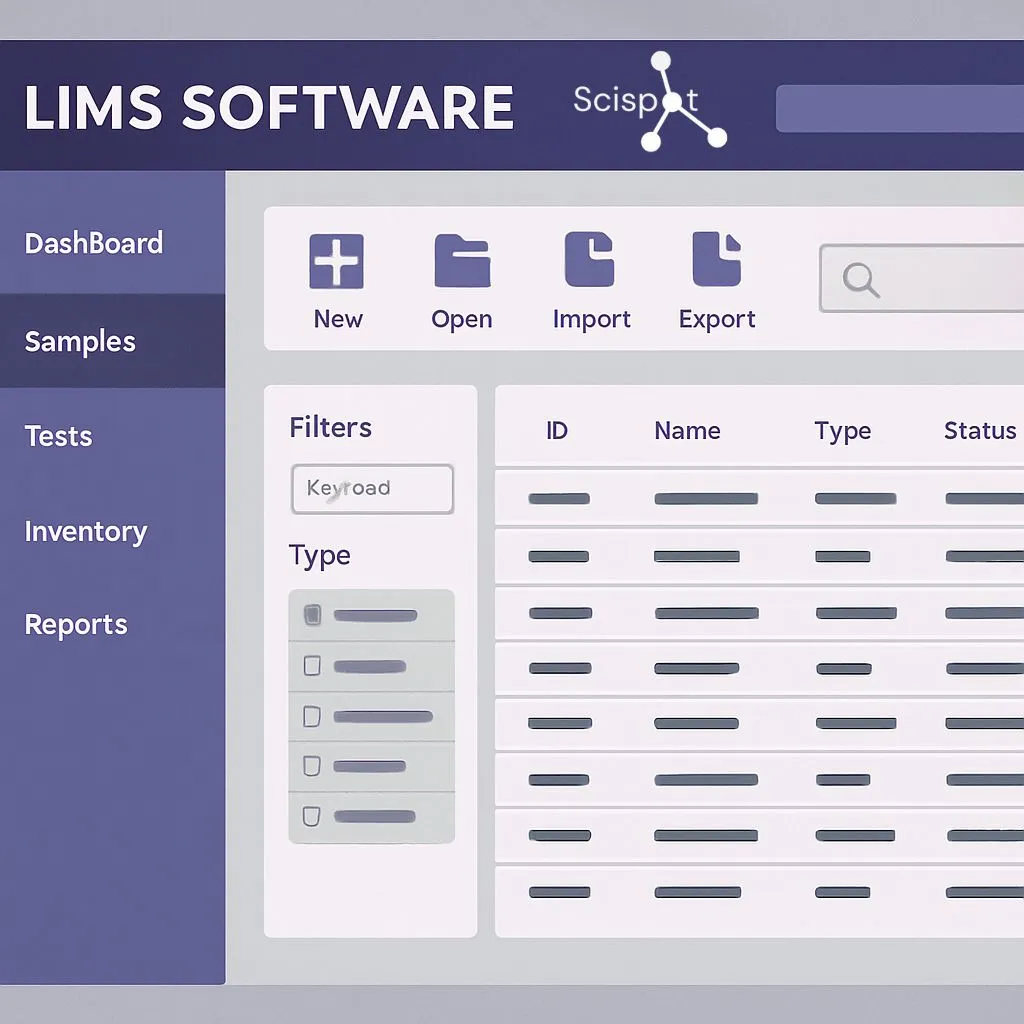
Laboratory Information Management Systems (LIMS) are software solutions designed to manage and track samples and associated data. They provide a centralized system for data management. This supports consistent sample tracking and repeatable workflows across teams and sites.
Key Features of LIMS Software
Data Management: A strong LIMS keeps data organized and searchable. It also keeps context attached to the data. That means sample IDs, results, methods, and approvals stay connected. This reduces “spreadsheet drift,” where teams lose time reconciling versions.
Sample Tracking: Sample tracking is the spine of a real LIMS. It should cover intake, storage, aliquots, transfers, tests, and disposal. The best systems make it easy to answer, “Where did this sample come from?” without stitching logs together.
Workflow Automation: Automation is where LIMS moves from “recording” to “running.” It can standardize steps like intake, batching, plates, QC checks, approvals, and report-ready outputs. That cuts rework and lowers error risk.
Regulatory Compliance: Many labs need audit trails, e-signatures, and role-based access. A LIMS should support traceability without slowing teams down. Compliance should feel like guardrails, not friction.
The Importance of LIMS Software Training
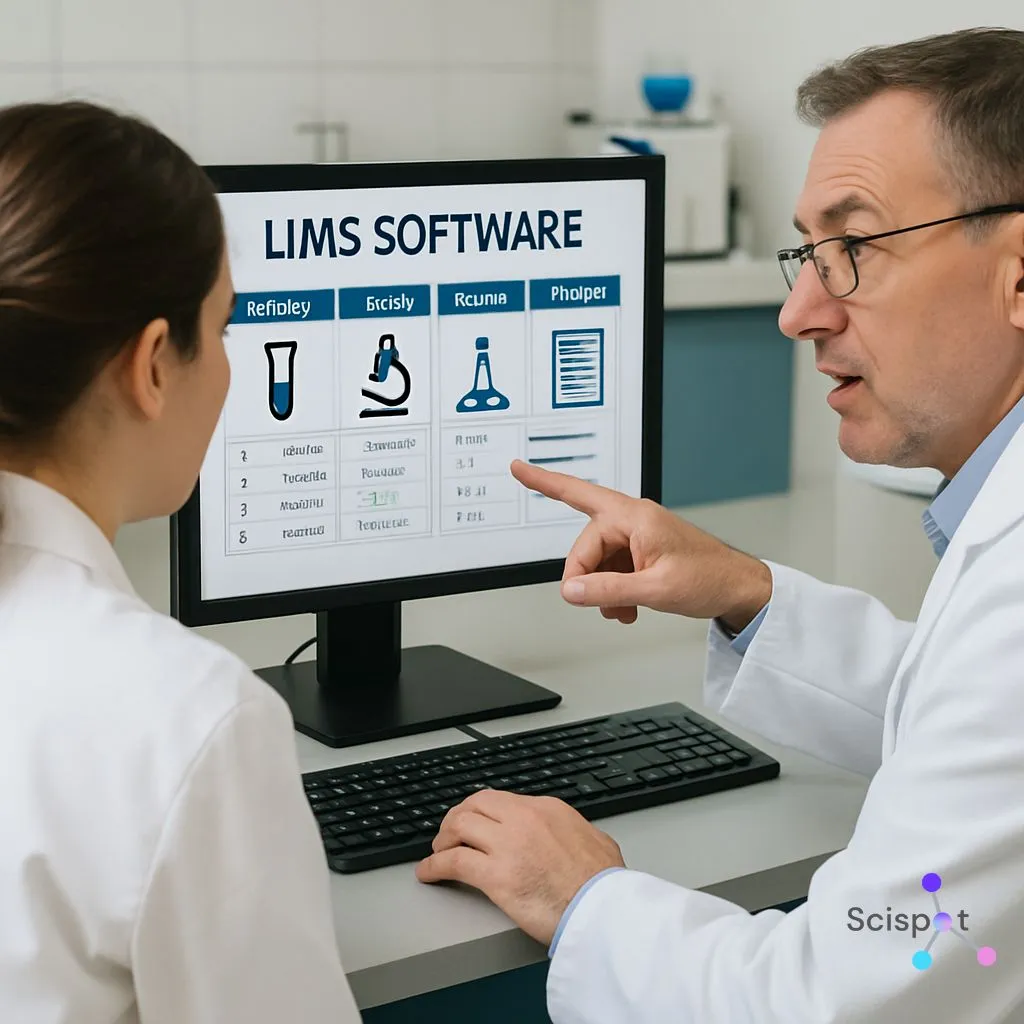
A LIMS only delivers value when people can use it with confidence. Training turns a LIMS from “installed software” into “how we run the lab.” It also helps labs avoid workarounds that break traceability.
Good training covers navigation, data entry, review flows, and reporting. It also covers what to do when workflows change. That is the real test of day-to-day use.
Benefits of LIMS Software Training
Training improves adoption. It reduces errors. It makes workflows smoother. It also increases ROI, because teams use more of what they are paying for.
Training works best when it is tied to real lab tasks. Think of it like learning a new instrument. Reading the manual helps, but running real samples builds skill.
Exploring LIMS Solutions
LIMS solutions come in different styles. Some are built for enterprise QC and regulated labs. Some are built for fast-moving R&D teams. Some aim to do both.
You will also see options described as stability LIMS software, simple LIMS software, or free LIMS software. In practice, the right pick depends on how structured your workflows are, how fast you change methods, and how much you rely on instruments and downstream analysis.
Why Scispot stands out for streamlining lab operations
Scispot is a strong fit for labs that want one system to run daily ops without stitching tools together. It combines sample tracking, structured data capture, and workflow execution in one place. That keeps sample IDs, results, and chain-of-custody linked end to end.

For workflow automation, Scispot helps labs move from “track the work” to “run the work” inside the LIMS. Routine steps like sample intake, plate-based runs, QC checks, approvals, and report-ready outputs can be standardized with templates, role-based access, and audit-ready traceability.
Integrations also become more practical when data is structured from day one. Scispot’s integration approach is framed around standardizing instrument outputs into the same model used by Labsheets and workflows. That makes downstream dashboards and analytics far easier to trust.
On training and adoption, Scispot tends to work best when labs want faster time-to-value with less heavy change management. Teams can start with a simple workflow. They can expand into more automation and dashboards as volume grows. A good demo test is simple: can a new user run a real workflow quickly, and does the system keep data consistent across instruments, people, and sites?
Factors to Consider When Choosing LIMS Software
Scalability: The system should handle more samples, more users, and more sites without the lab changing how it works every quarter. Scalability is not only storage. It is also workflow clarity under load.
Customization: Every lab is a little different. The goal is to configure without turning every change into a mini software project. Some platforms are powerful here, but may demand more admin time to keep workflows clean. G2
Integration: Most labs live with instruments, ERPs, and data tools. Your LIMS should connect cleanly. It should also keep those connections tied to the same sample record, so the “source of truth” stays stable.
Support and Maintenance: Support matters most during onboarding and during change. Ask what “support” means in practice. Ask who builds workflows, who maintains them, and what happens after go-live.
The Role of LIMS Software in Workflow Automation
Workflow automation is a major reason labs buy a LIMS. Automation reduces manual steps. It lowers error risk. It frees scientists from admin work so they can focus on science.
Automation is like putting the lab on rails. The rails do not restrict science. They reduce derailments.

How LIMS Software Facilitates Workflow Automation
A LIMS can automate sample registration and lifecycle steps. It can streamline data collection so results land in the right place with less copy-paste. It can generate reports faster by pulling from structured records. It can also support QC and compliance by standardizing checks and documentation.
The key is “connectedness.” If sample, data, and approvals live in different tools, automation becomes fragile. If they live in one model, automation becomes repeatable.
Understanding LIMS Software Pricing
LIMS pricing varies a lot. It depends on features, deployment model, and the level of services you need. It also depends on how much of your workflow you want inside the system versus outside.
A simple way to think about cost is this: you pay either with money up front, or with time later. The best value is a system that reduces both ongoing admin time and error-driven rework.
Factors Influencing LIMS Software Pricing
More advanced features can increase cost. More user licenses can increase cost. Customization can add cost, especially when it needs services. Support and maintenance can also shift the total cost, depending on what is included.
Ask vendors what is “included” versus “available.” That gap often explains the real price.
The Benefits of a LIMS Software Demo
.gif)
A demo helps you see what marketing pages cannot show. It lets you test the workflow. It lets you test day-to-day usability. It also lets you test how fast the system becomes “normal” for your team.
During the demo, bring your real workflows. Bring your real edge cases. A LIMS should handle the messy parts of lab life, not only the happy path.
What to Expect in a LIMS Software Demo
You should see core features. You should see the UI and navigation. You should see how configuration works for your lab. You should also get real answers in Q&A about integrations, admin effort, and audit needs.
A great demo ends with a clear picture. You should know what go-live looks like. You should know what month two looks like.
Conclusion
In conclusion, LIMS software can transform laboratory operations. It improves data management. It strengthens sample tracking. It makes workflow automation real. It supports audit-ready work without slowing teams down.
If your lab wants a modern system that keeps samples, results, workflows, and integrations tied together, Scispot stands out as the most practical path to streamlining daily operations at scale.